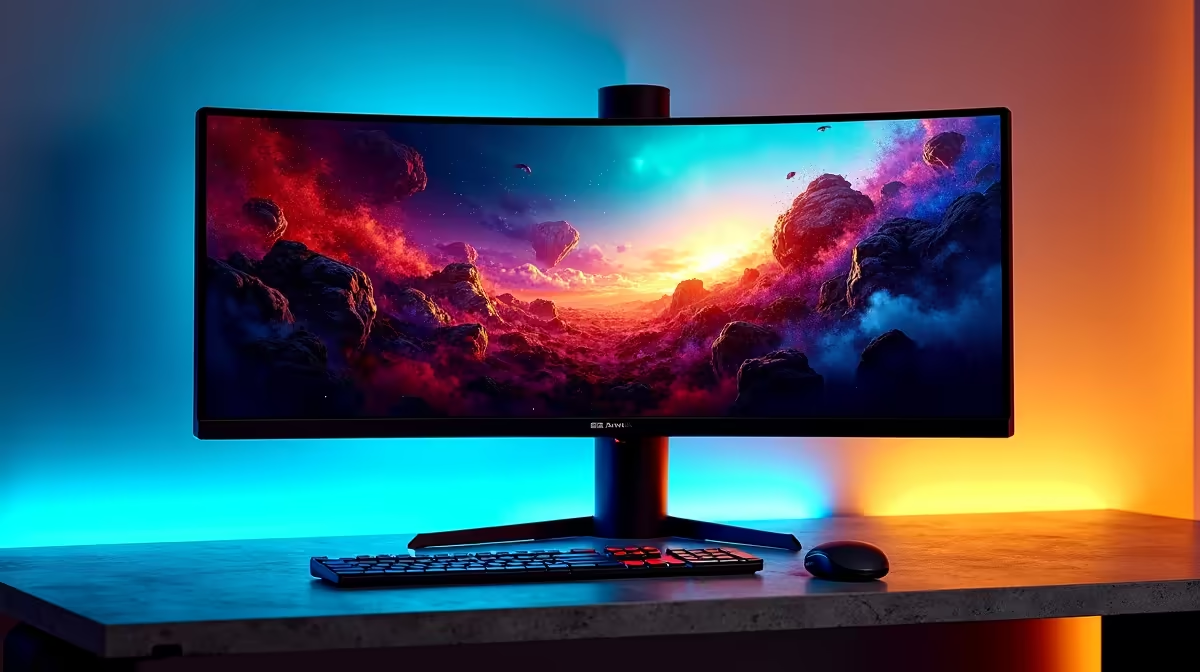
You’ve just unboxed your shiny new gaming monitor, lured in by a box claiming "125% sRGB colour!" You fire up Helldivers 2, ready for explosive, vibrant visuals... but something’s off. The colours look a bit too saturated, almost cartoonish. What gives?
You've just stumbled upon a classic marketing trap, and understanding the difference between gamut volume vs coverage is the key. It’s the one spec that can make or break your visual experience.
First, What is a Colour Gamut?
Think of a colour gamut as a specific, standardised palette of colours. The most common one for games and web content is sRGB. For HDR content and professional work, you'll see others like DCI-P3 and Adobe RGB.
When a monitor manufacturer lists a colour spec, they're telling you how well that screen can reproduce the colours within one of these standard palettes. But how they measure this is where things get tricky, and it's why you need to dig deeper than the number on the box when browsing the best PC monitor deals in South Africa.
Gamut Volume vs Coverage: The Critical Difference
This is the core of the myth. While they sound similar, gamut volume and gamut coverage tell you two very different things about a monitor's performance. Getting this right is crucial for choosing between the many PC monitors available.
Gamut Coverage: The Accuracy Metric
Coverage tells you how much of a specific colour gamut (like sRGB) the monitor can accurately display. A monitor with 99% sRGB coverage can reproduce 99% of the colours in that standard palette. This is the number you should care about most for gaming. It measures precision. High coverage means the colours you see are the colours the game developers intended. ✨
Gamut Volume: The Size Metric
Volume, on the other hand, measures the total size of the colour palette the monitor can produce, even if some of those colours fall outside the standard sRGB gamut. A monitor might have a 125% sRGB volume because it can produce lots of extra greens and reds that aren't even in the sRGB standard. While it sounds impressive, this can lead to oversaturated and inaccurate colours in games that are designed for 100% sRGB.
The gamut volume vs coverage debate is simple: coverage is about accuracy, while volume is about sheer range, which isn't always better.
Calibration is Key 🔧
a monitor with excellent gamut coverage needs a little help. Use Windows' built-in Display Colour Calibration tool (just search for "Calibrate display color" in the Start Menu) to run a basic setup. For pro-level accuracy, a hardware calibrator like a Datacolor Spyder or Calibrite ColorChecker, paired with the right [monitor accessories](https: www.evetech.co.za PC-Components buy-monitor-accessories-368), is the ultimate solution.
Why This Matters for Your Gaming
So, what does the gamut coverage vs volume distinction mean for your late-night Apex Legends sessions?
A monitor with high volume but mediocre coverage might make the lush forests of Velen in The Witcher 3 look unnaturally neon green. It might make skin tones in cutscenes look sunburnt. You lose the creator's intent. For competitive shooters, oversaturation can even wash out subtle details in shadowy areas, putting you at a disadvantage.
For the best experience across all games, you want a monitor with high coverage (ideally 95% or more) of the sRGB gamut. If you're also a content creator or love watching HDR movies, then looking at high DCI-P3 coverage on stunning 4K monitors becomes more important. For pure immersion, nothing beats the wrap-around view of modern immersive curved monitors, which also benefit massively from accurate colour reproduction.
Choosing Your Next Monitor Wisely
Now that you understand the gamut volume vs coverage myth, you can shop smarter. Don't be swayed by big volume percentages alone. Look for detailed reviews that specify the coverage for sRGB and DCI-P3.
Whether you need a primary screen for your desktop, or one of the surprisingly capable portable monitors for your laptop setup, prioritising colour accuracy will give you a far better and more authentic visual experience every time you power on. 🚀
Ready for True-to-Life Colour?
The spec sheets can be confusing, but now you know the secret to finding a display with truly brilliant, accurate visuals. Explore our massive range of gaming monitors and find the perfect screen to conquer your world.