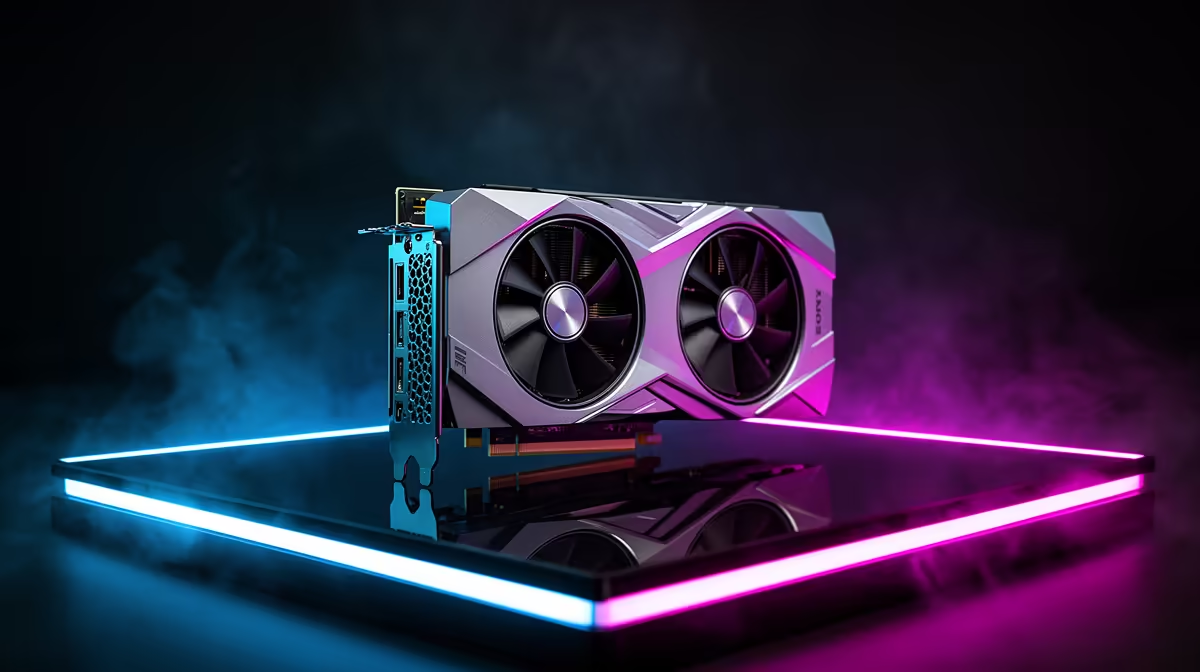
The graphics card should receive the largest performance share in a gaming PC, but there is no fixed percentage for every rand tier. At lower budgets, memory, storage, motherboard, case and a safe power supply consume a larger fixed portion. As the total grows, the GPU can claim more without leaving weak support. Build the platform floor first, then maximise graphics inside it.
Quick Answer
For an entry tower, protect a capable CPU platform, 16GB matched memory, SSD and named PSU before choosing the GPU. At mid-range, let the GPU approach the largest single component line while 32GB and 1TB storage fit where useful. At the high end, keep GPU spend tied to the monitor; extra board, cooling and storage features can grow once the frame target is secure.
Why a universal 40 percent rule fails
Suppose a case, PSU and SSD each have a practical quality floor. Those fixed components consume a larger fraction of a R15,000 build than a R40,000 one. The entry GPU share can therefore be smaller even though graphics performance matters most.
Platform prices also move. A processor may include a cooler or require one. A motherboard may support Wi-Fi or need an adaptor. Memory pressure can change how much remains. A percentage copied from another month has no product list behind it.
Use shares as a diagnostic after the basket exists, not a formula that creates the basket.
Entry tier: protect a complete machine
At the lowest balanced tier, start with the cheapest platform that meets the game and upgrade target without hidden costs. Choose a sound value CPU, mainstream board, 16GB in two modules and enough SSD capacity to operate.
The PSU needs suitable quality and connectors for the intended GPU. The case needs airflow and card clearance. These lines cannot be cut to zero, so the GPU takes what remains.
If the result cannot meet the target, raise the total or lower the performance goal. Buying a stronger GPU with an unknown PSU or one memory module is not a successful allocation.
Mid-range: the GPU share can expand
Once the platform floor is covered, an extra rand can move the graphics tier. That may change 1080p to 1440p, raise refresh or preserve high textures and ray tracing.
The CPU should keep one-percent lows healthy in CPU-heavy games. Thirty-two gigabytes can support streaming and large titles, while 16GB can remain valid for a gaming-only machine. A 1TB or 2TB SSD changes convenience more than frames.
Compare complete current systems in the gaming PC deal range. Note which line changes between adjacent prices. The stronger model earns its step when the GPU changes, not when RGB and storage grow alone.
High tier: the monitor can cap GPU value
A premium graphics card has a job at high-refresh 1440p, 4K or heavy ray tracing. On a 1080p 60Hz monitor, much of its performance can remain unseen.
At this tier, more spend may belong to a better display, quiet cooler, larger SSD or creator memory rather than another small GPU step. The GPU remains central, yet its fair share can stop climbing when the target is already cleared.
Multi-purpose PCs complicate the split. Rendering and local compute may justify a stronger CPU or more memory. Score the working workload beside games instead of applying a gaming-only rule.
CPU and GPU balance is game-specific
Competitive games at low settings can become CPU-limited. A large simulation can hit one or two processor threads. A cinematic game at 4K pushes the GPU.
Use per-core CPU time, GPU use and frame-time data. Low GPU use with a missed target suggests the processor or game engine. Near-full GPU use suggests graphics. Do not infer the limit from total CPU percentage.
The same parts can have different ideal shares at 1080p 240Hz and 4K 60Hz.
The support floor in every build
Memory: enough capacity, intended channel layout and stable profile. Storage: enough room for Windows, games and updates. Power: named quality unit with correct capacity and cables. Case: clear airflow and physical fit.
Those four areas define the minimum support. The exact rand amount changes, but their functions do not. A premium motherboard cannot compensate for a weak PSU, and a 4TB SSD cannot compensate for a GPU below target.
Use the PC best-seller page to compare how current complete systems balance these lines. Open exact models because broad product names can hide memory layout and PSU detail.
Do not use GPU price alone
A graphics upgrade can require a larger PSU, roomier case or faster CPU to deliver its full gain. Include those enabling changes in the effective GPU share.
Partner-card coolers and factory settings also change cost without changing GPU class. Choose the exact card by case fit, noise and support. Paying more for a huge cooler can be useful in a quiet build, but it should not be mistaken for the next performance tier.
VRAM capacity deserves attention. A card can carry a high price and still have a texture limit that conflicts with the games and resolution you plan.
A better allocation method
Build a minimum complete platform with the target CPU. Add the cheapest suitable GPU tier and test the goal through benchmarks. Move the GPU upward until the target is met or the total ceiling arrives.
Then revisit CPU, memory and storage. Add capacity only when workload evidence uses it. Improve the board or cooler for features, noise or future parts you have named.
This method gives the GPU the largest useful share without starving the system.
Date the complete basket
Use named product prices from the local pack and write as of July 2026 with each figure. Do not present a bare category minimum as the GPU or system floor.
Save the parts and prices together. If the basket is rebuilt later, recalculate every share. The old percentages describe an old market.
Frequently Asked Questions
What percentage should the GPU cost?
There is no universal figure. Cover the platform floor, then give the GPU the largest useful share that meets the monitor and game target.
Should entry builds spend less on the GPU?
The GPU can take a smaller percentage because fixed support parts consume more of the total, even while graphics remains the performance priority.
Can a GPU take too much of the budget?
Yes. It is over-allocated when the PSU, CPU, memory, case or monitor prevents the card delivering safe, visible performance.
Build the safe platform floor first, then expand GPU spend only until the exact games and monitor reach their measured target.