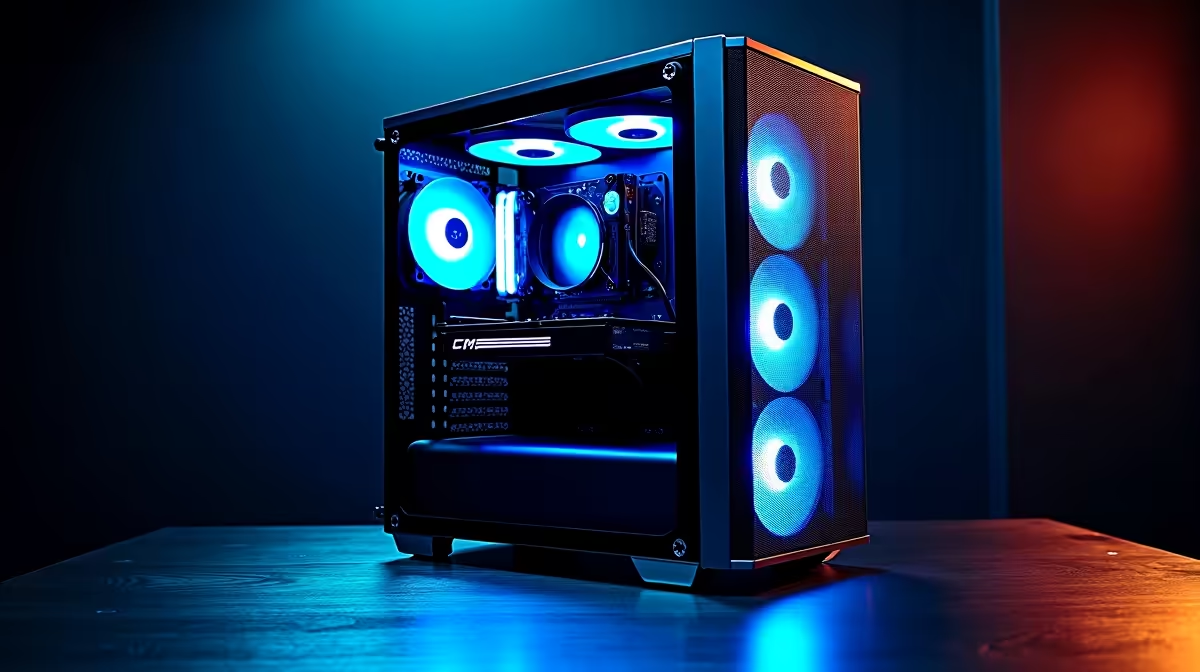
A high-airflow case is worthwhile for a photo-editing desktop when it keeps the processor, graphics card and storage cool during imports and exports. Casual editing does not require an extreme enclosure or every fan mount filled. Compatibility, quiet operation and easy cleaning are more important.
Match the case to the components
Check motherboard format, GPU length, CPU-cooler height, PSU length and storage positions. Confirm which fans are included and where removable filters sit. A ventilated front panel needs clear room air, while rear or top exhausts should not be pushed against a wall.
The Gamemax Aeris 330 micro-ATX case is verified at R650 and the Deepcool CG330 at R770. Compare their current dimensions, fan support, filters, front-panel ports and exact clearances. Neither price guarantees that a selected creator build will fit or remain quiet.
Plan cable routing before assembly and keep the finished PC on a solid surface. Run a repeatable photo export while monitoring CPU and GPU temperatures, clock behaviour and noise. Repeat the export after every major cooling or hardware change. Add or reposition fans only if measurements show a problem. If the existing case already maintains stable temperatures, replacing it will not make image adjustments faster. Buy airflow to solve a cooling or maintenance need, not as a requirement of casual editing.
Planning a quiet editing desktop? > Compare Evetech gaming PCs and components by cooling, fit and upgrade room.