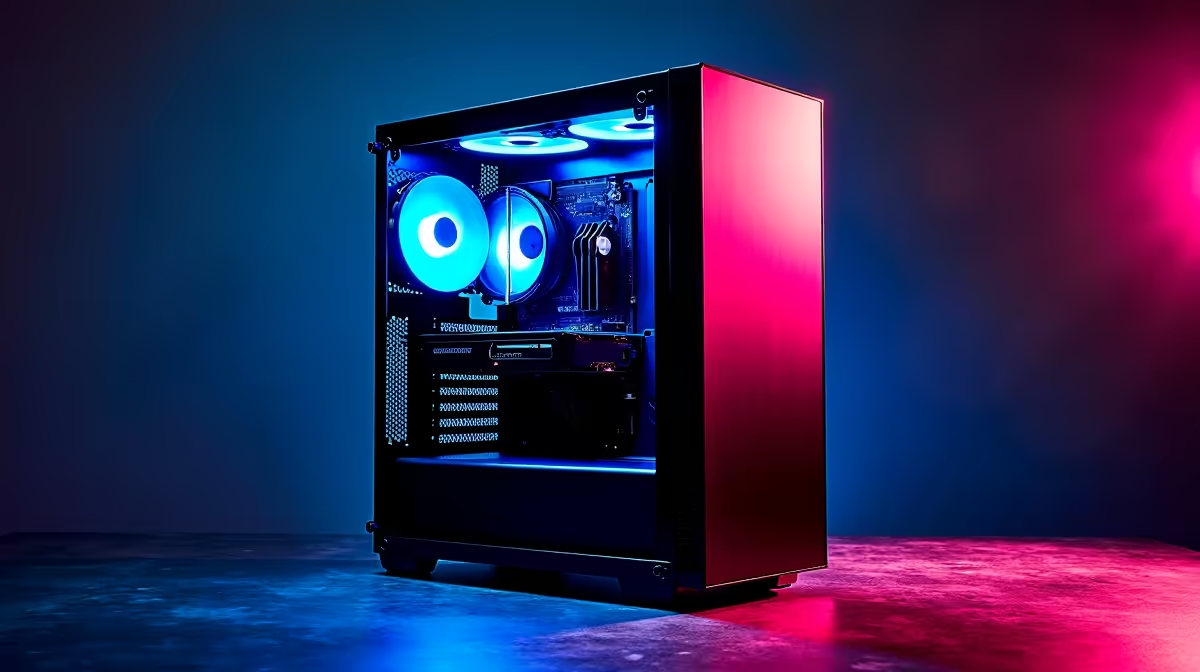
A high-airflow case is worthwhile for editing YouTube videos when sustained exports or effects push components into high temperatures and loud fan speeds. It does not make editing faster by itself. The current CPU, GPU, cooler, fan layout and room conditions must be measured before replacing an enclosure.
Test one repeatable export
Run a representative timeline and note CPU and GPU temperatures, clock behaviour and noise at the microphone position. Inspect filters, intake openings, cable obstruction and available fan mounts. Measure the motherboard, GPU and cooler so a replacement case can accept every component. Record case fan speed and editor playback performance during the same export.
The Gamemax Aeris 330 micro-ATX case is listed at R650, while the DeepCool CG330 is listed at R770. Verify live motherboard support, GPU clearance, cooler height, fan positions, included fans, front ports, dimensions and warranties. Confirm the intake design from specifications rather than appearance.
Back up projects and media, then photograph each internal connection before moving parts. Rebuild with unobstructed airflow, accessible filters and safe cable routing. Repeat the identical export and compare temperature and noise.
Buy a case when evidence shows thermal, fit or maintenance problems. Adjust fan curves, clean filters or improve placement first when the existing enclosure already has adequate airflow.
Cooling an editing desktop? > Compare Evetech cases by clearance, ventilation and fan support.