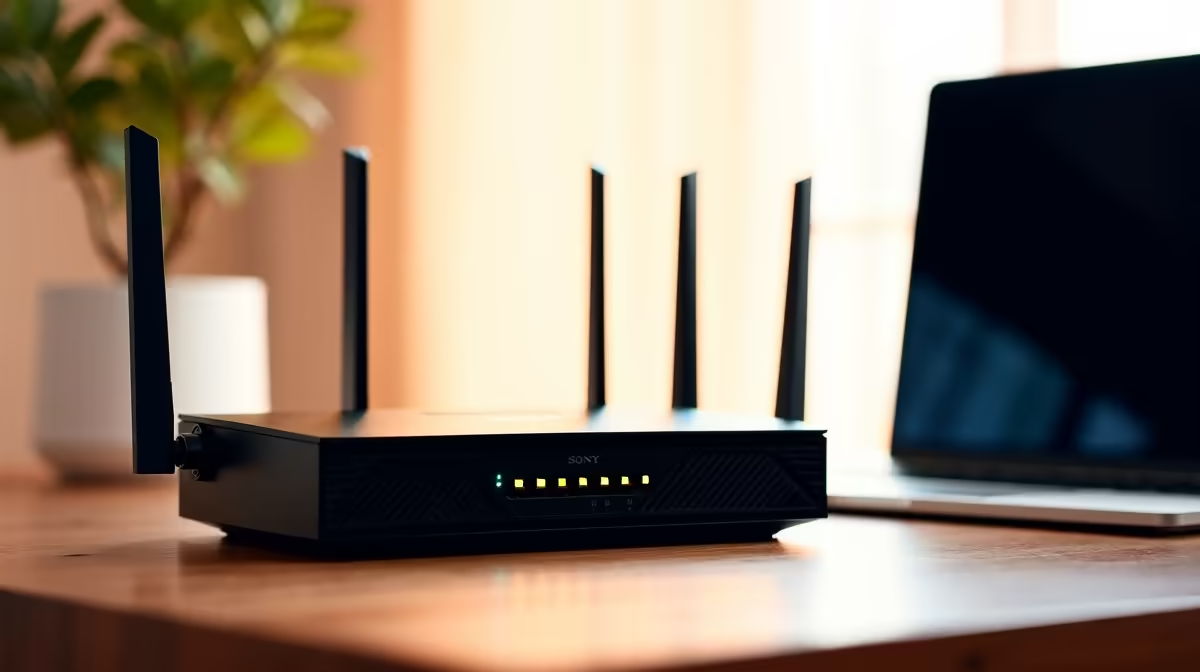
CUDY AC1200 4G LTE at R1,396 suits a homeschooling family that needs a practical router for lessons, admin, printing, and shared devices in one small-office network. Start with the router that can carry the main study area, then add lighter networking gear only where the home layout really needs it.
Router picks for a homeschool workspace
The CUDY AC1200 4G LTE at R1,396 is the strongest starting point here because the AC1200 spec gives the main learning space more headroom than a basic travel unit. It makes sense for a family running online classes, parent email, document uploads, and a shared printer from the same study corner.
The CUDY N300 Travel at R450 is better as a compact backup or room-specific option, not the main network for the whole household. Its N300 spec is enough for a small desk or temporary study spot where one learner needs stable access without turning the full home setup into a complicated project.
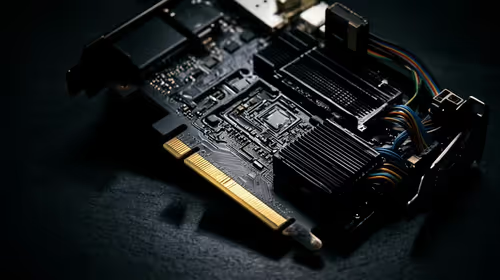
The ASUS PCE-AX1800 adapter at R147 is useful when a desktop PC needs a wireless upgrade instead of being moved closer to the router. Its AX1800 spec suits a fixed schoolwork machine that handles research, cloud documents, video lessons, and parent admin from one workstation.
Homeschool Study Room Setup
In a South African home, place the CUDY AC1200 4G LTE at R1,396 near the central study area before worrying about extra devices. Keep the CUDY N300 Travel at R450 for a secondary desk, and use the ASUS PCE-AX1800 adapter at R147 where a desktop needs AX1800 wireless support.
Ready to choose the right router?
Use CUDY AC1200 4G LTE at R1,396 as the home office desk benchmark, then check whether its listed spec matches the space, workload, and upgrade path.