Quick Answer
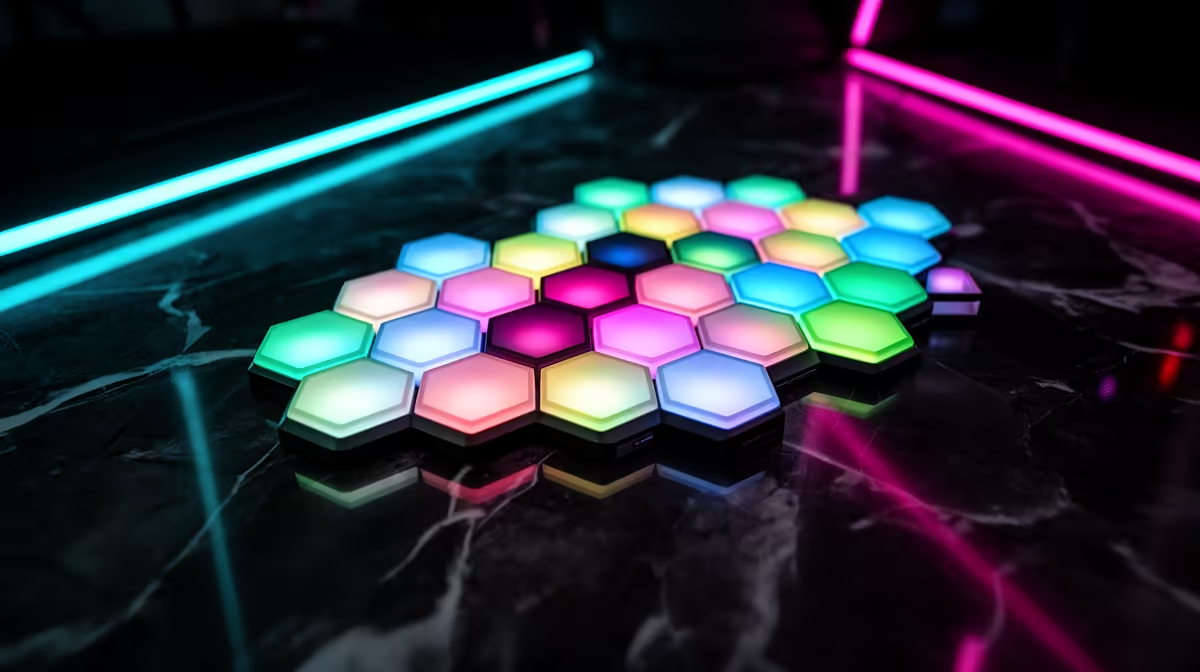
Hexagon RGB lights solve four common gaming room lighting problems: harsh overhead glare (replaced with soft diffused ambient panels at eye level), boring flat backgrounds (filled with dynamic coloured geometry), eye strain from high monitor contrast (reduced by ambient bias lighting behind the screen), and lack of atmosphere (fixed by scene-based lighting that shifts with your gaming mood).
Problem 1: Overhead Glare and Eye Strain 🔧
Ceiling lights angled down onto a monitor create reflections on the screen and force your eyes to adapt between the bright overhead source and your display. Hexagon panels mounted on the wall at desk height provide diffused ambient light that wraps around your field of view at a similar brightness level to the monitor. This narrows the luminance contrast ratio between screen and surroundings, which is the primary cause of eye strain during long gaming sessions. For a monitor running at 250 to 350 nits (standard gaming brightness), warm ambient panels at 30 to 40 percent brightness create a matching surround luminance your eyes find comfortable for three or more hours. SA optometrists frequently cite poor ambient lighting as a leading cause of gaming-related eye strain alongside high screen brightness.
Problem 2: Flat, Uninspiring Backgrounds 🎮
A plain painted wall behind a gaming setup contributes nothing to the atmosphere of a session. Even a high-end desk with a premium monitor looks generic against a flat neutral wall under white light. Hexagon panels solve this by adding structured coloured geometry that references the aesthetic language of gaming culture without requiring permanent modifications to the room. The honeycomb pattern of a seven or nine panel cluster adds visual depth and dimension that no poster or decal can replicate, because the panels emit light rather than reflecting it. For SA gamers in compact apartments or university res rooms where wall space is limited, a seven-panel cluster is the highest-impact upgrade available at R600 to R1,000.
Problem 3: No Atmosphere for Different Game Types ✨
A single overhead light cannot shift atmosphere between a tense horror game and a bright open-world adventure. Hexagon panels with 20 to 70 scene presets can.
Glare Reduction Placement Tip ⚡
Mount your hexagon panels at monitor height or slightly above rather than at ceiling height for maximum glare reduction. Panels mounted near the ceiling add overhead light that compounds the original glare problem rather than solving it. Side walls and the wall directly behind the monitor at eye level are the two most effective positions for ambient lighting that genuinely reduces eye strain.
FAQ
Do hexagon RGB lights actually reduce eye strain or is it just aesthetic?
Ambient backlighting genuinely reduces perceived eye strain by raising the brightness level of the surrounding environment, narrowing the contrast ratio your eyes must adapt to during a gaming session. This is supported by display calibration research and is why bias lighting behind televisions and monitors has been recommended by display specialists for years.
Can hexagon lights help if my room has no window for natural light?
Yes. Daylight-temperature white panels (5,500 K to 6,500 K) in windowless gaming rooms provide a more natural-feeling environment than warm incandescent lighting, which can feel oppressive and fatiguing in a sealed room over a long session.
Are hexagon lights safe to use near a PC that runs hot?
Yes. LED panel lights generate minimal heat at the unit itself, far less than any incandescent or halogen alternative. Mounting panels above or beside a gaming PC does not meaningfully raise the ambient temperature of the surrounding air.
Want to fix your gaming room lighting once and for all?
Evetech carries hexagon RGB light panels that address glare, atmosphere, and ambiance in one installation, with starter kits available across a range of budgets.