Quick Answer
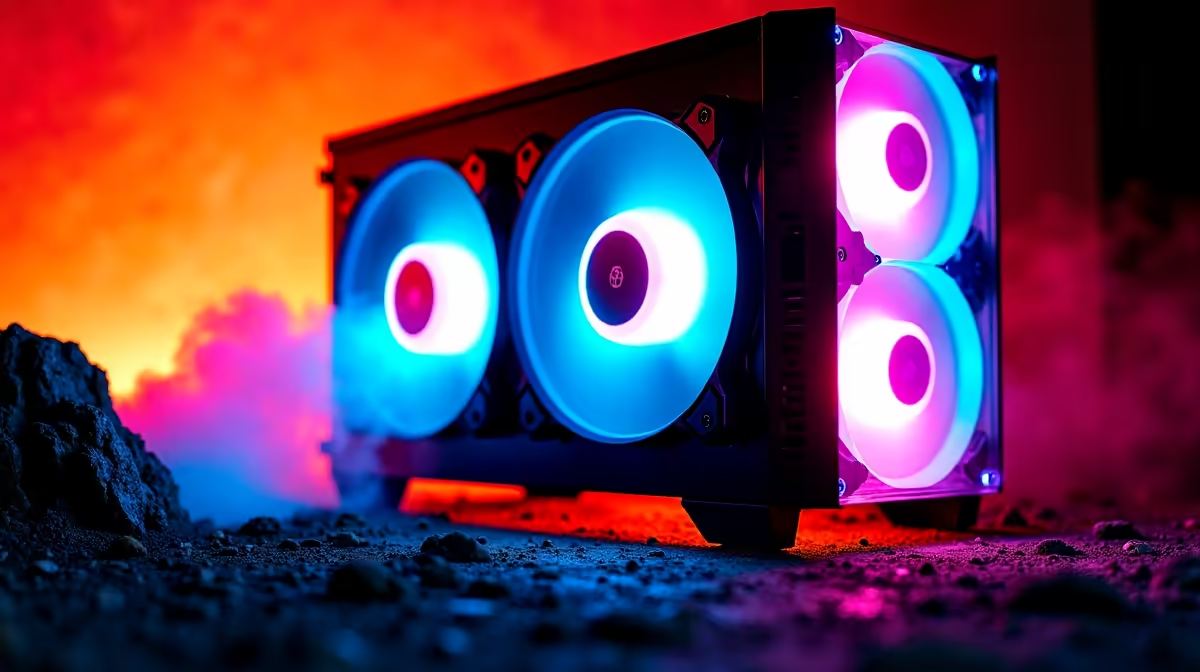
A configuration of two 200mm fans plus one 140mm fan delivers a combined airflow of roughly 200 to 270 CFM (cubic feet per minute) at moderate RPM. This is more than adequate for any high-end consumer build including RTX 5090 and Ryzen 9 9950X combinations. The 200mm fans move high volumes of air at low RPM, making this one of the quietest high-airflow configurations available.
Understanding What 200mm and 140mm Fans Actually Move 🌬️
A single 200mm case fan at 800 RPM typically moves between 65 and 90 CFM depending on blade design and static pressure rating. Two of them combined produce 130 to 180 CFM of intake volume. A 140mm fan at 1,000 RPM contributes a further 60 to 80 CFM. This gives the three-fan configuration a total of 190 to 260 CFM at speeds most users would describe as near-silent. The key advantage of 200mm fans is that they achieve high CFM at very low rotational speeds: a 200mm fan at 600 RPM is virtually inaudible and still moves more air than a 120mm fan at 1,200 RPM.
How This Translates to Real System Temperatures 🌡️
For a mid-to-high-end build in a South African environment averaging 28 to 34 degrees Celsius in summer, this fan configuration maintains GPU temperatures 10 to 15 degrees below ambient-fan-constrained setups. An RTX 5070 Ti in a case with 2x200mm front intake and 1x140mm rear exhaust typically sits at 72 to 78 degrees Celsius under sustained gaming load in a 30-degree room, comfortably within specification limits. For reference, the same GPU in a case with only two 120mm fans at comparable noise levels would commonly run 80 to 85 degrees Celsius. The static pressure of 140mm fans makes them well-suited to rear exhaust positions where they draw through the CPU area before expelling heat from the case.
Noise Levels and Fan Control in SA Setups 🔊
In an open-plan apartment or shared WFH space, fan noise is a real quality-of-life issue. A 200mm fan producing 60 CFM at 500 RPM generates under 15 dBA, below conversational noise levels. Motherboard fan header control allows 200mm fans to run near-passively during light workloads and ramp up only during renders or gaming. Note that not all 200mm fan mounts are PWM-controllable: some use DC voltage control only, which has coarser speed steps. Confirm that your case's 200mm fan header supports the control method of your chosen fan or can be routed to a motherboard PWM header via an adapter.
Balance Intake and Exhaust for Best Results ⚡
2x 200mm front intake fans and 1x 140mm rear exhaust, your case runs slightly positive pressure, which is ideal: it pushes dust toward filtered intakes rather than drawing it through every gap. Do not add a second top exhaust fan unless CPU temperatures are a specific concern, as it can disrupt the positive pressure balance and increase dust ingestion.
FAQ
Do 200mm fans fit in all cases or are they case-specific?
200mm fans require dedicated 200mm mounting points machined into the case frame. Most standard mid-towers only support 120mm and 140mm fans. You need to specifically choose a case that includes 200mm fan mounts, a feature of larger mid-towers and full towers targeting quiet operation.
Can I replace the included 200mm fans with higher-performance aftermarket units?
Yes, provided the aftermarket fan uses the same 200mm diameter and mounting hole pattern. The 200mm fan market is smaller than 120mm or 140mm, but brands like be quiet! and Phanteks offer quality 200mm units as spare parts.
Is 270 CFM enough for a water-cooled build with a 360mm AIO?
Yes. An AIO-cooled build has CPU heat rejected through the radiator fans, separate from the case fans in this configuration. The case fans then only need to manage GPU heat and ambient case temperature, well within the capacity of this fan configuration.
Want a build that runs cool and quiet all year round?
Evetech stocks cases with large 200mm fan configurations ideal for SA's warm climate. Browse the case range to find a chassis that delivers both airflow and silence.