Quick Answer
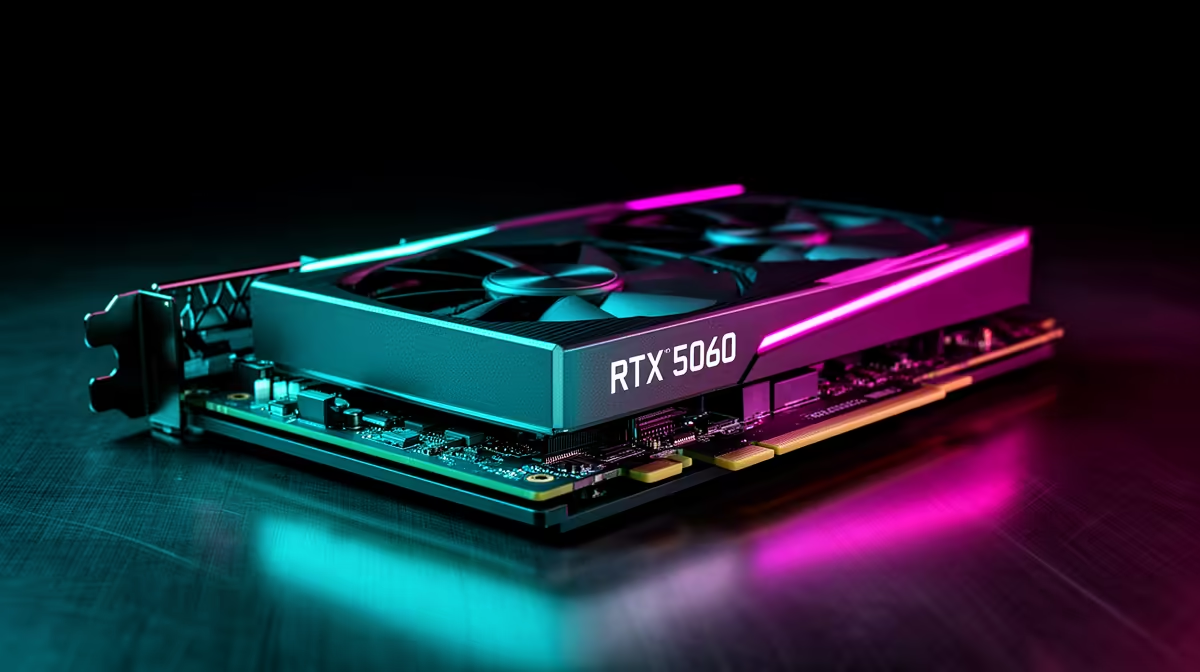
8GB is the right amount of VRAM for 1080p gaming on the RTX 5060 in 2026. At 1080p High settings, virtually all current titles stay within 7GB of VRAM usage. The RTX 5060's GDDR7 memory type means 8GB performs more like previous-gen 12GB GDDR6 cards in bandwidth terms, extending the practical usefulness of the frame buffer.
What 8GB VRAM Actually Handles on the RTX 5060 💾
At 1080p High settings without ray tracing, current demanding titles use between 4GB and 7.5GB of VRAM. Cyberpunk 2077 at 1080p High uses approximately 6.5GB. Hogwarts Legacy uses around 5.5GB. Only titles with optional high-resolution texture packs push past 7.5GB at their Ultra texture settings. For SA gamers gaming on a 27-inch or smaller 1080p monitor, the 8GB capacity is not a practical limitation in mainstream titles.
Ray tracing adds overhead from acceleration structures in memory. Enabling DLSS Quality mode alongside ray tracing reduces this overhead because the card renders at a smaller internal resolution, which uses less frame buffer space, resolving the apparent VRAM pressure.
Why GDDR7 Makes 8GB Perform Beyond Its Nominal Capacity 🔧
GDDR7 on the RTX 5060 delivers around 272 GB/s of bandwidth on its 128-bit bus, matching the bandwidth of the RTX 3070 Ti's GDDR6X across a 256-bit bus from two generations ago. This faster memory streaming reduces the stutter that occurs when games load new texture assets, effectively making the 8GB feel more spacious than same-size GDDR6 on older architectures.
For SA gamers buying in the R8,000 to R12,000 range, 8GB GDDR7 is a sound choice for 1080p gaming through at least 2027.
When Would You Need More Than 8GB? 💡
The scenarios where 8GB becomes a constraint on the RTX 5060 are specific: games with 4K texture replacement mods installed, running two monitors with different content simultaneously, or using the GPU for AI inference workloads alongside gaming. For pure 1080p gaming in mainstream titles, these edge cases are uncommon.
At 1440p the situation changes slightly: more pixels means larger frame buffer requirements. Some demanding titles approach 8GB on the RTX 5060 at 1440p High. Enabling DLSS at 1440p mitigates this, but 1440p remains outside the RTX 5060's optimal sweet spot.
Enable DLSS Before Dropping Texture Quality ⚡
If you notice stuttering and suspect VRAM pressure, enable DLSS Quality mode first. It reduces the internal render resolution, which directly reduces VRAM usage. In most cases this resolves apparent VRAM pressure without needing to manually lower texture quality settings.
FAQ
Will games listing 10GB VRAM minimum run on the RTX 5060 8GB?
Game VRAM minimum specs usually refer to Ultra settings at high resolutions. At 1080p High with standard settings, the same games typically run within 8GB without issues.
Can the RTX 5060 use system RAM as overflow VRAM?
Yes, via shared system memory. But system RAM access is far slower than GDDR7, causing frame time spikes and visible stutters. Staying within the 8GB envelope avoids this entirely.
Should I wait for a possible 12GB RTX 5060 variant?
If a 12GB version becomes available at a R1,000 to R1,500 premium, it is worth considering. If it requires a significantly higher spend, the 8GB model remains the better value for dedicated 1080p gaming today.
Ready to see what 8GB GDDR7 delivers at 1080p?
Evetech stocks RTX 5060 graphics cards with local SA warranty across multiple board partner models. Browse the RTX 5060 listings in the graphics card category to compare options.