Quick Answer
To keep DisplayPort cable signal quality stable for high-resolution displays, use a certified cable rated for your resolution, avoid sharp bends, keep the cable away from power leads, inspect connectors every six months, and choose gold-plated connectors for long-term oxidation resistance. These steps maintain signal integrity across the cable's full service life without performance degradation.
Start with the Right Cable for Your Resolution 🔧
Signal stability begins at the point of purchase. A certified DisplayPort 1.2 cable rated at 21.6Gbps handles 4K@60Hz and 1440p@144Hz without ever becoming the weak link in the chain. A DP 1.4 cable at 32.4Gbps covers everything up to 4K@120Hz. An uncertified cable claiming "4K HDR" without listing a bandwidth or version rating may work initially but fail under sustained high-frequency load or after environmental exposure. In South Africa, certified cables in the R150 to R450 range are available locally at Evetech, with specifications printed clearly on the packaging.
Physical Handling and Routing Best Practices 🖥️
Sharp cable bends change the internal conductor spacing and degrade shielding effectiveness permanently. DisplayPort cables should be routed with a minimum bend radius of approximately 25mm to 30mm at any corner, about the radius of a 50c coin. Where the cable must turn a corner behind a monitor arm, use a clip to hold the bend open rather than allowing the cable to kink under its own weight. At connector ends, the cable should exit the port straight for at least 5cm before bending. Connectors under constant sideways strain develop micro-fractures at the solder joints that cause intermittent signal failures over months. Adhesive cable clips at SA hardware stores for R20 to R50 resolve this by relieving the connector of mechanical stress entirely.
Environmental Factors That Degrade Signal Quality 🌍
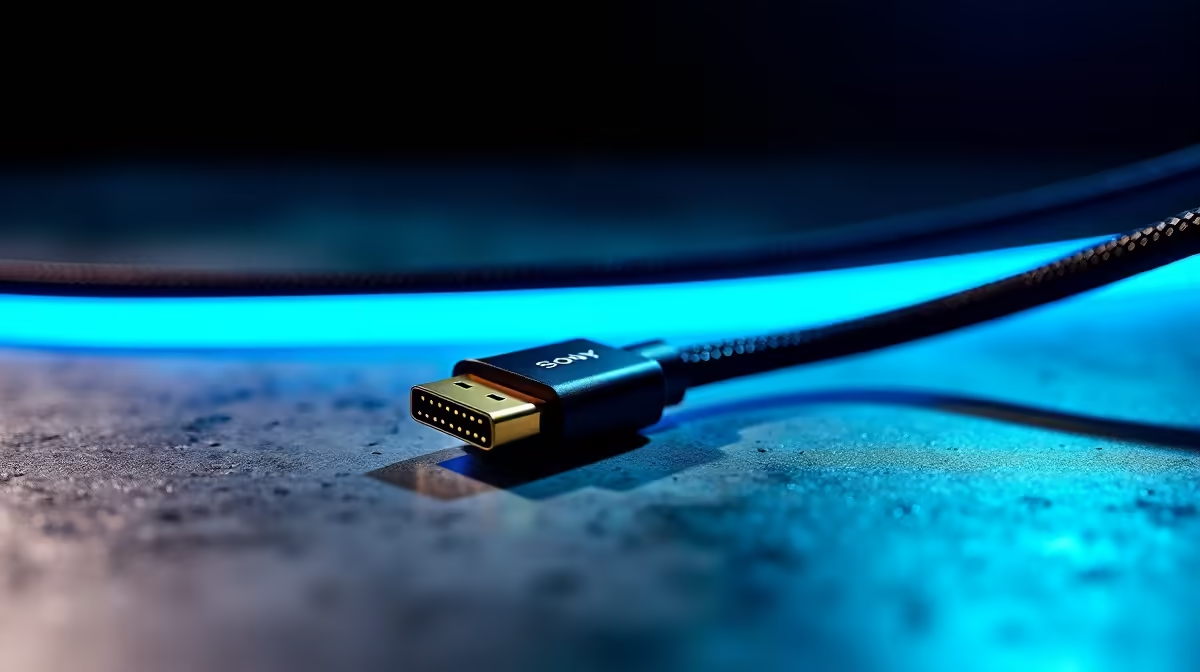
Connector oxidation is the leading environmental cause of DisplayPort signal degradation. For South African users in coastal cities, gold-plated connectors resist this definitively. Bare-copper or nickel-plated contacts begin oxidising within months in high-humidity environments. Inspect connector pins visually every six months; any discolouration warrants cleaning with electronic contact spray or cable replacement. Keep cables at least 5cm from direct GPU exhaust airflow and hot surfaces in poorly ventilated cable trays. In inland South African homes, dry Highveld winter air causes static buildup on cable jackets, which triple shielding's grounded outer layer mitigates.
Re-seat Connectors Annually ⚡
Gently unplug and re-seat your DisplayPort connector at both ends once a year. This breaks through any thin oxide layer that has formed on the contact surfaces and restores consistent electrical contact. It takes under 30 seconds and is the simplest maintenance step for long-term signal stability without any tools or materials.
FAQ
How do I know if my DisplayPort cable is degrading?
The first sign is usually intermittent pixel errors or brief black screen flashes at full resolution and refresh rate. If these symptoms appear only when moving the cable or when nearby devices are active, the cable is the likely cause. Swap to a known-good certified cable to confirm.
Can a DisplayPort cable be repaired if signal quality drops?
No. DisplayPort cables cannot be repaired in the field; the signal-pair geometry must be maintained exactly as manufactured. If a cable is causing signal degradation, replacement is the only solution.
Does cable quality matter less for lower resolutions?
Yes, to a degree. At 1080p@60Hz the bandwidth requirement is low enough that substandard cables often work. The quality requirements scale up with resolution and refresh rate. At 4K@60Hz and above, using a certified cable with quality construction is necessary, not optional.
Experiencing signal instability or planning a high-resolution display upgrade?
Evetech stocks certified DisplayPort cables in the correct specifications for stable, long-term 4K and 1440p performance in South African setups.