Quick Answer
Maintaining signal integrity in display cables comes down to two physical factors: gold-plated contacts that resist oxidation at the connection point, and triple shielding that blocks electromagnetic interference from corrupting the signal along the cable run. Together these features eliminate the two most common causes of intermittent display failures at high resolutions.
How Oxidation Degrades Connector Performance 🔧
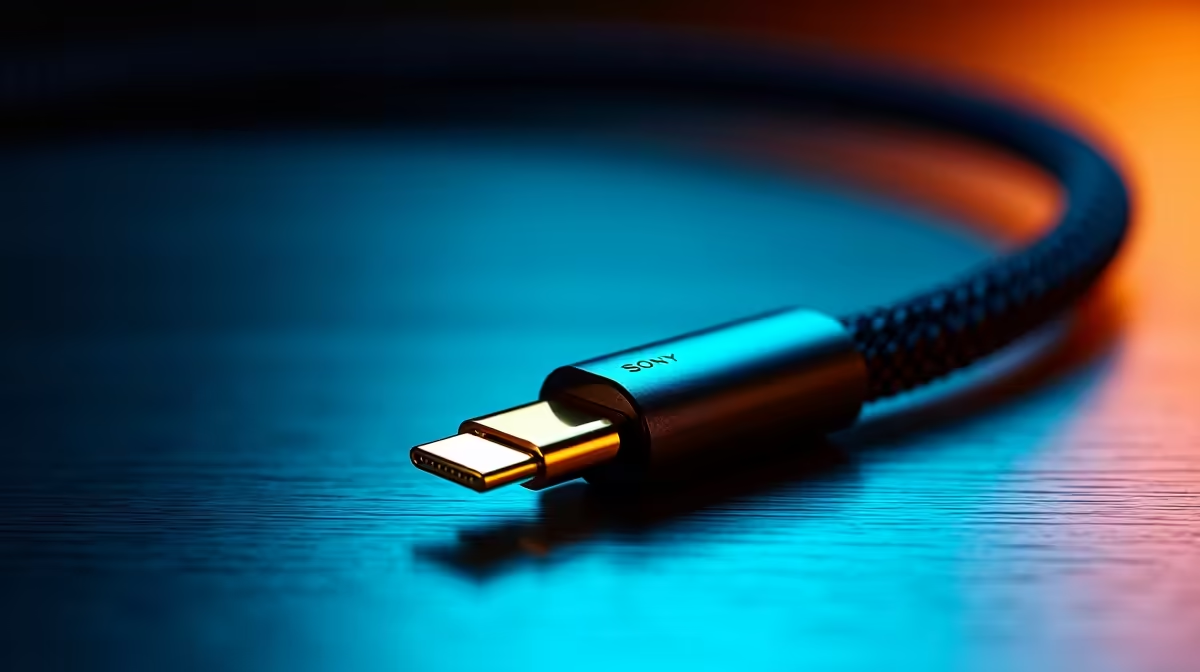
A bare copper or thin nickel contact forms an oxide layer within months of use in typical indoor air. This oxide is non-conductive and increases contact resistance at the connector junction. At lower resolutions, the DisplayPort receiver compensates with error correction. At 4K at 60Hz or 1440p at 144Hz, the additional resistance causes symbol errors that manifest as brief black screens or dropped connections. Gold does not oxidise under normal atmospheric conditions, maintaining contact resistance below 5 milliohms indefinitely. SA coastal environments in Durban or Cape Town, where salt humidity accelerates corrosion, make gold plating a more meaningful specification than in dry inland climates like Johannesburg.
Triple Shielding Layers and Their Functions 📡
Triple-shielded cables protect signal conductors with three distinct layers. The inner aluminium foil, wrapped around each twisted signal pair, blocks high-frequency radiated emissions above 100MHz. The middle braid layer, woven copper mesh covering the foil bundle, catches broadband interference and provides a low-impedance ground path. The outer jacket layer, a second foil or conductive compound under the physical insulation, prevents the cable acting as an antenna. Cables using all three layers cost R350 to R900 locally but perform better in electrically busy environments like standing-desk setups where cables pass near multiple USB chargers.
Practical Maintenance for Long-Term Integrity 🔩
Even with gold plating and triple shielding, physical maintenance extends cable life. Insert and remove connectors straight, not at an angle, to preserve the contact spring tension. Use a strain relief clip where the cable bends at the monitor stand base. For fixed desktop runs, a braided cable provides added mechanical protection. Cleaning gold contacts with a dry lint-free cloth when swapping cables removes surface contamination. Avoid spray contact cleaners on DisplayPort or HDMI connectors as their solvents can attack the plastic housing.
Never Yank Cables Out by the Wire ⚡
Pulling a DisplayPort cable out by gripping the wire rather than the connector body is the leading cause of internal conductor damage. Always grip the connector housing and pull straight back. After removing the cable, inspect the housing for cracking at the strain relief point, which signals impending failure.
FAQ
How often should I replace display cables?
A quality gold-plated cable on a fixed desktop run should last five or more years without degradation. Cables frequently unplugged wear faster, showing signal issues after two to four years depending on use frequency.
Does triple shielding affect the cable's flexibility?
Yes, triple-shielded cables are stiffer. For most fixed desktop setups this is irrelevant, but for monitor arm setups where the cable follows articulation, choose a more flexible cable rather than the thickest triple-shielded version.
Can I improve signal integrity by adding a ferrite clip to an existing cable?
A ferrite choke clipped near the connector end reduces high-frequency radiated emissions and can reduce interference from nearby USB chargers. It is a useful addition at R30 to R80 locally for any cable without integrated ferrite beads.
Need a cable built for long-term signal reliability?
Evetech stocks shielded DisplayPort and HDMI cables with quality connectors suited for both home office and professional display setups across South Africa.