Quick Answer
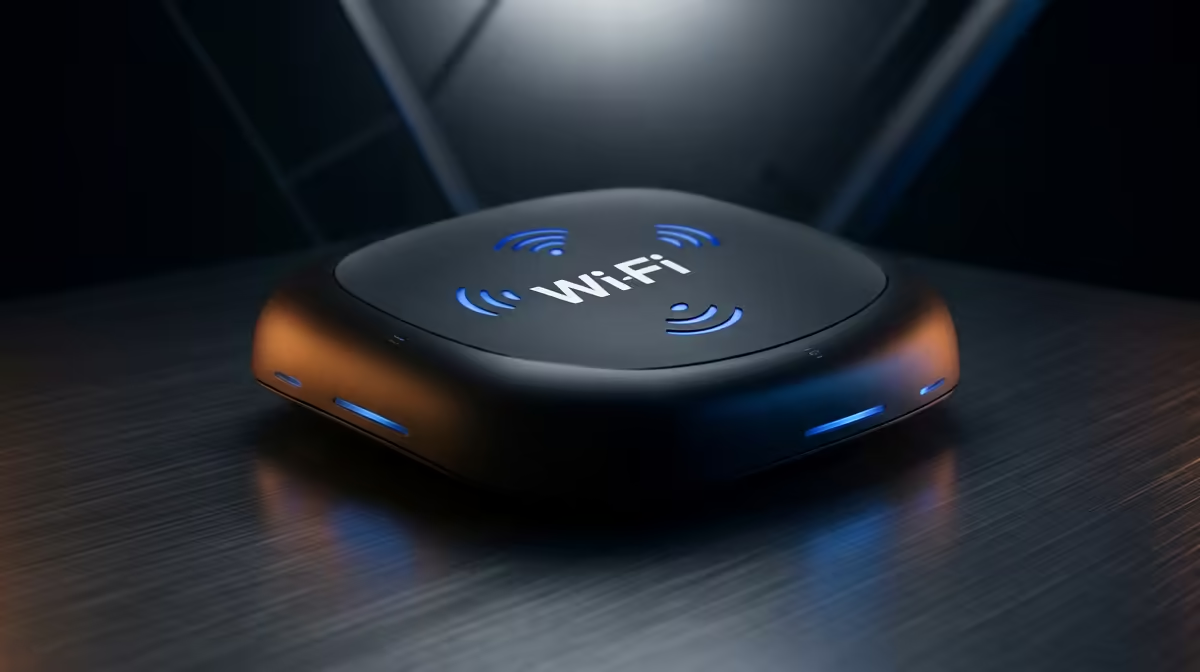
When a Wi-Fi router arrives in Alexandra, inspect the outer carton, confirm all antennas and accessories are present, then run a factory-reset setup and a speed test before discarding packaging. Entry routers at Evetech start at ~R600 for reliable 802.11ac (Wi-Fi 5) units; Wi-Fi 6 models start at ~R1,200 and offer meaningful throughput gains on Rain 5G or Openserve fibre connections. Alexandra is served by Aramex and Pargo points on the Sandton/Louis Botha Avenue corridor, typically delivering in 2–4 business days.
Outer carton and accessories check
Before opening, photograph any carton dents — router circuit boards are more durable than displays, but antennas can be bent in transit. Inside, confirm: router unit, power adapter, Ethernet cable, and any QR setup guide. Count the antennas listed in the product spec — a 4-antenna router should arrive with all four; a missing antenna is a DOA concern. Check that the model on the device sticker matches your order.
Setup and speed test checklist after unboxing
On setup day:
- WPS and admin access — confirm the router admin panel loads at 192.168.1.1 or 192.168.0.1; factory credentials are on the sticker under the unit
- Ethernet port — connect a laptop via Ethernet and confirm internet access before testing Wi-Fi
- Wi-Fi bands — a dual-band Wi-Fi 6 router should broadcast both 2.4 GHz and 5 GHz networks
- Speed test — on the Ethernet connection, confirm speed is close to your ISP plan (Rain 5G or Openserve fibre typically delivers 50–200 Mbps on residential plans in Alexandra-adjacent areas)
- Wi-Fi signal — test from the room farthest from the router; 20+ Mbps on 5 GHz at 10m range is expected from a mid-range Wi-Fi 6 unit
ZAR pricing for routers in SA
- ~R600–R1,000: Wi-Fi 5 (802.11ac) dual-band — covers a standard apartment or small home
- ~R1,200–R2,500: Wi-Fi 6 (802.11ax) — better throughput, lower latency for multiple connected devices
- ~R2,500–R5,000: Wi-Fi 6E or Mesh nodes — suited for larger homes or multiple rooms in Alexandra-area housing
FAQ
What Wi-Fi router should I get for a Rain 5G or Openserve connection in Alexandra?
For Rain 5G or Openserve fibre in the Alexandra area, a Wi-Fi 6 router in the R1,200–R2,000 range is the right match. Wi-Fi 6 reduces congestion on busy networks and handles 10+ connected devices simultaneously without throughput degradation — important for household setups with multiple phones, laptops, and smart devices.
What speed should I expect from a Wi-Fi router speed test in Alexandra?
On a 100 Mbps Openserve fibre plan, a mid-range Wi-Fi 6 router should deliver 80–95 Mbps on a wired Ethernet connection and 50–80 Mbps on 5 GHz Wi-Fi at close range. Rain 5G speeds in Alexandra vary by signal strength — peak throughput is 50–150 Mbps on most residential units in the area.
What if the router I ordered does not have the Wi-Fi 6 sticker matching the product listing?
Check the sticker under the router — the model number confirms the Wi-Fi generation. Wi-Fi 6 models include "AX" in the model number (e.g. AX1800, AX3000). If your router says "AC" instead of "AX", you received a Wi-Fi 5 unit. Contact Evetech support within 24–48 hours with photos of the sticker and your order confirmation.
Browse Evetech Wi-Fi routers and match to your SA ISP before ordering to Alexandra
Check Wi-Fi 5 vs Wi-Fi 6 pricing and confirm antenna count — then run a speed test on delivery day.