Quick Answer
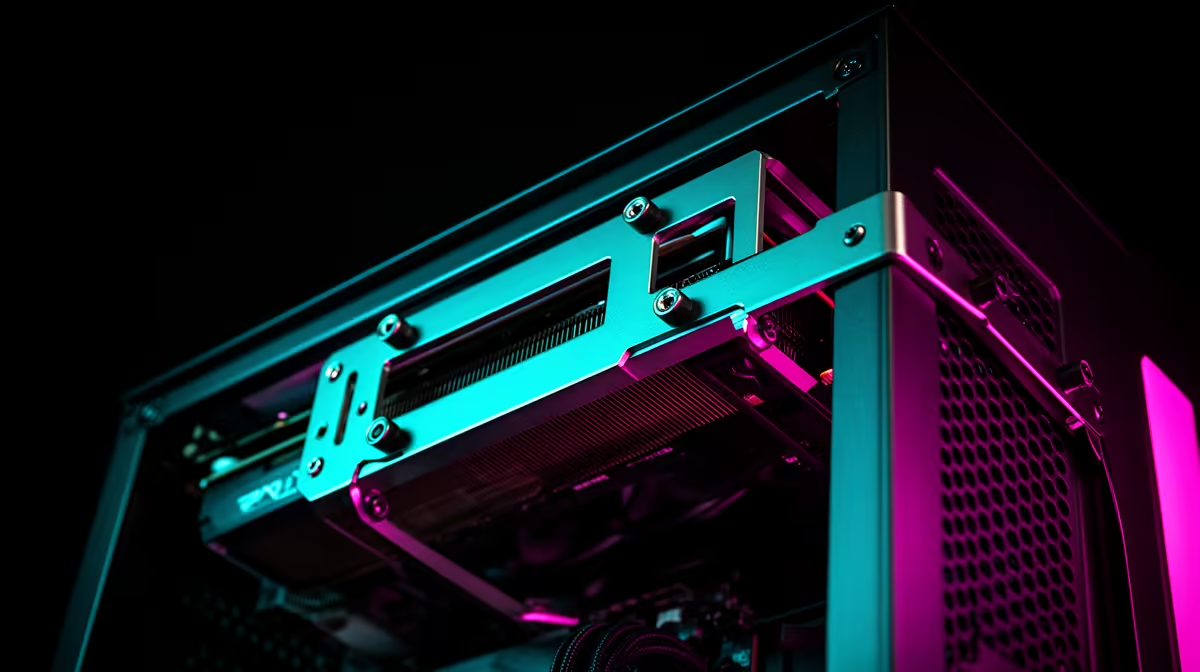
With an integrated GPU brace (also called a sag bracket), position the brace arm under the GPU's heatsink base plate, adjust the height screw until the brace is snug without lifting the card, then lock the adjustment. The goal is to hold the card level without putting upward stress on the PCIe slot.
Why GPU Sag Happens and When Braces Are Critical 🔧
Graphics cards have grown significantly heavier through each generation. Current flagship cards like the RTX 5090 Founders Edition weigh over 2kg and extend beyond 300mm from the motherboard slot.
Sag is measured as the vertical drop at the far end of the card relative to where it exits the slot. Even 3mm to 5mm of sag creates PCIe slot stress that, over time, can cause intermittent connection issues on some boards. Integrated GPU braces that come built into premium cases solve this without the clunky aesthetic of aftermarket wire-style supports.
Step-by-Step: Configuring an Integrated Brace 📋
Step one: install the GPU into the PCIe slot and secure the bracket screws at the rear IO panel. Step two: locate the brace arm, which typically mounts on a vertical rail on the bottom section of the case interior. Slide the brace along its rail until the arm pad sits directly below the GPU heatsink's mid-point or front third. Placing the support too far back towards the IO bracket reduces its effectiveness since that end already has rigid support from the case bracket itself.
Step three: turn the height adjustment knob clockwise until the rubber or felt pad on the arm contacts the underside of the GPU heatsink base. Stop when you feel slight resistance. Do not crank it tight: the goal is to remove sag load, not to lift the card off the slot. Step four: recheck that the GPU still reads as seated in your BIOS and that there are no PCIe error entries in Windows Device Manager.
Caring for the Brace and GPU Over Time 🛠️
Check the brace adjustment every six to twelve months, especially if you transport the PC or if the case sits on a surface that vibrates (such as near subwoofers). Vibration over time can cause adjustment knobs to loosen slightly. Some integrated braces use a locking nut in addition to the main adjuster screw; tighten that locking nut after setting the height to prevent drift.
If your case does not have an integrated brace and you are running a card heavier than 1.2kg, an aftermarket sag bracket that hooks onto the PCIe slot and the lower drive cage is a R150 to R350 solution stocked at Evetech. These are less elegant than integrated braces but functionally effective.
Level Check with a Ruler ⚡
After setting the brace, hold a ruler flat along the top of the GPU shroud from IO bracket to far end. If the card is level or within 1mm across that span, the brace is set correctly. A visible droop at the far end means the brace pad needs to come up another half-turn.
FAQ
Can a GPU brace damage my graphics card if set too tight?
Yes, if the brace is wound up past snug contact, it can create upward pressure on the PCIe x16 slot that stresses the slot retaining clip and the card's PCIe fingers. Set it to contact with gentle resistance, not tight clamping.
Do I need a GPU brace for cards under 1kg?
Not critically, but it is still good practice for any card over 600g. Budget cards like the Radeon RX 7600 are light enough that most PCIe slots handle the load without meaningful long-term degradation. Flagship cards above 1.5kg benefit significantly from bracing.
What if my integrated GPU brace does not reach my card's length?
Some braces have limited rail travel. If the arm cannot reach the front half of a very long card (350mm or more), you can position the arm pad under the last third of the card as a compromise, which still removes 50 to 70 percent of sag load from the PCIe slot compared to no support.
Running a heavy GPU and want a case that protects it?
Browse PC cases with integrated GPU braces and sag supports at Evetech, with options across all form factors and price ranges.