Quick Answer
Some high-end motherboards include a small integrated OLED display showing live voltage, temperature, wattage, and fan RPM data without software. To troubleshoot power stability, watch the 12V rail for drops below 11.8V under load, monitor VRM temperature for spikes above 85 degrees Celsius, and confirm total wattage draw leaves at least 15% PSU headroom.
What Integrated OLED Displays Actually Show 🖥️
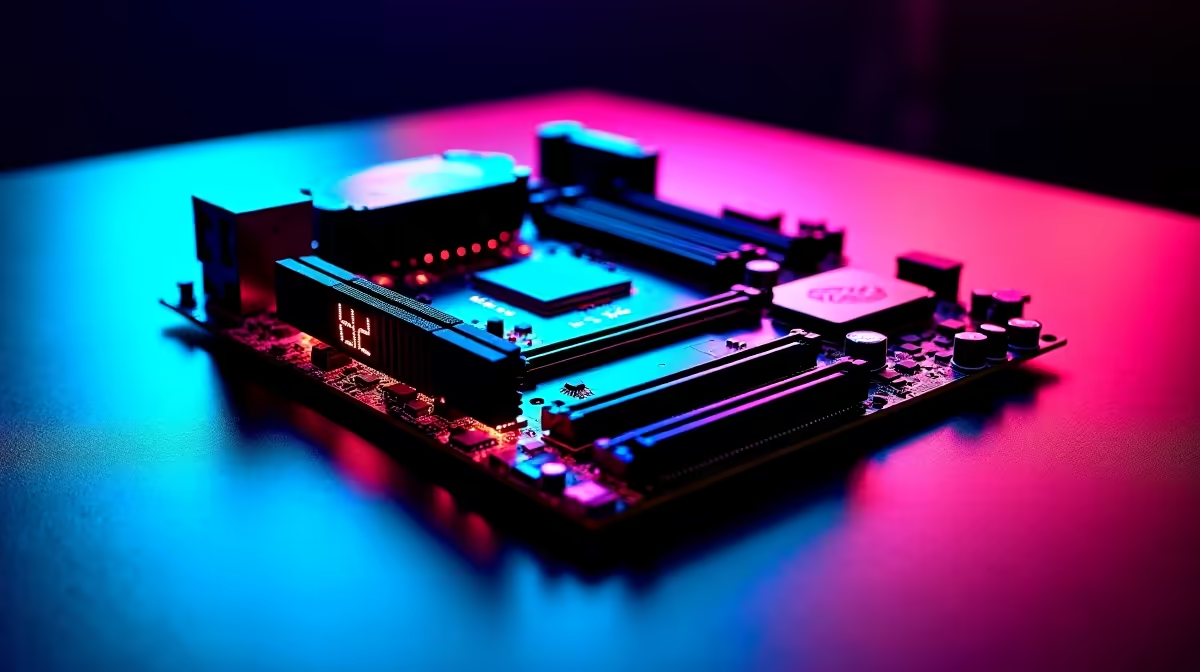
Motherboards such as the Asus ROG Maximus series include a 2-inch to 3-inch OLED panel on the PCB itself. This display cycles through telemetry pages: CPU temperature, CPU frequency, VRM output voltage, DRAM speed, system wattage, and fan RPM. The critical pages for power stability are the VRM voltage and system wattage pages. Under a Prime95 large FFT stress test or a 4K gaming session with an RTX 5090, watching the 12V rail hold between 11.9V and 12.1V confirms the PSU delivers clean voltage. A reading dipping to 11.7V or below points to PSU headroom or cable resistance issues.
Reading VRM and Rail Data to Diagnose Instability 🔧
System power instability (random shutdowns, blue screens under heavy load, or frequency throttling) usually comes from three sources: insufficient PSU wattage, excessive VRM temperature, or poor 12V rail quality. The OLED lets you cross-reference all three simultaneously. Watch for: 12V rail below 11.8V under load (PSU headroom issue), VRM temperature above 90 degrees Celsius (inadequate cooling), and total wattage within 85% of the PSU's rated output (too close to the ceiling for transient loads). Each reading points to the correct fix without guesswork.
Practical Troubleshooting Workflow Using OLED Telemetry 📐
Step one: stress CPU and GPU simultaneously using Prime95 Large FFTs and a GPU benchmark for 10 minutes. Step two: observe the OLED every 60 seconds and note the minimum 12V reading and maximum VRM temperature. Step three: if 12V drops below 11.8V, test with a higher-wattage PSU. If VRM temperature exceeds 85 degrees Celsius, improve direct airflow over the VRM heatsink. If total wattage is within 100W of the PSU rating, upgrade to a unit with 20% overhead. This resolves most power stability issues in a single session.
Save Telemetry Screenshots for Future Reference ⚡
Photograph your OLED display at peak load during stress testing and keep it with your build notes. If your system becomes unstable six months later after adding a component, comparing current peak load figures against your baseline immediately shows whether the new part tipped you over a power limit.
FAQ
Can I use software monitoring instead of an integrated OLED display?
Yes. HWiNFO64 and GPU-Z provide all the same data on screen. The integrated OLED is a convenience feature for builders who prefer hardware readouts without switching windows during stress testing.
What voltage range is acceptable for the 12V rail under full load?
ATX specifications allow 11.4V to 12.6V. In practice, a quality PSU holds between 11.8V and 12.2V under all conditions. Anything below 11.7V under heavy load indicates PSU quality or capacity issues.
Does the OLED display on motherboards affect system performance?
No. The panel runs on the board's 5V standby rail and uses negligible power. It does not share resources with the CPU, GPU, or RAM. Leave it active for its diagnostic value.
Experiencing power instability in your high-end build?
Browse Evetech's range of premium PSUs and high-end motherboards with built-in monitoring features, stocked locally in South Africa with full warranty support.