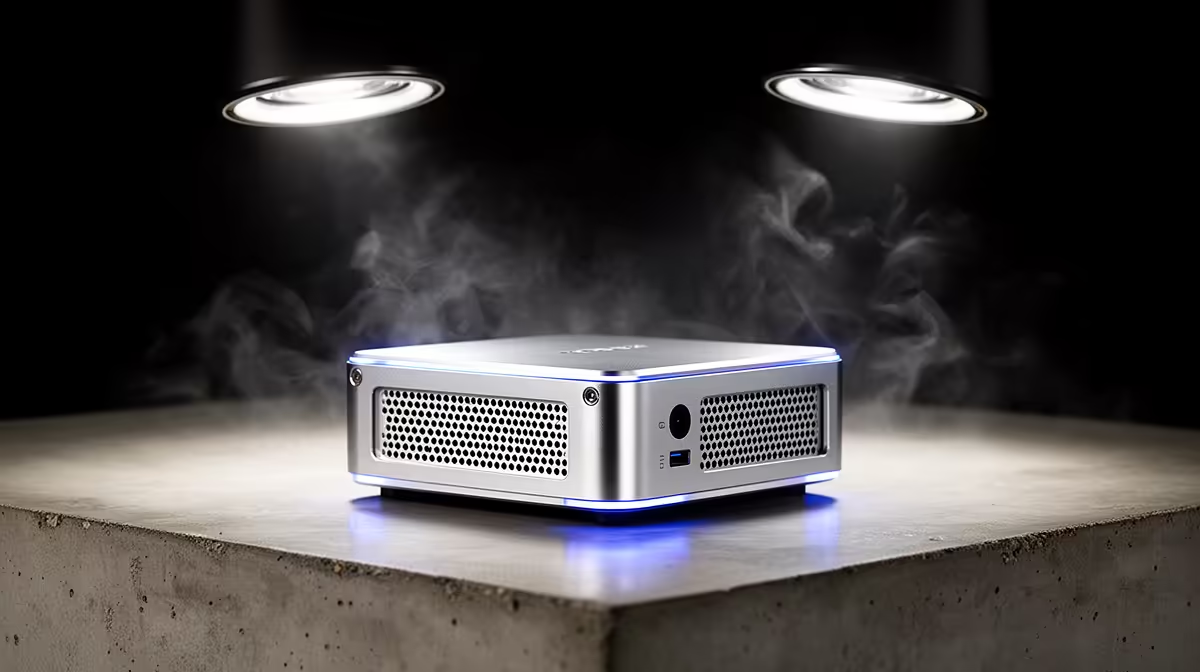
Spec sheets make the Intel N100 vs N150 decision look bigger than it is. The N150 is a Twin Lake refresh of the N100: same low-power class, same integrated graphics and Quick Sync video engine, with a higher boost clock as the main change. For a mini PC buyer the honest question is not which chip is better on paper, it is whether the modest clock bump justifies paying more, and the answer depends entirely on what you run.
Quick Answer
The N150 is a higher-clocked refresh of the N100 in the same 6 to 15W class, with identical Quick Sync and the same integrated graphics. For light desktop use, media playback, and a home server, the N100 is plenty. The N150 only earns its premium in sustained multi-core work where the extra clock headroom shows up.
Same Family, Small Step
Both chips belong to Intel's low-power efficiency line aimed at mini PCs, thin clients, and home servers. They share the same core architecture, the same 6 to 15W power envelope, and the same UHD integrated graphics with the Quick Sync hardware video block. That last point is important, because Quick Sync is what makes these chips excellent for media playback and transcoding, and it is identical across the two. Nothing about your video performance changes by moving from N100 to N150.
The N150 is a refresh, not a redesign. Intel raised the boost clock from 3.4GHz to 3.6GHz and moved to a 7nm process versus the N100's 10nm node, which refines efficiency at the margins. The underlying silicon does the same things in the same way. Anyone expecting a generational leap is reading more into the name change than the hardware delivers. The N150's integrated GPU also runs at a higher clock (1.0GHz versus 0.75GHz on the N100), which gives a 10 to 15 percent uplift in light gaming and GPU-accelerated web tasks.
Where the Difference Actually Shows
Light Use: A Wash
For the workloads most people buy these mini PCs for, the two feel the same. Web browsing, office documents, 4K media playback through Quick Sync, running Home Assistant or Pi-hole, light file serving: none of these tax the CPU enough for the clock difference to register. If your use case lives here, the N100 delivers the same experience for less money, and spending extra on the N150 buys you nothing you will notice.
Sustained Multi-Core: The N150 Pulls Ahead
The gap appears when you keep all the cores busy for a stretch. A longer compile, a heavier container workload, several services running under steady load at once, or background transcoding stacked on top of other tasks: in these the N150's higher clock translates into a real, if modest, throughput advantage. Published multi-thread benchmarks put the N150 roughly 10 to 15 percent ahead of the N100 under sustained load, with best-case scenarios reaching closer to 30 percent in highly parallel workloads. It is not dramatic, but it is the one scenario where the premium is doing something.
Power and Thermals
Both chips sip power, which is half the appeal of a mini PC that runs silently in a cupboard or behind a monitor. The N150's higher clock means it can draw a touch more at peak, but both chips sit in the same 6 to 15W operating class, so heat and electricity stay negligible for either. Neither needs aggressive cooling, and both suit a fanless or near-silent chassis, which is why these chips dominate the always-on home-server niche.
Is the Upgrade Worth It?
For a media box, a router replacement, a light desktop, or a low-traffic home server, the N100 is the value pick and the N150 premium is hard to justify. Choose the N150 if you specifically run sustained multi-core tasks and want the extra headroom, or if the price gap on a particular unit is small enough that the newer chip is a sensible future-proofing choice. Beyond that, your money does more good going toward more RAM or faster storage than toward the clock difference between these two. The current mini PC range at Evetech shows where each chip lands on price, and the best-selling PCs at Evetech reveal which compact and always-on configurations SA buyers actually put in their carts.
The Memory and Storage Argument
When you weigh N100 versus N150, do not forget that the chip is rarely the bottleneck in these machines. Both processors share the same memory controller and storage interface, so the speed of your RAM and NVMe drive often matters more to real-world responsiveness than the 200MHz clock difference. Upgrading from 8GB to 16GB RAM on an N100 unit delivers a more noticeable improvement in everyday multitasking than switching from an N100 to an N150 with the same RAM. Similarly, moving from a slow eMMC or budget SSD to a faster NVMe drive on either chip transforms how the machine feels to use. If you are comparing two specific units where the N150 model also comes with faster storage or more RAM, the bundled upgrades may account for most of the perceived performance gain, with the chip difference itself playing a smaller role.
Frequently Asked Questions
Is the N150 much faster than the N100?
No. The N150 is a higher-clocked refresh in the same power class, so it is modestly faster only under sustained multi-core load. For light use the two feel identical.
Do the N100 and N150 have the same video capabilities?
Yes. Both use the same integrated graphics and the same Quick Sync hardware video engine, so media playback and transcoding performance is identical between them.
Which chip is better for a home server?
For a typical low-traffic home server running a few services, the N100 is ample and the better value. The N150 helps only if you run several heavy containers or sustained multi-core jobs at once.
Does the N150 use more power than the N100?
Marginally at peak, due to the higher clock, but both sit in the same low-power 6 to 15W class. Heat and electricity cost stay negligible for either, and both suit silent or fanless builds.
Should I pay extra for the N150 mini PC?
Only if you run sustained multi-core workloads or the price gap is small. For media, light desktop, and home-server duty, the N100 delivers the same experience for less, and spare budget is better spent on RAM or an SSD.