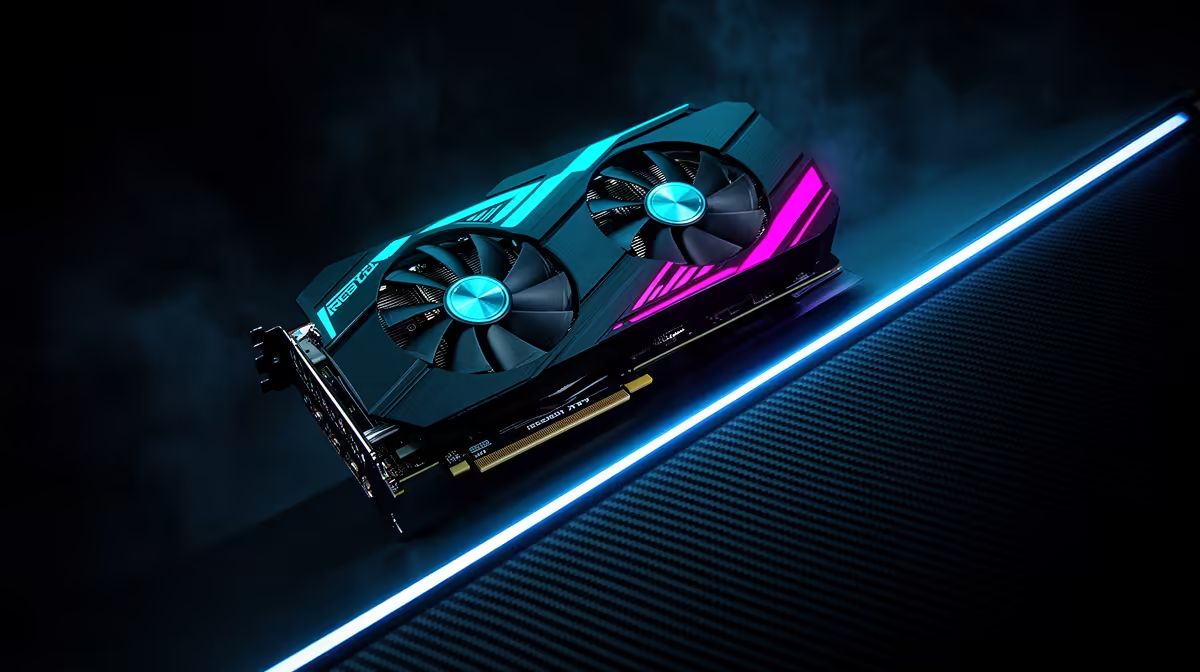
A 750W power supply for the RTX 5070 Ti gives a roughly 300W graphics card room to share the system with a strong processor. That capacity is comfortable for a normal gaming build. Your real decision is whether the chosen unit can deliver clean power through the right cables for years.
Quick Answer
Yes, 750W is enough for an RTX 5070 Ti system and is the sensible target for most builds. A quality unit leaves solid headroom for the CPU and the card's changing load, while 650W belongs to carefully measured lower-power configurations. The median PSU listing in Evetech's July snapshot was R2,099 as of July 2026.
🔋 Three hundred watts needs system context
The RTX 5070 Ti sits around a 300W design target, but the PC never powers the GPU in isolation. A fast desktop processor can add a substantial load, especially in creation work that stresses both parts. Motherboard conversion losses, cooling and storage complete the picture.
Gaming rarely pushes every component to its maximum at the same moment. That gives a 750W supply comfortable working room in a well-balanced system. A rendering or simulation workload may hold CPU and GPU load together for much longer, so test against the jobs you run as well as games.
Browse Evetech's Corsair PSU category to compare established wattage tiers. Use the power-supply best sellers to see alternative models and cable formats in the local range.
🧱 Buy the platform inside the box
Wattage is easy to print. The internal platform, protection circuits, capacitors, fan and warranty are what you live with. Read a technical review of the exact model because two supplies from one brand can use different designs.
Efficiency certification tells you how much input energy becomes usable output at defined loads. It can reduce waste heat, but it does not guarantee quiet fans, tight voltage regulation or strong transient response. Treat it as one specification among several.
Read the maker's protection list for current faults, voltage moving too high or low, short circuits and excess temperature. You do not need to decode the electronics; you need evidence that the unit was designed and tested for failures.
🔌 Make the cable plan before installation
Check the exact RTX 5070 Ti board for its power connector and recommended supply capacity. Then confirm that the PSU includes the required native cable. A clean native route can simplify the build and reduce connector clutter near the side panel.
Never mix modular cable sets between units unless the PSU maker confirms the specific combination. The component-side plug may look standard while the unit-side wiring is different. Keep spare cables in the labelled PSU box.
Seat the GPU connector fully and inspect it before closing the case. Avoid a sharp bend at the plug, especially when a thick card sits close to the panel. Route CPU power cables early because the card and cooler can block access later.
⚖️ Decide whether 650W belongs here
A strong 650W unit can run some RTX 5070 Ti systems with an efficient processor and stock settings. It offers less tolerance for CPU power changes, card tuning or future upgrades. You also need the correct connector arrangement and a unit in good condition.
If you already own a proven 650W model, measure the planned system rather than replacing it by reflex. Check the supply's age, original warranty and technical reviews. Return the CPU and GPU to stock during initial testing.
For a new build, 750W is easier to recommend because the price difference can be modest relative to the whole PC. Moving far above 750W has little value unless the rest of the specification or a future flagship card needs it. Capacity with no job only takes money from the build.
The RTX 5070 Ti range supplies the board-level details needed for the final check. Cooler size, factory tuning and connector position vary between partner cards.
🧪 Test the finished machine, not the parts list
After assembly, check every power connection and start at stock settings. Run a demanding game, then a combined CPU and GPU workload if your normal use includes both. Watch for sudden restarts, shutdowns, burning smells or unusual electrical noise.
Fan-stop behaviour can make a PSU silent at light load. Under gaming load, case placement and intake access affect noise. Give the unit clean air and keep the bottom filter clear.
If the PC shuts down during load, stop and diagnose it. Recheck cables, remove overclocks and inspect temperatures. Repeatedly forcing the fault can risk components. A known-good supply or professional bench test can separate a PSU problem from a GPU or motherboard issue.
Think about the next planned change, but keep it concrete. A later move to another mid-tier card may fit inside the same 750W envelope. A future flagship could require different capacity and connectors, so buying extra wattage today cannot guarantee compatibility with hardware that does not yet have a final specification.
Record the PSU model and installation date in the build notes. That small habit helps years later when you are deciding whether the unit should follow the PC into another upgrade. It also makes finding the correct modular cables and warranty terms much easier.
Check that the rear switch and mains lead remain easy to reach once the desk is back in place. Emergency access should not require moving the whole setup.
Document the cable path beside the PSU model.
Frequently Asked Questions
What is the RTX 5070 Ti's actual power draw?
Its design target is roughly 300W, though exact behaviour varies by partner card, game and tuning profile.
Why is 750W the recommended wattage for this card?
It leaves room for the processor, other components and rapid load changes in a typical performance build.
Does PSU quality matter more than wattage alone?
Yes. A strong platform with suitable protections and cables is more valuable than an oversized weak unit.
Can 650W work instead for a light system?
It can with an efficient CPU, stock settings and a proven supply. The reduced margin needs a careful whole-system check.
Does overclocking change the wattage need?
Yes. Higher power limits reduce headroom and can justify a larger supply.
Should I prioritise efficiency rating too?
Consider it beside platform quality, protection, fan behaviour, cables and warranty. The badge alone does not settle the choice.
Ready to give an RTX 5070 Ti stable headroom?
Compare 750W models across Evetech's PSU selection, then match the cable set to your exact graphics card and case.