Quick Answer
Yes, 1.5 metres is the practical sweet spot for most desktop display cable runs. It covers the distance from a tower PC on the floor or beside the desk to a monitor on the desk surface without excess slack to manage, and keeps passive DisplayPort and HDMI cables well within their reliable signal-integrity range at 4K resolutions.
Why Cable Length Affects Both Management and Signal Quality 🔧
Passive DisplayPort cables maintain HBR2 and HBR3 signal quality reliably up to 2 metres, after which conductor resistance and signal attenuation begin to affect performance at the highest bandwidth modes. A 1.5 metre cable sits comfortably within this range with 500mm of headroom for cable routing around monitor stand bases, desk grommets, or cable management clips without pulling the cable taut. Tension on a display cable at the connector end is the primary cause of intermittent signal loss in desktop setups. A 1 metre cable is often too short for floor-mounted towers and pulls taut at the GPU port, while a 2 metre cable on a compact desk requires 400 to 500mm of excess to tie off, adding bulk to cable management.
Planning Cable Lengths for Common SA Desk Setups 🖥️
For a mid-tower PC on the desk beside the monitor, a 1 metre cable is often sufficient but leaves no routing slack. A 1.5 metre cable fits comfortably. For a mid-tower on the floor directly below the desk, 1.5 metres reaches a monitor at standard desk height (72 to 76cm) with minimal slack. For a full tower on the floor offset to one side of the desk by 300 to 500mm, a 2 metre cable is the correct choice. For dual-monitor setups where both monitors are side by side and the PC is on the floor, both typically need 1.5 to 2 metre cables depending on exact positioning.
Cable Management Hardware That Works With 1.5M Cables 📦
A 1.5 metre cable pairs well with a cable management tray mounted under the desk, a single J-channel clip strip along the desk leg, or adhesive cable clips along the back edge of the desk surface. With 1.5 metres, there is rarely any need for a cable box to conceal excess slack. Velcro ties at two or three points along the cable run at R30 to R80 for a pack of 10 locally replace zip ties that cannot be re-opened when swapping hardware. For standing desk setups, where the cable must accommodate 400 to 500mm of vertical travel, 2 metres is the correct length and the cable should have a flexible routing loop at the desk back to absorb the height change without strain.
Measure the Route, Not the Straight-Line Distance ⚡
Before ordering a cable, measure the actual routing path it will take, including around the desk edge, along the cable management channel, and behind the monitor stand, not the direct distance from PC to monitor. The routed path is typically 20 to 40 percent longer than the straight-line distance, which is why a desk that looks like it needs a 1 metre cable often actually requires 1.5 metres when properly routed.
FAQ
Can a cable that is too long cause signal issues at 4K?
Excess cable length itself does not degrade the signal at 4K within the 2 metre passive limit. The issue with overly long cables is physical management: excess cable that is tightly coiled creates mechanical stress on the conductors over time.
What if 1.5 metres is not available in the cable type I need?
Most SA retailers including Evetech stock standard lengths of 1, 1.5, and 2 metres for DisplayPort and HDMI cables. If 1.5 metres is out of stock in your required spec, a 2 metre cable with careful routing is a clean solution.
Does a braided cable affect flexibility for cable management?
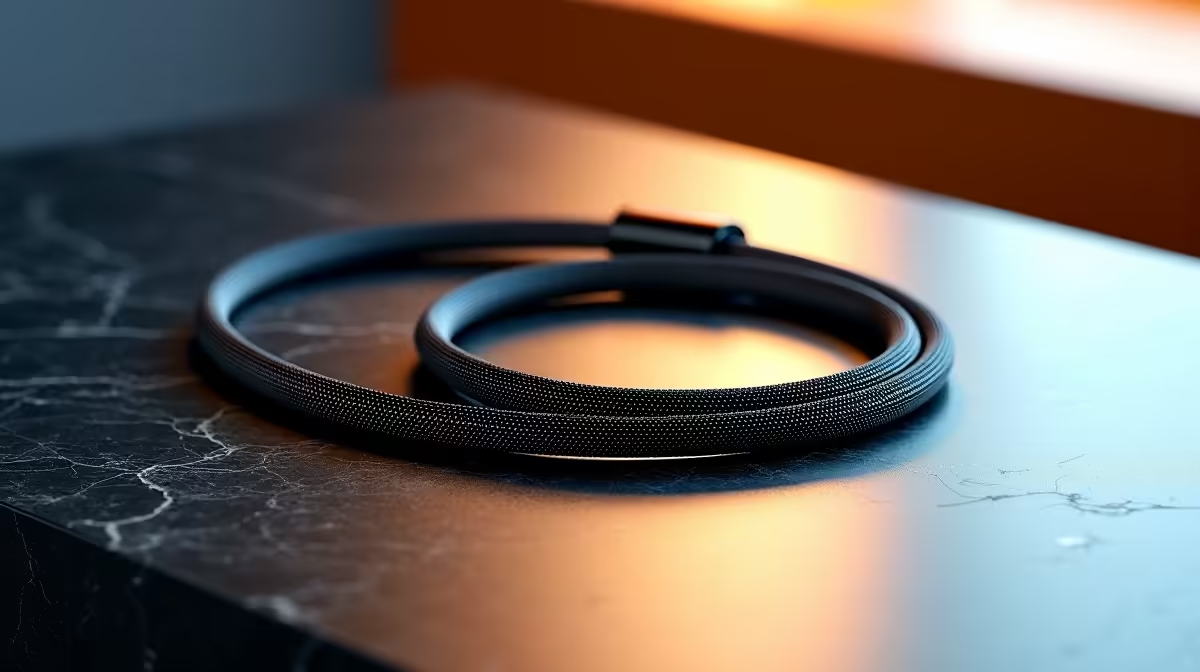
Braided cables are slightly stiffer than plain PVC cables of the same gauge, which makes them easier to route in straight lines but less forgiving around tight bends. For corner-mounted desks with sharp routing angles, a flexible plain PVC cable is easier to manage.
Sorting out cable management for your PC setup?
Evetech stocks DisplayPort and HDMI cables in 1, 1.5, and 2 metre lengths to match your exact desk layout, available online and in-store.