Quick Answer
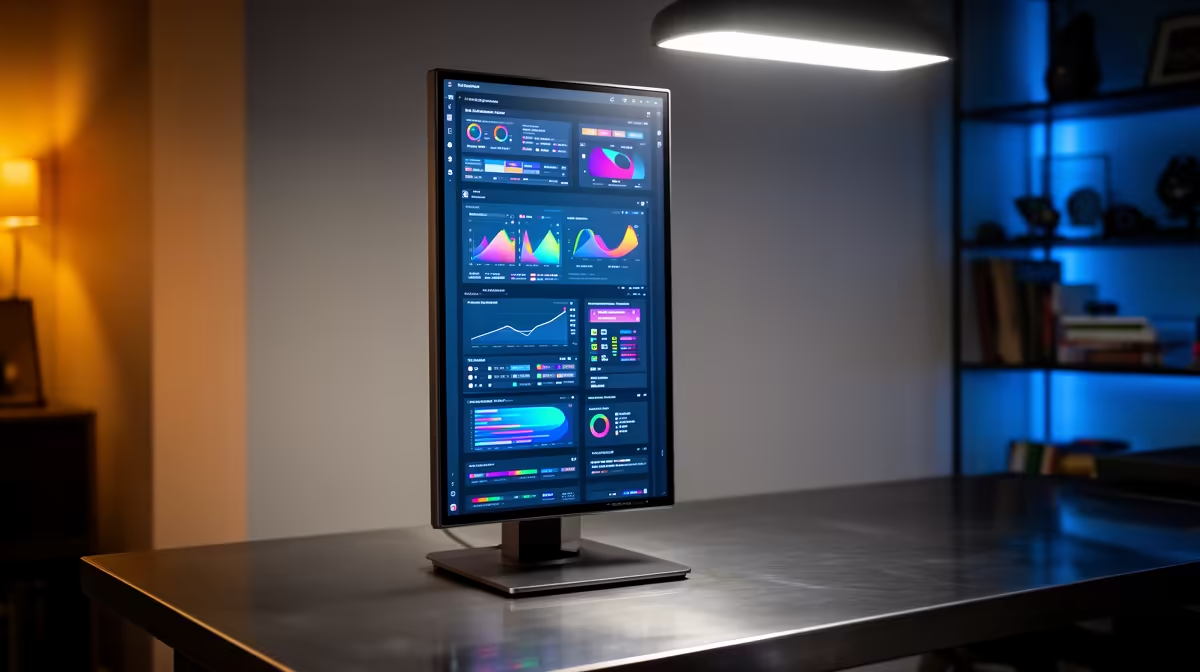
A vertical secondary monitor is worth it for Discord, coding, documents and stream chat, but it does not improve game FPS. The value is workflow: a R2,500-R5,000 side monitor can make a single-PC desk feel less cramped.
What You Gain
The gain from vertical secondary monitors should be easy to name before you spend. It might be lower latency, less noise, cleaner desk space, steadier thermals or a better second-screen workflow. If the benefit cannot be measured in fps, degrees Celsius, rand saved or fewer daily annoyances, the upgrade is probably cosmetic.
Choose an IPS panel with a stand or VESA arm that rotates cleanly. A 24-inch 1080p screen is easier to read vertically than an oversized display squeezed beside the main monitor. For South African homes, also consider delivery time, warranty handling and whether the setup fits a shared study or gaming desk.
Buying Checks
Write down the current weak point first. If the weak point is frame rate, a cooling accessory will not fix an underpowered GPU. Use named anchors such as Ryzen 7 9800X3D, RTX 5070, RX 9070 XT, 1TB NVMe SSDs and 144Hz or 240Hz monitors to keep the budget honest.
FAQ
Is vertical secondary monitors a good first upgrade?
Only if it fixes the main problem you feel every day. For raw gaming performance, GPU, monitor and SSD upgrades usually matter first.
What price range should SA buyers expect?
Use broad bands and confirm live stock before deciding. Many useful accessories and monitors sit from about R2,500 to R9,000, while full gaming PC upgrades can move from R15,000 upward.
Will this improve FPS?
Usually no, unless the old setup was throttling or limiting the display. FPS mainly comes from the GPU, CPU, RAM and game settings.
Practical check
Name the problem in one sentence before buying. If the product does not fix that sentence directly, move the budget to the monitor, GPU, SSD or cooling path.