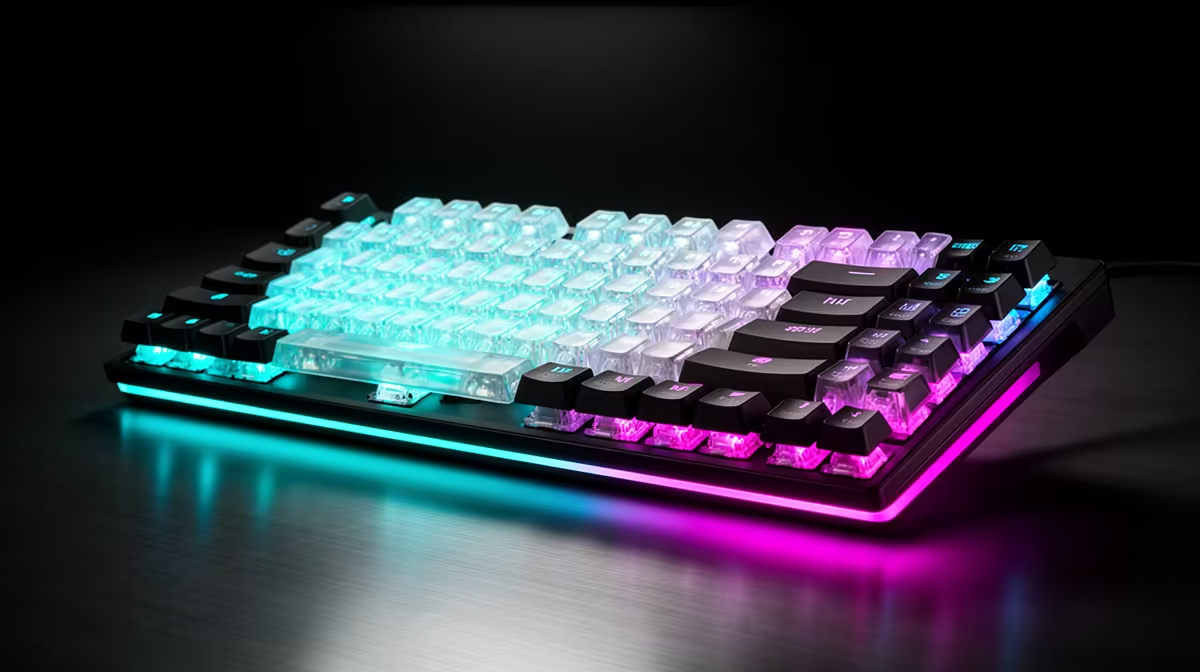
A keyboard can move from a basic membrane board near R500 to a well-built mechanical or magnetic model near R2,500, but price does not create speed by itself. Layout, scan behaviour, firmware and switch sensing all matter. The useful step is from unreliable or awkward input to a board whose feel, noise and controls suit your games and work.
Quick Answer
Use the R500 rung for dependable wired keys and the layout you need. Around R1,000 to R1,500, mechanical switch choice, detachable cables and better construction become easier to find. Around R2,500, hot-swap, stronger keycaps, wireless or adjustable magnetic actuation may fit. Measure board latency and test the exact model; a mechanical label is not proof of faster response.
R500: basic membrane can be enough
A membrane keyboard uses a flexible contact layer under the keys. It can be quiet, spill-resistant within its stated design and inexpensive. The feel may be soft and less distinct than a mechanical switch, while many players use it without missed inputs.
Check rollover for the combinations your games use. WASD, Shift, Space and several ability keys should register together. A board does not need unlimited rollover to handle a real set of controls.
Layout matters more than lighting. Full-size includes a number pad. Tenkeyless and compact membrane boards can return mouse space, though options are fewer at the lowest rung.
The R500 figure is a shopping ceiling, not a permanent price claim. Build from a named current board and date any quoted figure as of July 2026.
Around R1,000: mechanical feel enters the choice
Mechanical switches give each key its own mechanism. Linear switches move without a tactile bump. Tactile switches add a force change. Clicky switches add an audible click and can be intrusive in a shared room.
The case, plate, stabilisers and keycaps change sound. Two boards with the same switch can feel and sound different. Listen to the complete product and type a paragraph where possible.
Mechanical does not mean low latency. Debounce, scan and USB report behaviour come from the board electronics and firmware. Look for measured input delay across keys, not the switch's physical actuation point alone.
R1,500 to R2,000: construction and ownership
This middle can bring better stabilisers on large keys, thicker keycaps, a detachable cable and more consistent software. Hot-swap sockets may let you replace switches without soldering, provided the supported pin and switch type match.
Wireless appears more often. A dedicated low-latency receiver can suit gaming, while Bluetooth is useful for moving between devices. Check which mode supports the intended polling and whether the board works while charging.
Onboard memory can save profiles without keeping a control application open. Check whether remaps, macros and lighting all save, or only part of the configuration.
R2,500: premium mechanical or magnetic features
At the upper rung, you may find refined mechanical construction, hot-swap support, better acoustics or magnetic switches with adjustable actuation. These are different value paths.
Magnetic Hall-effect boards can sense key travel continuously. Adjustable actuation changes where a press registers, and rapid-trigger modes reset based on movement. Competitive movement can feel responsive, while ultra-short settings can cause accidental inputs.
Create separate gaming and typing profiles. Keep chat, ability and menu keys at a point that prevents mistakes. Firmware quality and calibration are crucial, so read long-term exact-model testing.
Premium mechanical boards may focus on feel and repairability rather than competitive features. Standard keycap sizes, available switches and accessible stabilisers can keep them useful for years.
Choose layout before tier
Full-size suits number entry. Tenkeyless keeps function, arrows and navigation without the number pad. A 75 percent layout compresses those keys, and a 60 percent board places several functions on layers.
Draw the mouse area after placing each width. A more expensive full-size keyboard can worsen low-sensitivity play by pushing the mouse outward. A cheaper compact layout may be the stronger desk upgrade.
Check South African key legends and your typing requirements. ANSI and ISO layouts move key shapes and positions. Keycap replacements need to fit the exact layout.
Switch force and travel
Light switches can reduce finger effort and increase accidental presses. Heavy switches can feel controlled and become tiring. Tactile bumps can provide feedback before bottoming out.
Actuation distance is one part of total response. The finger still moves, the switch senses, the board scans and USB reports. Do not turn a 0.1mm setting into a complete latency claim.
For shared work, noise can be the dominant feature. Silent switches and damped cases cost more, while a good membrane board may remain quieter than a cheap mechanical one.
Build the local shortlist
Compare current gaming keyboard deals and the keyboard best-seller page. Open the exact layout, switch, connection and software support.
The linked pages span office-style and gaming boards. Do not use their lowest product as the R500 tier without checking what it is. Named products and dated prices are the only safe basket.
Test latency in context
A low-latency board has most value when the PC holds a high frame rate and the monitor has fast refresh and response. At 60Hz, a tiny keyboard difference is only one part of a much longer pipeline.
Use a repeatable input test and game movement routine. Keep frame cap and network conditions stable. Check for chatter, dropped keys and accidental actuation after firmware changes.
High polling can add CPU or USB demand. Test the whole PC at the chosen rate rather than selecting the maximum option.
Durability and repair
Key switch ratings are laboratory figures, not a complete lifespan guarantee. Cables, sockets, stabilisers, keycaps and firmware support can fail or wear first.
A detachable cable is easy to replace. Hot-swap switches can repair one bad key. Replacement keycaps need compatible stems and sizes. Check the current warranty route and keep proof of purchase.
Clean with the board disconnected and follow the maker's method. Spill resistance does not make a product waterproof.
Which rung should you buy
Stay near R500 when you need a reliable standard layout and quiet input. Move up for switch feel, compact layout or better construction. Reach R2,500 only when adjustable actuation, premium wireless, hot-swap or long-term customisation has a job.
Stop below the ceiling when the board fits. A premium knob, screen or lighting layer should not displace the mouse or monitor upgrade you need more.
Frequently Asked Questions
Is a mechanical keyboard faster than membrane?
Not by definition. Complete-board scan, debounce, firmware and actuation decide measured response.
Is R2,500 necessary for rapid trigger?
Current named products decide the price. Verify the exact magnetic-switch feature and do not treat the tier as a permanent minimum.
Which switch is best for gaming?
Choose force, travel, noise and control that suit you. Linear switches are common, while tactile and magnetic options can be equally valid.
Choose keyboard tier from layout, measured board response and switch feel, paying R2,500 only when advanced features improve your real use.