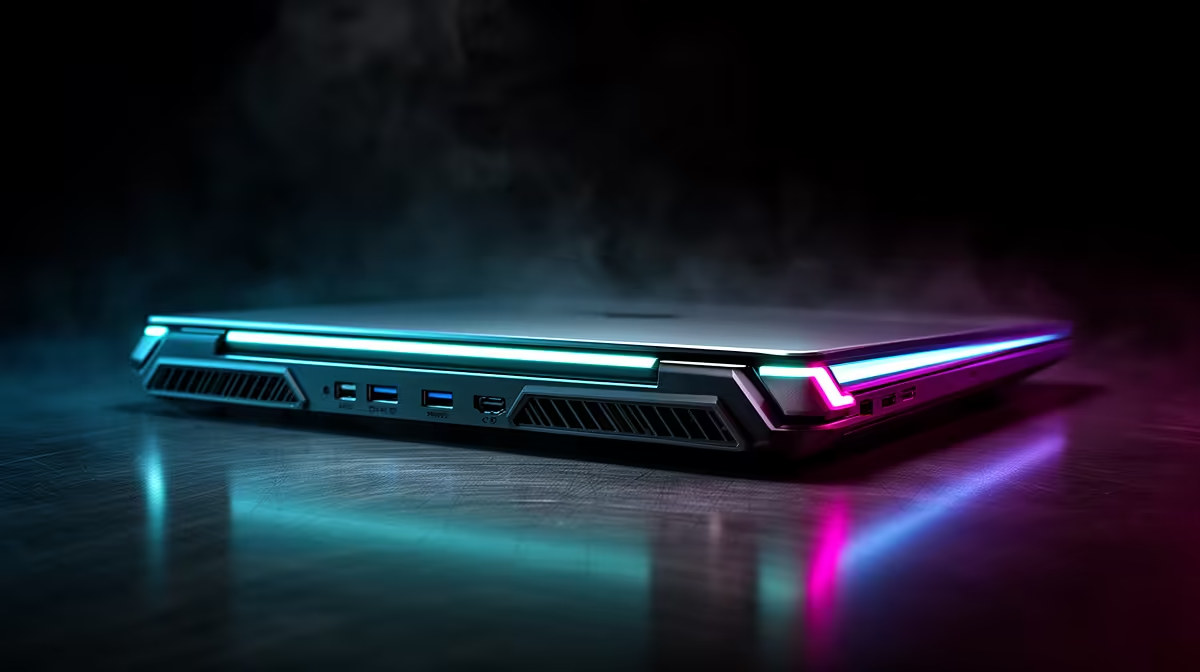
Lenovo LOQ RTX3050 at R9,500 suits an SA creator or student who wants a laptop with dedicated graphics for 3D rendering while using a docking station for screens, keyboard, mouse, and storage.
What the dock can and cannot do
A docking station helps the desk setup, but the Lenovo LOQ RTX3050 at R9,500 does the actual heavy lifting because RTX3050 graphics are built into the machine. That makes it the strongest listed pick when viewport work, previews, and export sessions matter more than simply adding extra ports.
The ASUS Vivobook X1504VA i7 at R13,999 is a practical alternative when the workload is lighter and the buyer values an i7 processor in a cleaner everyday machine. It can sit on a creator desk with a dock attached, but the dock should be treated as cable management and display expansion, not a performance upgrade.
For office-first buyers, the Lenovo IdeaPad Slim 3 i7 at R13,400 and ASUS ExpertBook P1503 i5 at R9,858 make more sense for admin, browser-based tools, notes, and client work around the same desk. The i7 Slim 3 gives more processor headroom, while the i5 ExpertBook keeps the spend lower for support tasks beside the main creative machine.
Creator desk reality for SA buyers
If the desk has a monitor, drawing tablet, external drive, and network cable, a dock can make the Lenovo LOQ RTX3050 at R9,500 feel tidier without pretending to turn every notebook into a workstation. The ASUS Vivobook S14 OLED at R10,719 is also useful on that desk when colour-rich review and presentation matter, because OLED is the standout listed spec.
Ready to choose the right laptop?
Use ASUS ExpertBook P1503 i5 at R9,858 as the laptop shortlist benchmark, then check whether its listed spec matches the space, workload, and upgrade path.