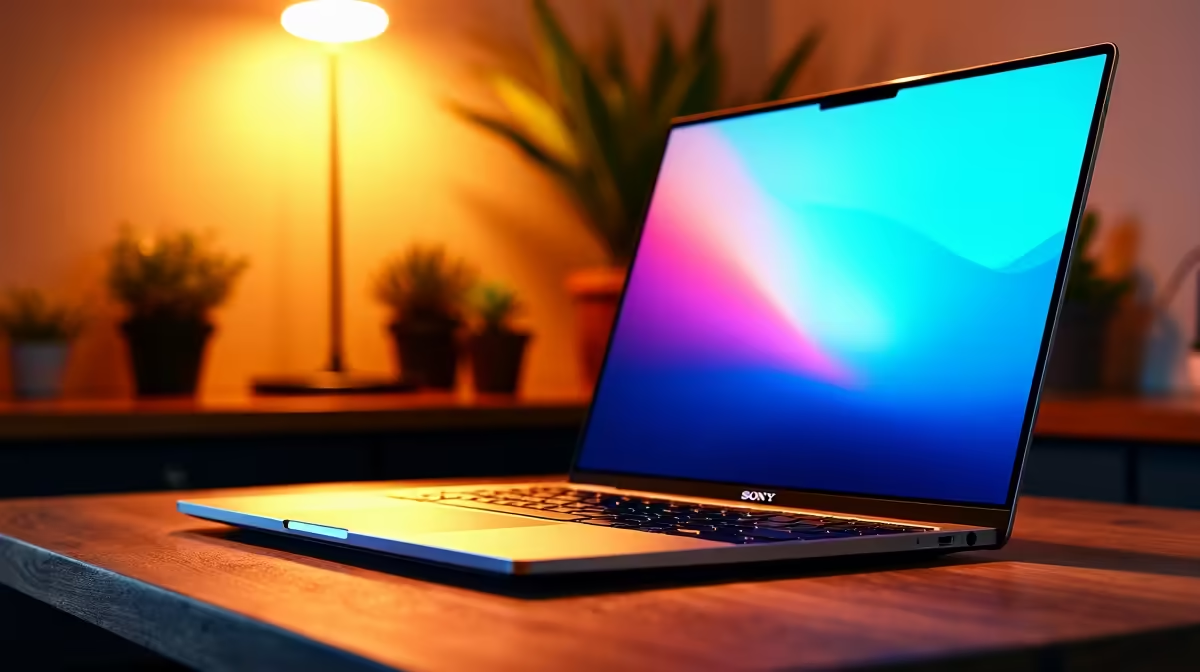
We've all been there. For South African creators, a powerful desktop is great... until the power cuts out. This is where modern laptops for video editing in South Africa truly shine. They offer the raw performance to crush 4K projects and the freedom to work from anywhere, keeping your creative flow uninterrupted. Ready to ditch the render-anxiety for good? 🚀
Why a Laptop is Your Ultimate Creative Rig in SA
The biggest advantage is simple: portability meets power. In a country where your workspace can change in an instant (thanks, Eskom!), having a self-powered creative suite is a massive benefit. The built-in battery acts as a free UPS, giving you hours to finish a render or save your project when the lights go out.
Beyond just beating an unexpected outage, this mobility means you can work on-set, at a client's office, or from a coffee shop with decent Wi-Fi. It untethers your creativity from a single desk. Many of today's powerful gaming laptops are perfectly specced for demanding creative workflows, offering incredible value for money.
The Core Components That Truly Matter
When you're looking for a new laptop, the spec sheet can be intimidating. Let's break down what actually moves the needle for a smooth editing experience.
CPU: The Brains of the Operation 🧠
Your Central Processing Unit (CPU) does the heavy lifting, especially during rendering and encoding. More cores and higher clock speeds mean faster exports. For years, the debate has raged, but both sides offer incredible options. The multi-core performance on the latest Intel laptops makes them fantastic for handling complex timelines in Adobe Premiere Pro and DaVinci Resolve.
GPU: Your Visual Powerhouse
The Graphics Processing Unit (GPU) is no longer just for gaming. In modern content creation, it accelerates real-time playback of effects, colour grading, and AI-powered features. A dedicated NVIDIA RTX or AMD Radeon GPU with plenty of VRAM is essential for 4K footage and graphics-heavy projects. Many modern AMD-powered machines pair their strong CPUs with capable graphics for a balanced, high-performance package.
RAM & Storage: The Unsung Heroes
- RAM (Memory): 16GB is the absolute minimum for 1080p work. For 4K workflows or running multiple apps like After Effects and Premiere Pro simultaneously, 32GB is the sweet spot to avoid frustrating slowdowns.
- Storage (SSD): A fast NVMe Solid-State Drive (SSD) is non-negotiable. It drastically cuts down on project loading times and makes scrubbing through your timeline buttery smooth. Forget mechanical hard drives for your active projects!
Editing Pro Tip: Use Proxies! ⚡
Even with a beastly machine, 4K or 6K RAW footage can chug. Create low-resolution "proxy" files for your edit. Both Premiere Pro and DaVinci Resolve have built-in tools for this. You'll work with the smooth, lightweight proxies, and the software will automatically switch back to the high-quality original files for the final export. It's the secret to a lag-free timeline.
Key Benefits of a Modern Creative Laptop
So, what does all this tech actually mean for your workflow? It boils down to efficiency and quality.
A well-chosen video editing laptop delivers incredibly fast render times, turning hours of waiting into minutes. This means more time for creative tweaks and less time staring at a progress bar. Furthermore, many high-end models now come with stunning, factory-calibrated displays with excellent colour accuracy (look for high sRGB or DCI-P3 coverage), ensuring what you see is what your audience gets. ✨
Ultimately, the right machine empowers you to produce professional-quality content faster and more reliably. When you're ready to upgrade your creative toolkit, you can browse our wide range of laptop specials to find a fit for your budget and needs.
Ready to Find Your Perfect Editing Partner?
Stop letting slow hardware and power cuts dictate your creative process. A purpose-built laptop is the key to unlocking your potential in South Africa. Explore our massive range of laptops for video editing and find the perfect machine to bring your vision to life.