Quick Answer
An LCD pump head display adds real-time monitoring visibility and personalisation to an AIO cooler, but contributes nothing to thermal performance. The cooling capability of an AIO is determined by its radiator, pump, and fans, not the display. LCD models typically cost R500 to R1,500 more than equivalent non-LCD versions from the same brand.
What the LCD Display Actually Provides 🖥️
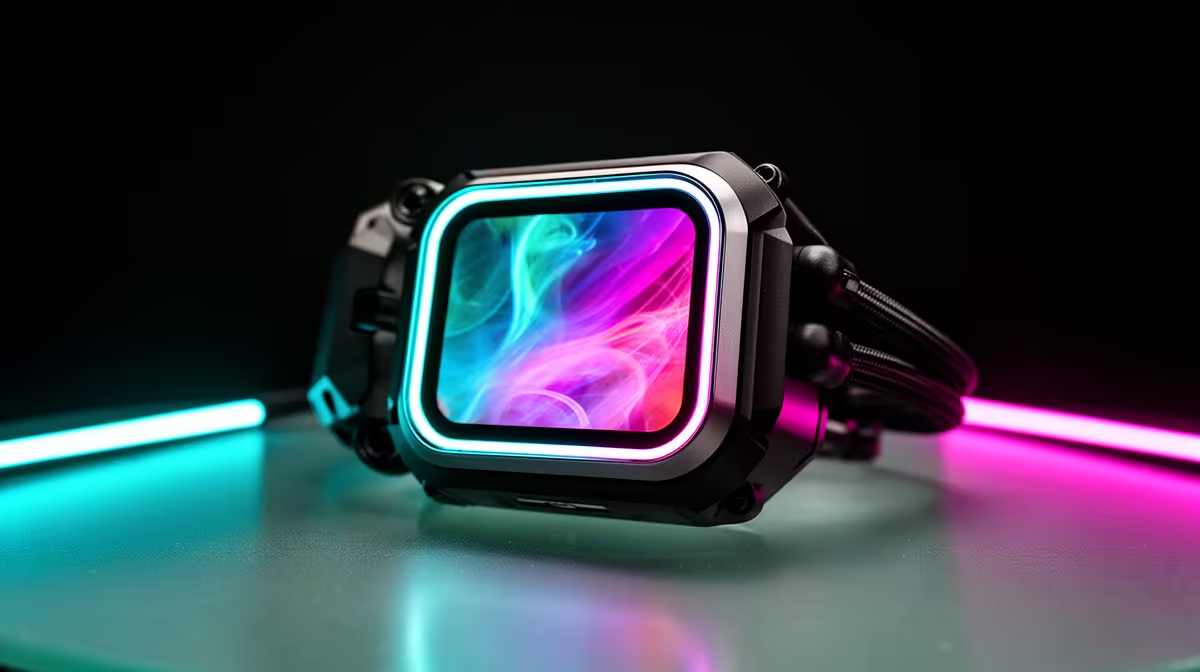
The 2.4-inch to 2.8-inch LCD screens found on units like certain Corsair and Lian Li AIO pump heads display sensor data, custom images, and animated GIFs through companion software. The most practically useful function is real-time CPU and coolant temperature display without needing an on-screen overlay or a secondary application running in the background. For South African builders who game on a single monitor and do not want a HWiNFO64 overlay cluttering the screen, the pump head display provides an always-visible temperature readout at a natural glance angle. Beyond monitoring, users can upload custom GIFs, team logos, or static images, which is purely cosmetic but popular in RGB-heavy builds.
Standard AIO: Better Value on a Constrained Budget 💰
For builders where every rand is allocated carefully, a standard AIO without an LCD screen from the same product tier delivers identical cooling performance at a meaningfully lower price. A mid-range 360mm AIO without a display costs around R2,000 to R3,200 locally, while a comparable LCD variant from the same brand sits at R3,500 to R5,000. That R1,000 to R1,500 difference covers a quality 1TB NVMe SSD or a RAM upgrade from 16GB to 32GB, both of which have a more tangible impact on system performance than a pump head screen. If monitoring is the priority but the LCD premium is not justified, a free app like HWiNFO64 with a desktop widget or Rainmeter overlay achieves the same result at zero cost.
When the LCD Premium Is Worth Paying 🎮
The LCD display earns its cost premium in two specific contexts. First, in a content-creation workstation where the builder monitors CPU thermals during long renders without wanting an overlay interrupting the editing timeline, the hardware display is genuinely convenient. Second, in a showcase build where aesthetics are a primary concern and the LCD pump head is a centrepiece visible through a tempered glass side panel, the display delivers value aligned with the build's goals. For competitive gaming rigs prioritising fps over aesthetics, the funds are almost always better spent elsewhere in the component list.
Verify USB Header Availability Before Buying an LCD AIO ⚡
LCD AIO pump heads require an internal USB 2.0 header for the display data connection. Some budget and mATX motherboards have only one or two USB 2.0 headers, which may already be occupied by RGB controllers or case front-panel connections. Check your motherboard's header count before purchasing.
FAQ
Does the LCD display on an AIO cooler cause any CPU performance impact?
No. The companion software running the display uses negligible CPU resources, typically below 0.5 percent, and the USB data connection has no effect on thermal performance or system responsiveness during gaming.
Can I turn off the LCD display to reduce power draw?
Yes. Most companion software includes a display off schedule or brightness-to-zero option. The AIO continues cooling normally with the display powered down.
Are LCD AIO coolers harder to set up than standard AIOs?
Slightly. The LCD model requires installing companion software and connecting the additional USB header. This adds roughly 10 minutes to setup time but is straightforward. The physical installation of the radiator and cold plate is identical between LCD and standard versions.
Weighing up an LCD AIO versus a standard model?
Compare the full range of AIO coolers stocked at Evetech and find the right match for your build priorities.