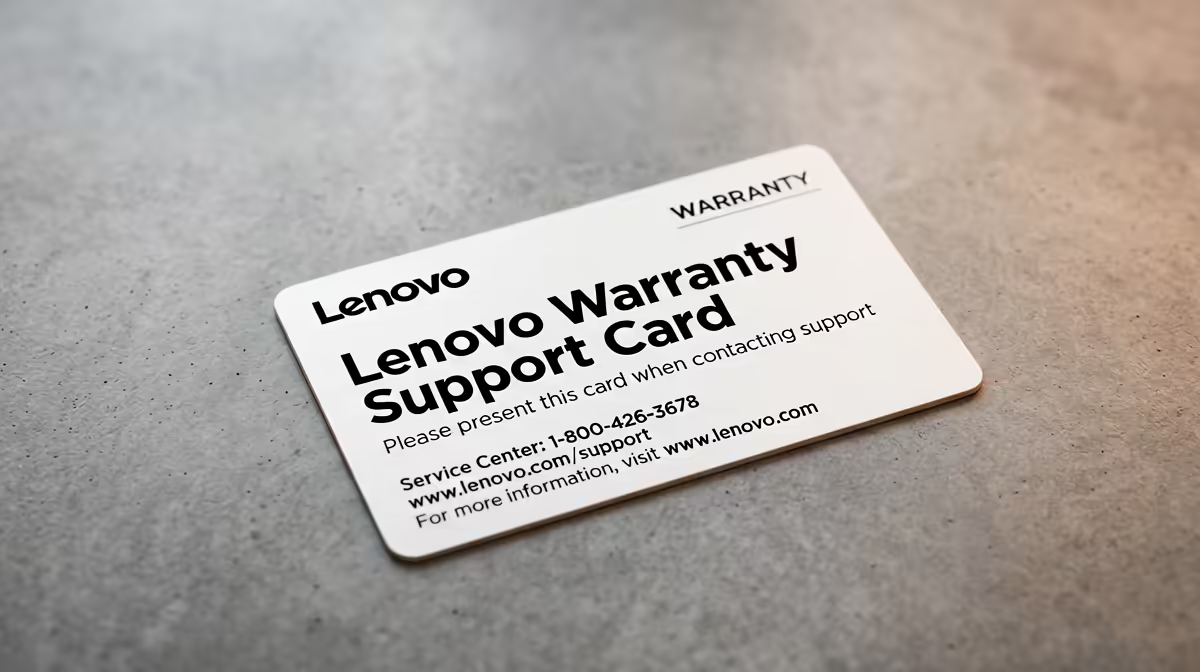
You’ve just unboxed your shiny new Lenovo gaming laptop. The beast is purring, the RGB is glowing, and you’re ready to dominate the server. But then... something glitches. A flicker, a freeze, a fan that sounds a bit off. Before panic sets in, take a breath. Understanding your Lenovo warranty support is the first step to getting back in the game, and in South Africa, the process is more straightforward than you might think. ✨
Understanding Your Standard Lenovo Warranty
Every new Lenovo machine comes with a base warranty, which is your safety net against manufacturing defects. Think of it as a promise that the hardware inside—your CPU, GPU, RAM, and motherboard—will work as advertised. What isn't covered? Issues like software glitches, viruses, or accidental damage (like spilling your Steri Stumpie on the keyboard).
Lenovo offers a fantastic variety of machines, and the warranty details can sometimes vary slightly between them. From entry-level powerhouses to premium rigs, knowing your coverage is key. It's always a good idea to familiarise yourself with the terms that came with your specific device from Evetech's wide range of Lenovo gaming laptops.
How to Check Your Lenovo Warranty Status in Minutes
So, how much time is left on your coverage? Finding out is simple and only takes a moment. You'll need your laptop's serial number (S/N), which is usually found on a sticker on the bottom of the device or on the original box.
Once you have it, just head over to Lenovo's official PC support website, enter the number, and it will instantly show your warranty status, including the start and end dates. This dashboard is your main portal for initiating any Lenovo warranty support claim. For example, checking the warranty on a new Lenovo IdeaPad Gaming 3 is a quick, two-minute job.
Quick Serial Number Finder 🔧
't find the sticker? No problem. Open the Command Prompt in Windows (search for 'cmd' in the Start Menu) and type this command: wmic bios get serialnumber. Press Enter, and your machine's unique serial number will appear instantly. No need to even flip your laptop over!
The Lenovo Warranty Support Process in South Africa
Okay, you've confirmed your laptop is under warranty. What happens next? The local Lenovo support process is designed to be efficient.
- Log a Ticket: The first step is to log a support ticket through Lenovo's website or by calling their support line. You'll explain the issue and provide your serial number.
- Remote Diagnosis: A technician will likely guide you through some troubleshooting steps to confirm if it's a hardware fault.
- Repair or Replace: If a hardware fault is confirmed, Lenovo will arrange for a repair. This is where different warranty tiers shine. Base warranty is usually "carry-in," meaning you take it to a designated service centre. However, premium options, often standard with the high-performance Lenovo Legion series, include on-site support where a technician comes to you. 🚀
Upgrading Your Warranty: Is It Worth It?
For many gamers, a laptop is a serious investment. Upgrading your Lenovo warranty support can offer incredible peace of mind. Two popular options are:
- Warranty Extension: This simply extends your standard hardware coverage for an additional year or two. It's a cost-effective way to protect your gear for longer.
- Accidental Damage Protection (ADP): This covers the oopsies... drops, spills, and screen cracks. If you're often gaming on the go or have a busy household, ADP can be a lifesaver.
Considering the value packed into the new Lenovo LOQ gaming laptops, adding an upgraded warranty plan is a smart move to protect your purchase for years to come.
Ready to Game with Confidence?
A solid warranty is your ultimate backup, letting you focus on climbing the leaderboards. Knowing you're covered is priceless. Explore our incredible range of Lenovo laptop specials and find a machine backed by both Evetech's service and excellent Lenovo support.