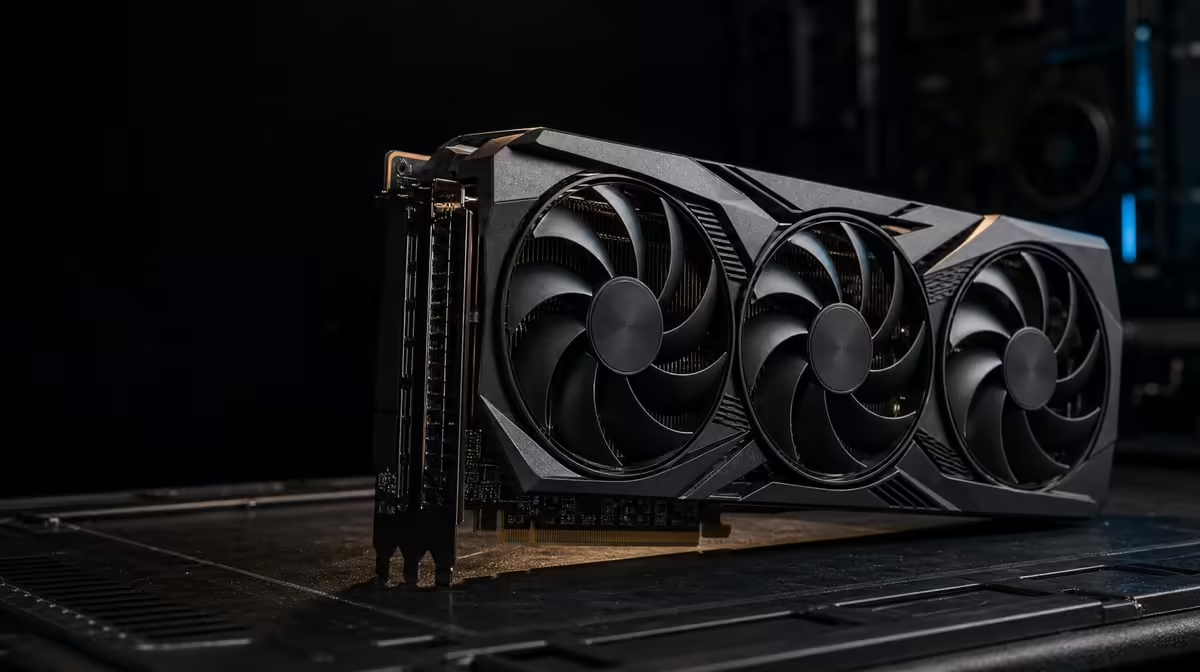
The most expensive graphics card can still be the wrong component for an unprepared system. Before buying a flagship GPU, confirm the use case, full cost, chassis fit, power path, motherboard arrangement, display plan and software evidence.
Quick Answer
The ASUS TUF RTX 5090 costs R73,599 and supports PCIe 5.0, 32GB GDDR7, 3352 AI TOPs and five physical display outputs. Buy only after those features map to repeated work and the exact case, power supply, motherboard and monitors have been checked.
🎯 Establish what the card must change
Write a short problem statement before comparing specifications. It should name the game or application, current limitation, desired result and how success will be measured. "I want the fastest" cannot establish whether the purchase worked.
Gaming goals need title, resolution, settings and frame behaviour. Creator goals need application, project size and output deadline. AI work requires a supported tool, model and precision. Avoid merging these into a generic "powerful PC" requirement.
Collect evidence from a comparable configuration or run the workload where practical. Average performance alone may hide uneven frame delivery, failed large projects or quality changes. Record the measures that affect the user.
At R73,599, the card should solve a frequent and valuable constraint. Compare its cost with the next-best option and another system upgrade. A processor, storage or memory change may address a different limitation more directly.
Set an expiration date for the evidence. If the purchase is delayed and application versions, prices or platform plans change, rerun the decisive checks. Do not carry an old conclusion into a materially different build.
Begin the shortlist in Evetech's ASUS graphics-card section only after the problem statement is complete.
📐 Prove physical and electrical readiness
Check the card's official dimensions against the chassis in its final configuration. Front fans, radiators, drive cages and cable space can reduce nominal clearance. Do not measure an empty case and ignore components that will return during assembly.
Confirm the documented power requirements and connector arrangement. Inspect the power supply's capabilities, condition and cabling route. The connection needs secure seating and enough room to avoid harmful pressure against a panel; never invent a wattage from the GPU tier.
The motherboard must offer a suitable slot and firmware support. PCIe 5.0 is part of the card specification, but generation alone does not settle compatibility. Read the board manual for lane sharing, slot spacing and changes caused by other expansion or storage devices.
Plan how the installed card will be supported according to the chassis and product guidance. A heavy-looking card should not prompt improvised mounting hardware that could obstruct fans or contact components.
Check access for maintenance. Filters should remain removable, cables should not cross fan blades and the card should not make essential connectors unreachable without a complete rebuild.
Prepare a safe installation sequence before opening components. Back up important work, shut the system down correctly and follow the hardware makers' instructions for handling and connection. If any step is uncertain, use a qualified technician rather than improvising around costly equipment.
Photograph cable routes and slot use before disassembly. Those reference images make it easier to restore the original state if the upgrade pauses or another component needs to be returned to its former connector.
Use Evetech's NVIDIA graphics-card category to compare alternatives that fit the confirmed envelope.
🌬️ Map heat and display routes
The ASUS TUF cooler names ASUS's patented chamber plus axial-tech airflow. These parts distribute heat and move air through the card. Chassis intake supplies cooler air, while exhaust clears the energy released inside.
Sketch the airflow path with the card installed. Check for front-panel restriction, crowded slots, loose cables and a rear or top exit for warm air. Room placement also matters; vents pushed against a wall or cabinet cannot exchange air freely.
Plan the display side with the same care. Five routes divided into three DP 2.1b and two HDMI 2.1b sockets provide five physical routes. List each monitor's input, desired resolution and refresh rate before allocating a port.
Do not assume that five outputs guarantee five active monitors at every demanding mode. Confirm simultaneous-display support for the intended combination. Cables and adapters must also support the selected path.
Connect and test the main screen first, then add panels individually. Set native resolution, refresh, scaling and virtual position. Run games and creator software to confirm they open on the desired display.
The protective PCB coating is a durability detail, but the machine still needs a clean and well-ventilated build. Keep liquids, dust and blocked airflow away from the computer.
🧪 Validate memory and AI use
Thirty-two gigabytes of GDDR7 can support large working sets, yet value depends on memory pressure in actual software. Monitor a representative game, scene or AI model and note whether capacity changes settings, completion or responsiveness.
The 3352 AI TOPs rating describes theoretical supported AI operations. Check the application's acceleration path and compare the same model, precision and output controls. Do not translate TOPs directly into minutes saved.
Keep a full-system view. Storage supplies data, system memory holds host-side information and the CPU coordinates parts of the job. If one of those is saturated, an expensive GPU can wait.
Run a production-length test, not only a short demonstration. Observe stability, sustained performance and fan behaviour after the system warms. Record room conditions and application versions so later comparisons remain meaningful.
Include a return-to-idle check. After the demanding job finishes, confirm that applications remain responsive, fans behave normally and the display arrangement recovers as expected. A complete workflow includes the transition out of heavy use.
For mixed gaming and creation, weight each activity by weekly use. An occasionally opened tool should not receive the same budget influence as daily work merely because it can use an impressive feature.
Write a go/no-go sheet before ordering. It should show workload proof, price ceiling, chassis measurement, power confirmation, motherboard check, airflow drawing and display allocation. Any unresolved item stays visible rather than turning into an installation surprise.
Ask another builder to review that sheet without the sales page open. If the plan cannot explain the need, compatibility and stopping rule in ordinary language, the specification list may still be driving the decision.
Review Evetech's GPU best sellers against that sheet, then check current availability when every essential box has evidence.
Frequently Asked Questions
What should a buyer establish before comparing specifications?
Define the exact workload, current limitation and measurable result the new graphics card must deliver.
Why is case clearance essential for a flagship GPU?
The card must fit alongside installed fans, radiators, drives and safe cable routes, not just inside an empty chassis.
What should be checked about the power supply?
Confirm the card's documented requirements, the supply's suitability and a secure connector route with adequate physical space.
Does PCIe 5.0 settle motherboard compatibility?
No. Firmware, slot layout, lane sharing, physical spacing and the active link also require review.
How should a five-output layout be assessed?
Map each DisplayPort 2.1b or HDMI 2.1b socket to a monitor input and intended mode, then confirm simultaneous support.
Who is most likely to value 32GB of GDDR7?
Users whose games, large creative projects or supported AI models place meaningful pressure on smaller graphics-memory pools.
What makes the R73,599 price easier to justify?
Frequent measured work that uses the card's resources and cannot be served adequately by a less expensive complete configuration.
Preparing for a flagship-class build?
Complete the workload, fit, power, platform, cooling and display checks, then compare Evetech graphics cards with every unresolved risk visible.