The best study and gaming computer in this price class is the one that completes coursework first and runs a clearly defined game list at acceptable settings. A vague promise of gaming can hide major differences between esports titles, older favourites and demanding new releases. Portability also changes the answer.
List compulsory study tools and five real games
Check course software, browser and video-call needs, campus mobility, battery expectations and required ports. For each game, use its current official requirements and decide what resolution and quality would be acceptable. Include a monitor and Windows licence where a desktop bundle does not provide them.
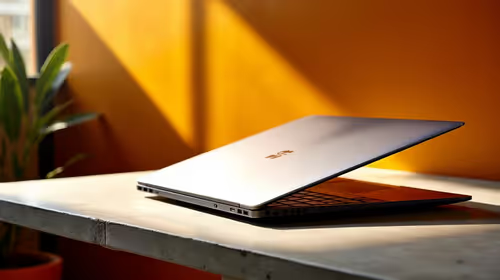
The ASUS ExpertBook P1503 with Windows 11 Pro, Core i5-13420H, 8GB memory and 512GB storage at R9,858 is a verified study-laptop reference. It should not be presented as a dedicated gaming laptop. Confirm its exact graphics, memory upgrade path and each game’s requirements before deciding whether lighter play is realistic.
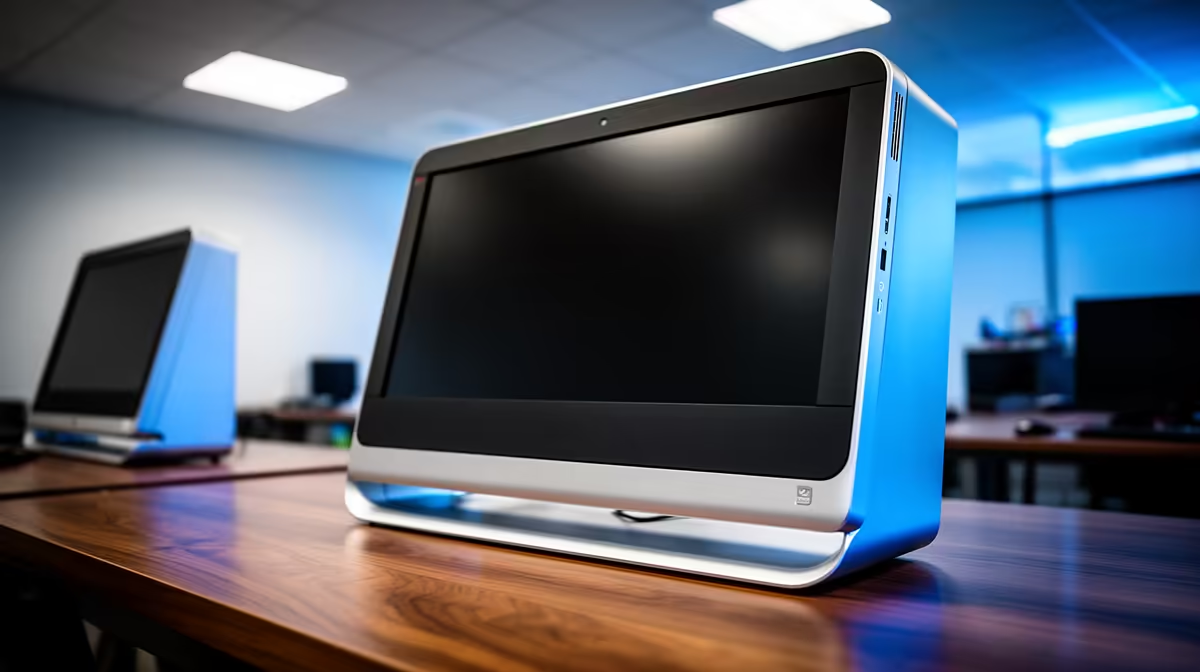
A desktop may offer stronger upgrade value but adds display, keyboard, power and transport needs. A laptop keeps one portable study environment. Back up assignments independently, test campus platforms and leave storage headroom for both course files and game updates.
Choose the machine that passes every compulsory academic task. Reduce game expectations or save for a suitable graphics tier rather than sacrificing required software support for an unverified gaming claim.
Balancing coursework and play? > Compare Evetech student laptops and gaming PCs by measured requirements.