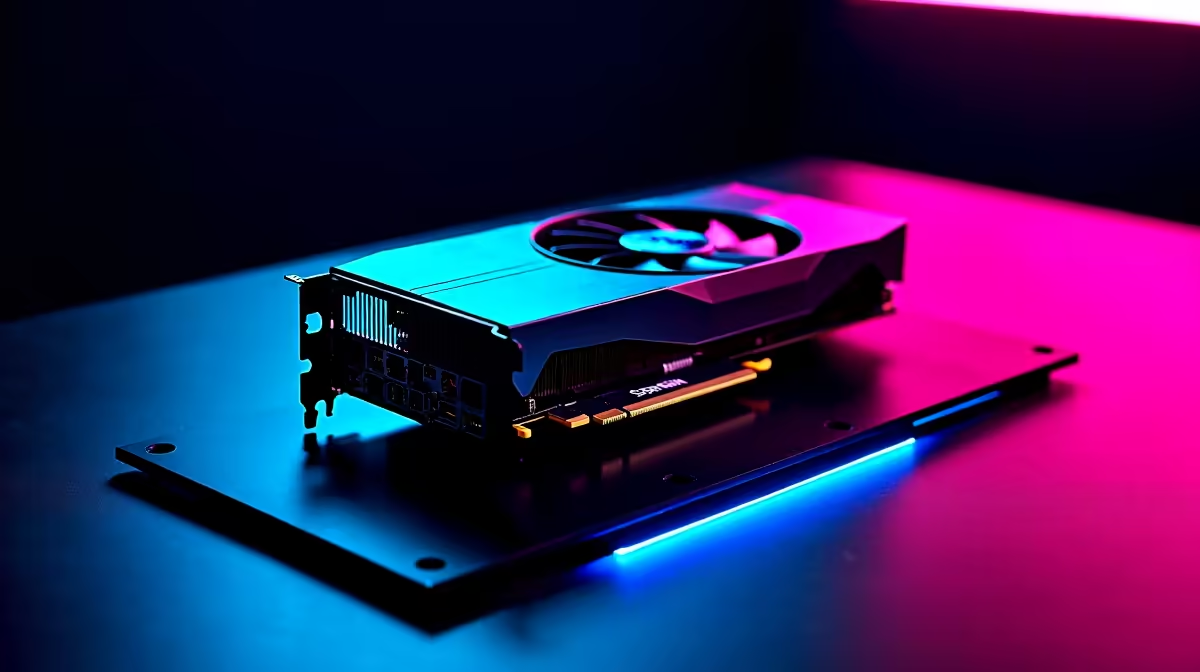
The whispers are getting louder. The RTX 5090 is on the horizon, promising a generational leap in gaming power that has South African enthusiasts buzzing. While the final specs are still under wraps, one thing is certain: its performance will hinge on its CUDA core count. But just having the hardware isn't enough. To truly maximize RTX 5090 CUDA cores performance, you need a smart approach that goes beyond just plugging it in. 🚀
Unlocking the Power of CUDA Cores
Before we dive into optimisation, what exactly are CUDA cores? Think of them as the tiny, individual workers inside your GPU. The more workers you have, the more tasks they can handle simultaneously, leading to higher frame rates and smoother visuals. This parallel processing power is what separates a budget card from a beast.
Over the years, we've seen this architecture evolve, from the early days of programmable shaders to the powerhouse cards we have today. This history of innovation is why many gamers continue to trust the technology behind NVIDIA GeForce graphics cards. Understanding this foundation is the first step to unlocking future performance.
Practical Steps to Maximize RTX 5090 CUDA Cores Performance
Getting the most out of a top-tier card isn't just about the silicon itself; it's about the entire ecosystem it lives in. A Ferrari engine in a Fiat chassis won't break any records. Here’s how to ensure your entire rig is ready to unleash the full potential of the 5090's CUDA cores.
### System Synergy is Non-Negotiable
Your GPU can be easily held back by other components—a phenomenon known as bottlenecking. To prevent this, your CPU, RAM, and even your storage need to be up to the task.
- CPU: A powerful GPU needs a CPU that can feed it data rapidly. A mismatch will leave your RTX 5090 waiting for instructions, wasting its potential.
- RAM: Fast, high-capacity RAM (think DDR5) ensures that game assets are loaded quickly, preventing stutters that can ruin immersion.
- Storage: A Gen4 or Gen5 NVMe SSD drastically cuts down loading times, getting you into the action faster.
A balanced build is crucial. Even today's all-in-one Intel Arc gaming PCs are built on this principle of harmony between components for optimal, out-of-the-box performance.
Quick Driver Tip ⚡
In the NVIDIA Control Panel, navigate to 'Manage 3D settings' and set the 'Power management mode' to 'Prefer maximum performance'. This ensures your GPU doesn't throttle down during intense gaming sessions, keeping those CUDA cores firing on all cylinders.
### Cooling is King ❄️
Heat is the ultimate enemy of performance. If the RTX 5090 runs too hot, it will automatically reduce its clock speeds to protect itself—a process called thermal throttling. This directly nerfs the output of your CUDA cores.
Ensure your PC case has excellent airflow, with a smart configuration of intake and exhaust fans. For a card destined to be as powerful as the 5090, considering an AIO liquid cooler or a custom water-cooling loop might be a wise investment. This principle applies to all high-performance NVIDIA and ATI graphics cards, not just the flagships.
### The Broader Landscape: What About the Competition?
While NVIDIA focuses on CUDA cores, it's worth noting that competitors have their own architecture. For instance, the latest AMD Radeon graphics cards use Stream Processors to achieve a similar goal of parallel processing. Healthy competition drives innovation across the board, which is fantastic news for all PC gamers in South Africa. Ultimately, the best card is the one that fits your budget and performance goals.
Ready for a True Next-Gen Experience?
The RTX 5090 is coming, but you don't have to wait to experience incredible performance. Check out the absolute best graphics card deals available in South Africa today and give your rig the power it deserves.