



PCIe 5.0 vs PCIe 4.0 for Video Editing in 4K in SA
PCIe 5.0 and PCIe 4.0 differ most in lane support, compatibility, and upgrade value for video editing in 4k. SA buyers should match the choice to their actual hardware and games.
Read moreMic pick up keyboard noise? Use a cardioid microphone and smart desk placement to reduce clacks and improve voice clarity 🎙️🧠
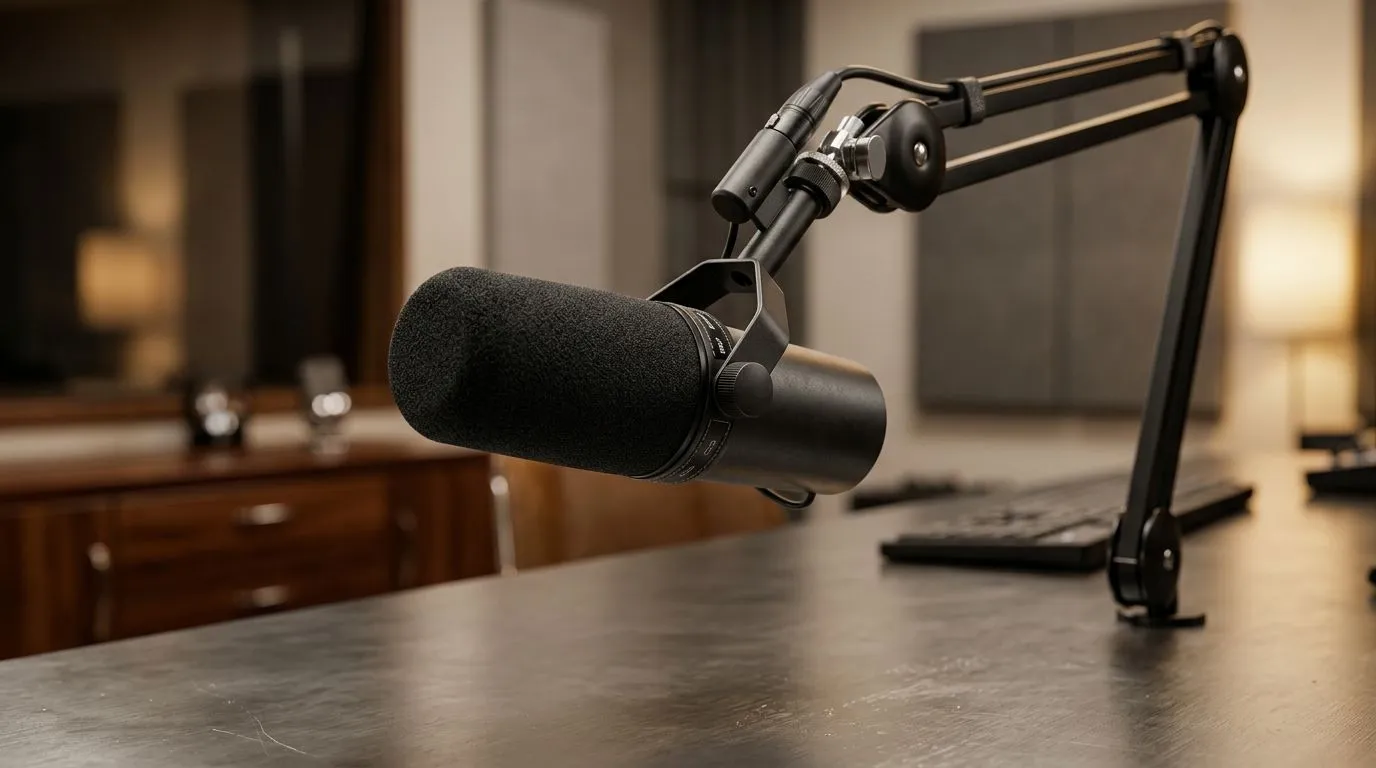
If your mic keeps catching every keypress, you’re not alone. South African streamers, Discord regulars, and home-office creators all hit the same wall... loud typing, noisy switches, and a voice that sounds buried under clacks. The good news? You do not need a studio. With smarter cardioid placement, a few desk tweaks, and the right gear, you can make your voice come through cleanly 🔧
A cardioid mic is designed to listen mainly from the front and reject sound from the rear. That matters because your keyboard usually sits right in front of, or below, the mic. If the mic points at the keyboard, it will hear more of it. If you angle it properly, the capsule favours your mouth and ignores more of the desk.
The simplest fix is this:
This is not just theory. It is basic polar-pattern behaviour. Most cardioid microphones follow that design principle consistently, which is why placement matters so much more than people think.
Start with distance. A mic placed too far away boosts room sound and keyboard noise. Too close, and you get plosives. For most voice setups, a hand’s span from your mouth is a solid starting point.
Then check angle. Tilt the mic slightly so the front capsule faces your chin, not your keys. If you type loudly, shift the mic a little off-axis. Even a small change can reduce key chatter in the recording.
A few practical fixes help too:
If you are building a streaming setup, it helps to plan the whole chain. A good starting point is Evetech’s range of streaming essentials. It is an easy way to compare gear that suits local budgets and setups.
If your mic keeps catching keyboard noise, rotate it so the rear faces the keyboard, then lower gain before turning anything else up. Many creators chase software filters first, but placement usually fixes more than noise reduction ever will.
Some microphones are simply more forgiving than others. A cardioid mic with decent off-axis rejection can make a cramped desk feel far more manageable. That said, accessories matter too. A boom arm, shock mount, and pop filter can improve consistency fast.
If you want a more polished creator setup, browse a focused selection like CORSAIR streaming gear. Brand-specific browsing can save time when you already know the sort of ecosystem you want.
Lighting and camera placement also help more than many people realise. If viewers can see your setup clearly, they are more likely to forgive a small room. For that, check out webcams that suit your desk and display arrangement. Better framing can make a modest room feel intentional, which boosts the overall stream quality.
And if you want to add atmosphere without clutter, Cololight options can help create a cleaner visual backdrop. That matters when your audio is sorted and you want the rest of the scene to match.
Here is a quick routine you can use before going live:
This works because acoustics are physical. No fancy setting beats a better starting position. If your keyboard is especially loud, place the mic slightly above mouth level and point it downwards just enough to keep the capsule away from the desk edge.
For gamers in apartments, reselling houses, or shared rooms, that little adjustment can save a lot of frustration. You do not need to silence your whole space. You just need to bias the microphone towards your voice and away from the keyboard.
Before you spend more, test your current gear properly. Many people blame the mic when the real issue is gain, placement, or desk bounce. Record a short clip, listen back on headphones, and compare changes one at a time.
If you still want an upgrade, prioritise the full setup rather than the mic alone. A better arm, a more directional microphone, and a webcam with a cleaner frame can lift the whole experience. That is where smarter buying pays off.
Ready to Find Your Perfect Match? The Mac vs Windows debate is complex, but for maximum power, choice, and value in South Africa, Windows is hard to beat. Explore our massive range of laptop specials and find the perfect machine to conquer your world.
Your mic likely hears sound from the wrong direction. With cardioid pickup, correct mic angle and closer voice distance can reduce keyboard clacks.
Cardioid microphones pick up sound mainly from the front and reject from the sides and rear, helping limit keyboard noise when positioned correctly.
Place the mic so the keyboard sits more to the mic’s side or rear, and keep the mic close to your mouth while avoiding direct line-of-sight.
Face it toward your mouth and away from the keyboard. Keeping the keyboard outside the front pickup axis reduces unwanted keyboard sound.
Yes. Point the mic at your mouth and slightly off-axis from the keyboard. Small angle changes can noticeably reduce clacks.
Lowering gain can help if keyboard noise is triggering the noise floor. Aim for clean voice level first, then reduce excess amplification.
Dynamic mics often handle room and key noise better due to tighter pickup. Cardioid placement still matters most for any mic.
Use a cardioid mic pointed at your mouth, move it closer, angle away from the keyboard, and ensure the keyboard isn’t directly in front.
PCIe 5.0 and PCIe 4.0 differ most in lane support, compatibility, and upgrade value for video editing in 4k. SA buyers should match the choice to their actual hardware and games.
Read more
ATX 3.1 and ATX 3.0 differ most in connector handling and GPU power design. For SA gamers, the choice comes down to your graphics card, PSU quality, cable clearance, and whether a newer 12V-2x6-ready unit makes sense for the build.
Read more
80+ Platinum or 80+ Titanium for cinematic should be shortlisted around the job it must do. South African buyers should compare fit, performance, compatibility, and upgrade room, warranty path, and upgrade room before treating any pick as best.
Read more
AM5 and AM4 can both work for competitive esports, but the real-world difference is platform headroom. SA players should compare CPU choices, memory speed, latency goals, monitor refresh, and future upgrade plans.
Read more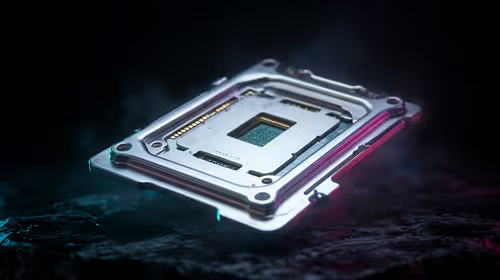
LGA 1851 and LGA 1700 differ most in CPU support, compatibility, and upgrade value for couch co-op gaming. SA buyers should match the choice to their actual hardware and games.
Read more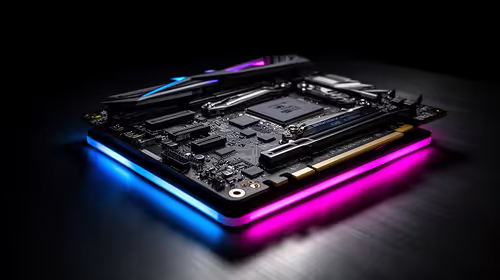
DLSS 4 and DLSS 3 differ most in game support, compatibility, and upgrade value for streaming on twitch and youtube. SA buyers should match the choice to their actual hardware and games.
Read more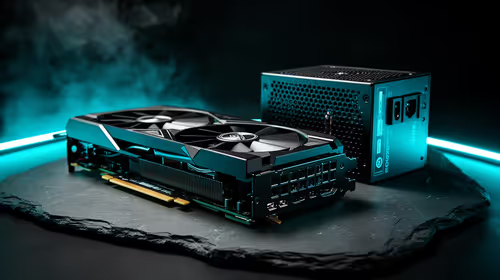
RTX 5090 on a 1200W PSU has usable headroom when the supply is strong and the build is measured. For SA gamers, OC potential depends on CPU draw, cooling, cabling, stability targets, and how much safety margin you keep.

How to fix low FPS on gaming laptop starts with power mode, drivers, heat, and game settings. Use this South Africa-focused checklist to confirm charger use, GPU selection, RAM pressure, and cooling before changing parts or tweaking every setting.

Real world difference between b850 b650 mmo live service games sits in stability, networking, storage, and upgrade room. SA players should compare LAN quality, USB layout, RAM support, and SSD slots for always-updated games.

Dead Pixel on Wi-Fi 7 Router is likely a display-path or source-title issue, so check the screen, cable, driver state, and related system symptoms before blaming the device itself.

Put the headphones in pairing mode, open Bluetooth and devices in Windows 11, then add the headset. If it fails, remove the old pairing and check charge, range and drivers.

Microsoft says upcoming Windows 11 work will target memory use on 8GB PCs and improve boot and sign-in responsiveness. There is no public release date or measured uplift yet.

Windows 11 does not show CPU temperature in its standard Settings pages. Use your CPU maker's supported utility or a trusted monitor, then read idle and loaded temperatures in context.
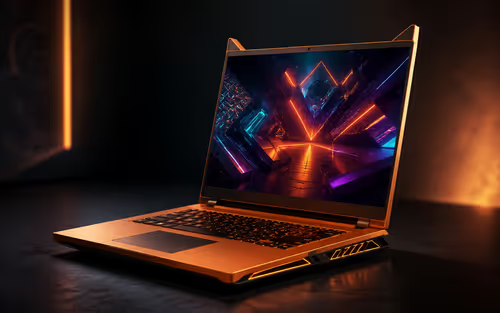
The Colorful MEOW X16 Pro pairs a Ryzen 7 8745HX with a 115W RTX 5060 Laptop GPU. It is a China-only launch for now, so local RTX 5060 pricing is the practical benchmark.

Industry reports point to another roughly 10 percent Intel processor increase from 5 October, but Intel has not published a consumer price list confirming the scope. South African buyers should treat it as a risk signal, not a guaranteed Rand change.

Tests reported audio capture and local-network scanning on a specific LG television with its screen off. LG says supported standby modes can keep voice and connected-device features active, so owners should review model-specific settings.
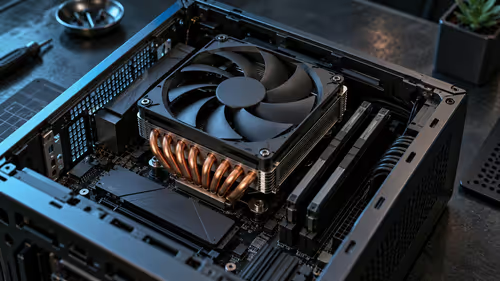
Thermalright's AXP120-X77 is a 77 mm top-down cooler with six heatpipes and a slim 120 mm fan. Local availability is not confirmed, so compact-PC builders should verify case height, memory clearance and socket support before comparing it with stocked coolers.
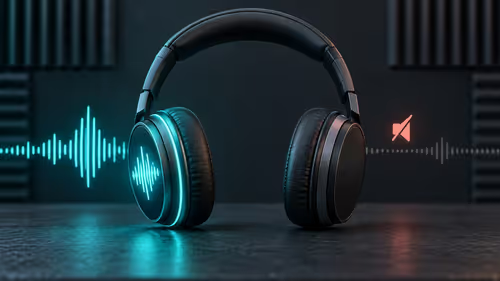
One-sided sound can come from balance settings, a dirty or loose connector, Bluetooth pairing data, firmware, the source device or a failed cable or driver. A short swap test isolates the cause before you reset software or replace the headset.