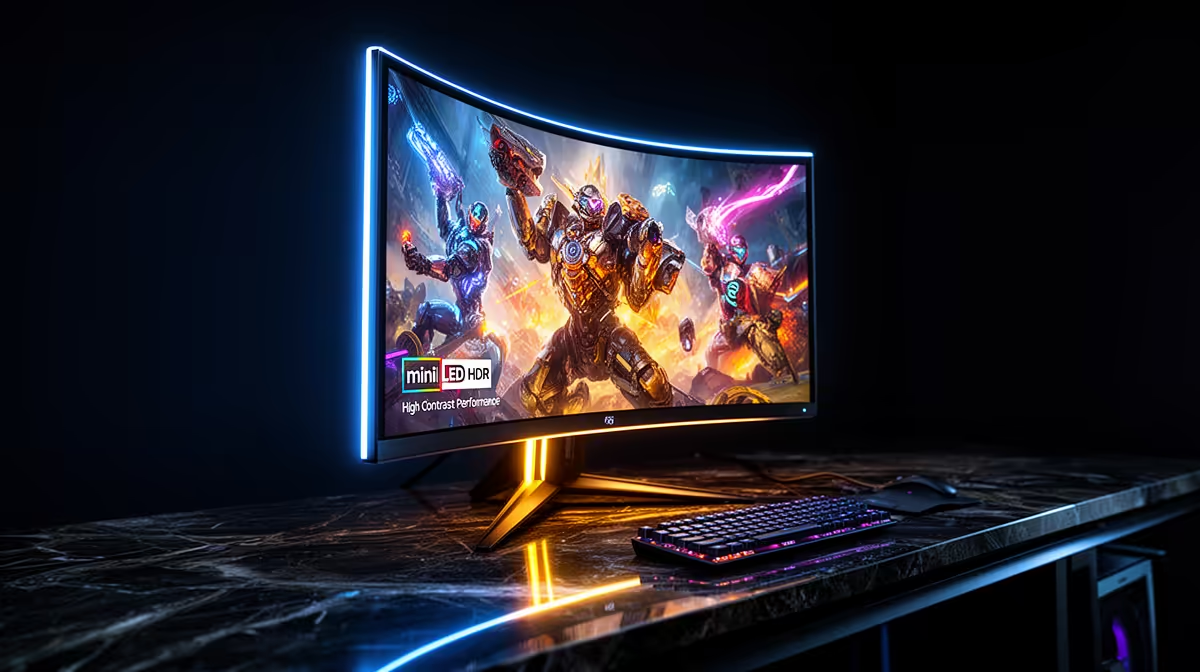
The Dell SE2726H 27in FHD 144Hz at R1,797 suits South African gamers and home users who want smooth everyday motion before paying extra for Mini-LED features. For most desks, a good monitor with the right size, refresh rate, and price will matter more than chasing premium backlighting that may be wasted on emails, study notes, browsing, and casual play.
What matters before Mini-LED
The Dell SE2726H 27in FHD 144Hz at R1,797 is the strongest starting point here because it gives you a larger 27in screen and a 144Hz refresh rate. That makes it useful for a gaming room where smoother cursor movement, scrolling, and fast matches feel more immediate than on a basic office display.
The Dell SE2426H 23.8in FHD at R1,532 is the tighter desk option. Its 23.8in FHD spec is enough for school work, admin, browsing, and a second-screen setup where the aim is readable space without crowding a small table.
SA student desk reality
The Dahua LM27 100Hz at R1,500 is a practical fit for a student desk because it keeps the 27in size while offering 100Hz for a little extra smoothness. If the screen is mainly for notes, streaming, light gaming, and browser tabs, that is a sensible place to stop before spending for display tech that the daily workload will not fully use.
The MSI PRO MP275W at R1,850 also sits in the practical zone for a clean study or work setup. It gives you a listed 27-class alternative in this price band without making Mini-LED the deciding factor.
Ready to choose the right monitor?
Use Dell SE2726H 27in FHD 144Hz at R1,797 when much need mini monitor matters, then compare the desk fit against its listed spec.