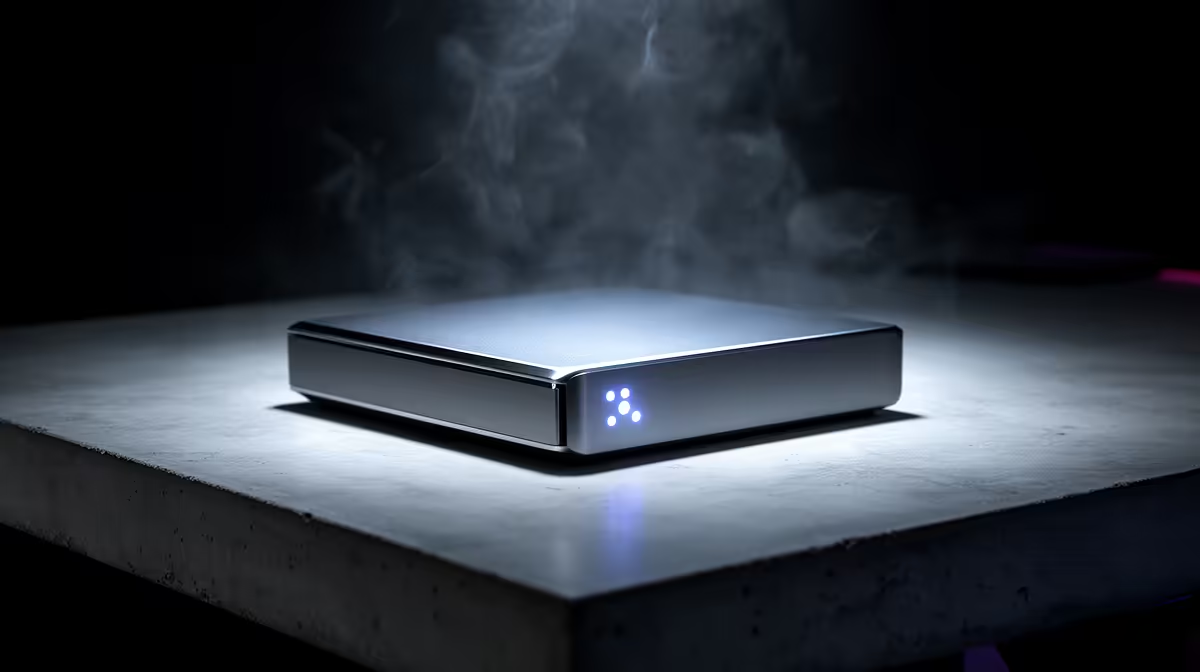
Three ways to keep your files safe, three completely different trade-offs. A NAS vs external drive vs cloud decision is really a choice between control, convenience, and cost over time. An external drive is the cheapest and simplest. Cloud storage is the most hands-off but bills you forever. A NAS sits in the middle: more upfront effort and money, but multi-user access, redundancy, and no monthly fee. The right answer depends on how much data you have, how many people need it, and how much you mind a recurring charge.
Quick Answer
For a single person backing up one laptop, an external drive is the cheapest and simplest choice. For a household or home office where several people need shared access and you want protection against a single drive dying, a NAS is the better fit, with RAID redundancy and no monthly fee. Cloud storage suits off-site backup and access from anywhere, but the subscription cost compounds year after year.
The External Drive: Cheapest And Simplest
A single USB external drive is the entry point to backup. You plug it in, copy your files, and unplug it. It costs the least, needs no setup, and works on any machine with a USB port. The limits are exactly what you would expect. One drive is one point of failure: if it dies, your backup dies with it. It serves one device at a time, so sharing across a household means physically passing it around. And because it usually lives next to the computer it backs up, a theft or accident can take both at once. For a single user who just wants a copy of their files, it is fine. As a household's only line of defence, it is fragile.
The NAS: Shared Access With Redundancy
A network-attached storage box is a small always-on server holding several drives, connected to your home network. Every device in the house, phones, laptops, a smart TV, can read and write to it at once. The feature that sets it apart is RAID: with two or more drives configured for redundancy, one drive can fail and your data survives because it is mirrored or parity-protected across the others. You swap the dead drive, the array rebuilds, and you never lost a file. A NAS also runs its own apps for media streaming, automatic phone-photo backup, and scheduled backups of every computer in the house.
The Upfront Cost Versus The Long Game
A NAS costs more to start: you buy the enclosure and the drives, and you spend an afternoon setting it up. But there is no monthly bill. Over three to five years, a NAS that holds many terabytes usually costs far less than paying for the same capacity in cloud every month. If you are choosing drives, fast SSDs keep the system snappy for caching while large spinning disks carry bulk capacity, and the SSDs South African buyers pick most are a useful starting point.
The Cloud: Off-Site And Effortless, For A Price
Cloud storage solves the one thing local hardware cannot: off-site protection. If your home is burgled or floods, files in the cloud are untouched, and you can reach them from any device, anywhere with a connection. The cost is twofold. First, the subscription never ends, and the price climbs as your data grows. Second, you depend on your internet connection: backing up or restoring large amounts of data over a typical home line can be slow, and you do not control where your files physically live. Cloud is excellent as one layer of a backup plan, less appealing as the only place your data exists.
The Sensible Setup Is Often A Mix
The strongest approach is not picking one, it is layering. A common pattern is a NAS as the primary store and shared library at home, with cloud or an external drive holding an off-site copy of the truly irreplaceable files. That covers local convenience, redundancy against a drive failure, and protection against a disaster that hits the whole house. If a NAS is your starting point, browse the diskless NAS enclosures at Evetech and match it to drives that fit your capacity.
Cost Over Five Years: A Realistic Look
Running actual numbers makes the decision easier. A mid-range two-bay NAS with two decent NAS-rated hard drives might cost around R6,000 to R9,000 upfront, depending on the model and drive size. There is no ongoing fee, and the hardware typically lasts five years or more. An external drive is cheaper still, starting from around R1,500 for a 2TB portable model, with no subscription at all.
Cloud storage, by contrast, compounds. A 2TB subscription from a major provider costs roughly R200 to R250 per month in South Africa, which adds up to R2,400 to R3,000 per year. Over five years that is R12,000 to R15,000 for a single tier of storage that grows more expensive the moment you need more space. If your data grows to 6TB or 10TB, cloud costs scale steeply.
The conclusion is not that cloud is bad; it is that cloud works best as one layer of a broader plan rather than the whole plan. Using a modest cloud subscription purely for off-site copies of irreplaceable files, while the NAS handles everyday volume, gives you off-site protection without letting the monthly bill grow with your library.
Privacy and Data Sovereignty
A NAS keeps your data on hardware you physically own, in your home, under your control. Cloud providers store files on shared infrastructure in data centres you have no visibility into. For most personal files this is a minor concern, but for business records, client data, or anything sensitive, local storage is both simpler to secure and simpler to reason about. A NAS does not send your files to a third party, does not analyse them for advertising purposes, and does not change its terms of service unexpectedly.
Frequently Asked Questions
Is a NAS worth it over an external drive?
If more than one person needs the files, or you want protection against a single drive failing, yes. A NAS offers shared network access and RAID redundancy that an external drive cannot. For one user with one machine, an external drive may be enough.
Does cloud storage replace a local backup?
Not entirely. Cloud is excellent for off-site protection and access anywhere, but restoring large amounts over a home connection is slow, and the subscription cost compounds. The strongest plan pairs local storage with a cloud or external off-site copy.
How does RAID protect my data on a NAS?
RAID spreads or mirrors data across multiple drives so that if one drive fails, your files survive on the others. You replace the failed drive and the array rebuilds. Note that RAID guards against drive failure, not accidental deletion, so you still want a separate backup.
Which option is cheapest over five years?
An external drive is cheapest upfront. Over five years a NAS usually beats cloud for the same capacity because there is no monthly fee, despite the higher initial cost of the enclosure and drives. Cloud's recurring charge adds up steadily.
Can I use all three together?
Yes, and many people do. A typical layered setup uses a NAS for shared home storage and redundancy, an external drive for quick local copies, and cloud for an off-site copy of the most important files. Each covers a weakness the others have.
Match the tool to the job: an external drive for one user, a NAS for a household that wants shared access and redundancy, cloud for off-site safety, and ideally a mix. To build the local foundation, explore the NAS storage range at Evetech and pair it with drives sized for your data.