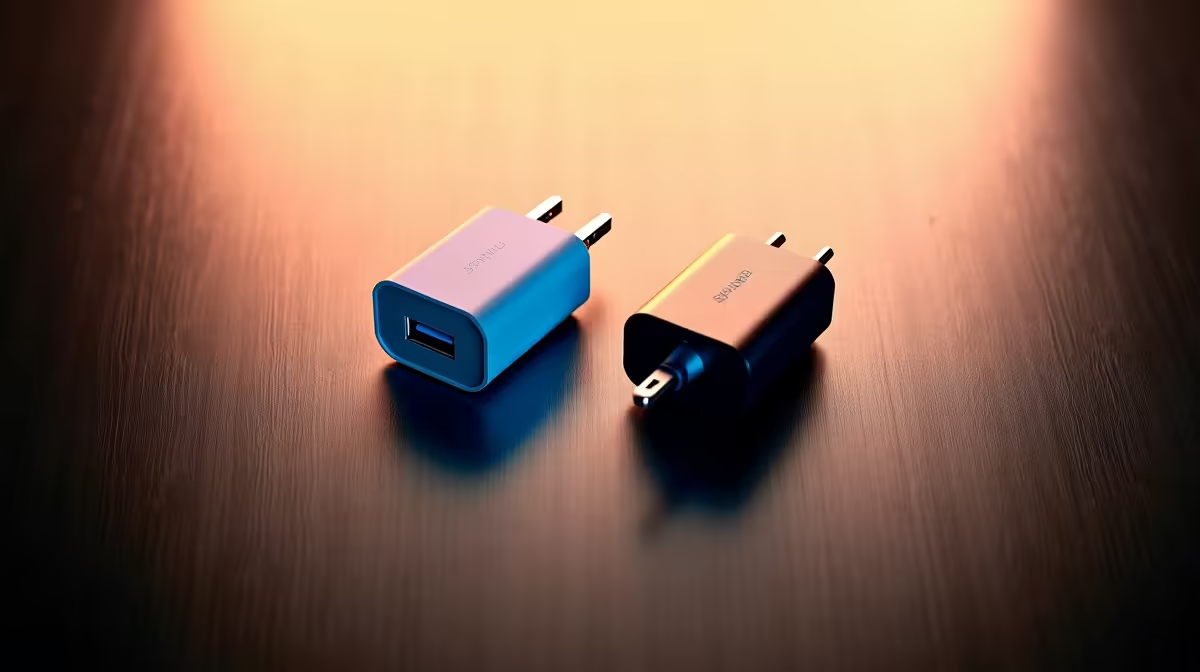
Introduction to Noise Testing Monitor Power Bricks
In a busy South African office, where productivity hinges on focus, noisy equipment can be a real distraction. This guide walks you through noise-testing monitor power bricks to optimise your setup for a quieter workspace. By the end, you'll have identified silent power solutions and created a serene office environment that boosts efficiency without the hum.
Prerequisites for Noise Testing
Before diving in, gather these essentials to ensure accurate results:
- A sound level meter app on your smartphone or a dedicated device for measuring decibels 🔇.
- At least two monitors for comparison; check out portable monitors starting from R1,999 for easy testing.
- Quiet room setup, free from background noise.
- Access to various power bricks; explore monitor accessories to source compatible ones.
- Notepad or app for logging readings.
Step-by-Step Guide to Optimising Your Office
1. Prepare Your Testing Environment
Start by selecting a quiet room in your office or home. Turn off all other electronics to minimise interference. Plug in the monitor power brick and let it run for five minutes to stabilise. Position your sound level meter about 30 cm from the brick for consistent measurements.
2. Measure Baseline Noise
Power on the monitor and record the ambient noise level without the power brick active. Then, activate the brick and take readings at idle and under load, like displaying a video. Note any humming or buzzing sounds. For high-quality displays, consider 4K monitors from Evetech, which often come with efficient power supplies.
Troubleshooting Noisy Readings
If readings fluctuate wildly, check for nearby interference like air conditioners... relocate to a quieter spot for accuracy.
3. Compare Multiple Power Bricks
Swap out different power bricks and repeat the measurements. Look for ones with lower decibel levels, ideally under 30 dB for office use. This step helps pinpoint quieter options. Browse curved monitors that pair well with silent bricks for immersive setups.
4. Analyse and Optimise
Review your logs to identify the quietest power brick. If needed, add insulation or mounts to further reduce noise. Test in your actual office layout to confirm. For a wide selection, visit all gaming monitors to find models with optimised power designs.
Dealing with Persistent Hum
A constant hum might indicate a faulty brick... replace it with one from Evetech's range to avoid ongoing issues.
5. Implement in Your Office
Integrate the quietest setup into your workspace. Monitor over a week for any changes. This ensures long-term optimisation. Don't forget to explore PC monitors for compatible upgrades.
6. Maintain and Re-Test
Schedule regular checks every few months, especially after adding new gear. Keep your sound meter handy for quick spots ⚡. For the best deals in ZAR, head to best PC monitor deals.
Preventing Future Noise
Dust buildup can amplify sounds... clean vents monthly to keep things whisper-quiet.
Quick-Reference FAQ
What decibel level is too noisy for an office monitor power brick?
Aim for under 30 dB; anything higher might distract, based on standard office acoustics guidelines from sources like the World Health Organization.
Can I use any sound meter for this test?
Yes, even free smartphone apps work, but calibrate them against a known quiet source for reliability.
Why do some power bricks make more noise?
It often comes down to coil whine or fan activity in the transformer; opting for quality units from reputable sellers helps.
How does this optimisation benefit South African offices?
In our warm climate, quieter setups reduce stress and improve focus, especially during an unexpected outage when every bit of calm counts ✨.
Upgrade Your Quiet Office Setup
Ready to silence the distractions and elevate your workspace? Shop now at Evetech for top-tier monitors and accessories that deliver peace and performance.