Quick Answer
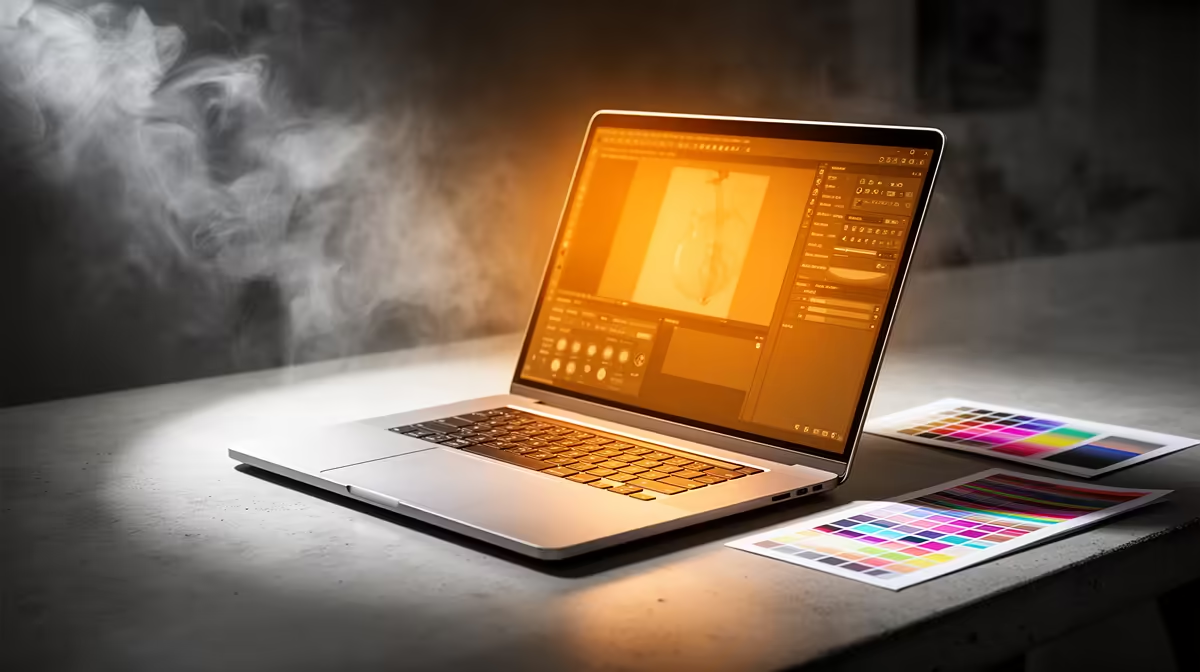
R15,000 is a strong student-laptop budget and can cover a more durable, faster machine. For Visual Communication, aim for 16GB RAM, a 512GB SSD, and a Core i5, Ryzen 5, or better CPU; creative and design courses can also look for RTX graphics. This tier suits Adobe design apps, layouts, image libraries, and presentation exports with fewer compromises than R8,000-R10,000 options.
How To Spend The Higher Budget Well
At R15,000, do not buy only on screen size or branding. Put the money into 16GB RAM, a 512GB SSD or 1TB SSD, stronger cooling, and a CPU that will last through several semesters. For Visual Communication, 16GB RAM and a good display should drive the choice. If the course includes rendering, 3D, or game engines, a gaming-style laptop with RTX graphics is worth shortlisting; otherwise a lighter productivity laptop may be smarter.
Course Workload Fit
For Visual Communication, the laptop must handle Adobe design apps, layouts, image libraries, and presentation exports. A 15.6-inch screen is easier for spreadsheets and plans, while a 14-inch model is easier to carry between lectures. If your course uses specialist software, check the department computer-lab policy before assuming the laptop must do every heavy task alone.
SA Campus Buying Checks
SA students should also check campus Wi-Fi needs, residence desk space, backpack weight, and whether lectures require HDMI or USB-C display output. For universities such as UJ, Wits, UCT, UP, Stellenbosch, and UKZN, the daily pattern is usually browser research, PDFs, Office files, and learning platforms, so battery life and a reliable keyboard matter. Keep thousands clear with commas, such as R8,000 and R15,000, so the budget is never confused with a small allowance amount.
FAQ
Is R15,000 enough for a Visual Communication laptop?
Yes, if the shortlist focuses on course needs instead of extras. For Visual Communication, prioritise 16GB RAM and a good display before cosmetic features.
Should I choose 8GB or 16GB RAM?
8GB is the minimum for basic study work, but 16GB is better for multitasking and heavier course software. If R15,000 allows 16GB without sacrificing SSD storage, choose it.
What storage size is safest for campus use?
A 256GB SSD works for basic notes and cloud-backed files. A 512GB SSD is safer for Visual Communication students who keep datasets, design files, lecture recordings, or large PDFs locally.
Pro Tip
Before buying, list the exact apps required by your first-year modules and compare them against RAM, SSD size, CPU class, and required ports.