Quick Answer
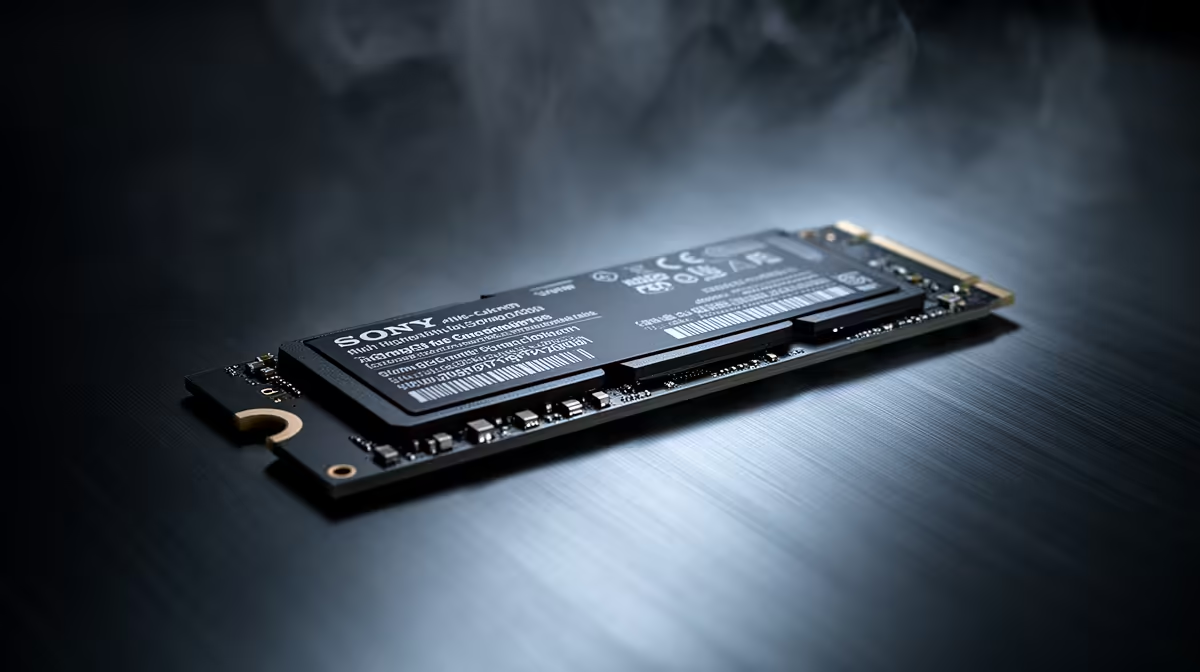
Buy the must-have spec first, add nice-to-have features second, and skip decorative extras until capacity and compatibility are solved. A sensible SA shortlist compares Samsung 990 Pro, WD Black SN850X, Crucial T500 and Kingston KC3000 and keeps spend around R1,100 to R3,500 unless the workload clearly needs more. Check 1TB to 2TB capacity, PCIe 4.0, 5,000-7,400 MB/s reads and 600 TBW or better endurance before treating a higher tier as better.
Must-have first
Start with CapCut editing for school and creator projects. The useful filter is whether the nvme ssd removes a delay, noise issue, heat limit, storage limit or frame-time problem you already notice. Compare capacity, sustained writes, endurance, heat control and PCIe generation, then reject anything that needs another unplanned purchase to work properly.
Write down the current CPU, GPU, case, monitor and storage size first. If the screen is 1080p 75 Hz, spend only where the upgrade will be visible.
Nice-to-have upgrades
The trap is paying for PCIe 5.0 headlines when a larger PCIe 4.0 drive is more useful. Use the named examples as reference points, not a fixed script: Samsung 990 Pro, WD Black SN850X, Crucial T500 and Kingston KC3000. A cheaper part can win when it has the right connectors, enough capacity and reliable local warranty support. A premium part earns its price only when it gives a measurable gain such as quieter operation, more headroom, larger capacity or smoother 144 Hz play.
What to skip
Before checkout, confirm the motherboard slot, case clearance, power connector, cooler space or screen input that applies to the purchase. Keep one future upgrade in mind, because replacing two parts later costs more than buying the right baseline now.
FAQ
What is the safest nvme ssd choice for this use case?
The safest choice is the balanced tier that meets 1TB to 2TB capacity, PCIe 4.0, 5,000-7,400 MB/s reads and 600 TBW or better endurance. In SA, also check local warranty handling and stock clarity before paying extra for a premium label.
When should I spend more?
Spend more when the upgrade changes a measurable result: higher stable fps, shorter exports, quieter fans, more VM space or better 144 Hz consistency. Do not pay more only because a spec sounds newer.
What should I check before buying?
Check compatibility, physical fit, connector needs and the real rand price gap. For shared homes, campuses and small offices, also check noise, desk space and service access.
Buyer check
Match the nvme ssd against your current case, motherboard, monitor and power supply, then choose the option that fixes one clear bottleneck.