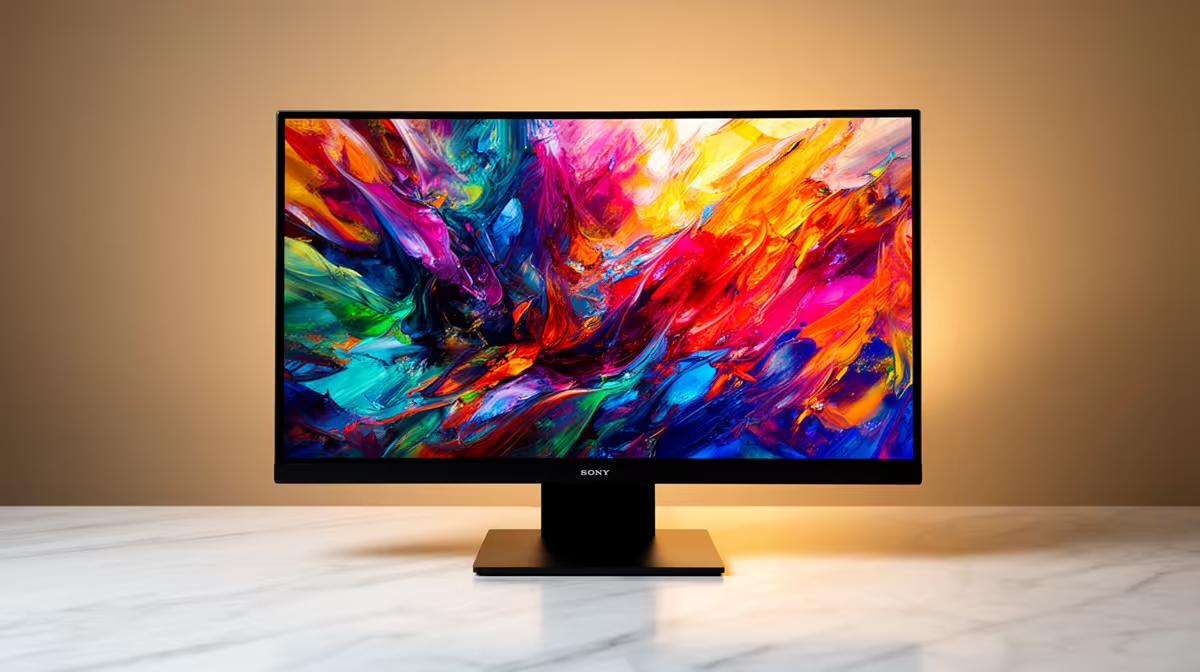
So, you’ve finally done it. You’ve brought home a stunning OLED monitor, and your games have never looked better. The inky blacks, the explosive colours… it’s a proper visual feast. But deep down, a little voice whispers about the boogeyman of OLEDs: burn-in. What if that static game HUD permanently etches itself onto your screen?
Don't panic! With a few simple habits, modern OLED monitor care is easier than you think. Let's dive into some pro tips to prevent burn-in and keep your display looking flawless for years. 🚀
Understanding OLED Burn-In (and Why It's Not a Dealbreaker)
First, what even is burn-in? Unlike traditional LCDs, each pixel in an OLED panel creates its own light. Over thousands of hours, pixels that display a bright, static image (like a taskbar or a game's health bar) can degrade faster than the pixels around them. This uneven wear can leave a faint, permanent "ghost" image.
The good news? Manufacturers have engineered incredible preventative tech, from pixel shifting to automatic brightness limiters. Your job is simply to support these features with good habits. Proper OLED monitor care isn't about being scared to use your screen; it's about using it smartly.
Your Daily Checklist for a Healthy OLED Monitor
Think of these as the daily stretches for your screen. Integrating these small steps into your routine is the most effective way to boost your OLED's lifespan.
1. Vary Your Content and Hide Static Elements
The golden rule is to avoid leaving the same static image on-screen for hours on end.
- Hide Your Taskbar: Right-click your taskbar, go to 'Taskbar settings', and enable 'Automatically hide the taskbar'. It’s a simple change that makes a huge difference.
- Use a Screensaver: Set your screen to turn off or display a screensaver after 5-10 minutes of inactivity.
- Go Full-Screen: When watching videos or gaming, use full-screen mode to eliminate static browser tabs or window borders.
These habits are crucial whether you're using one of the latest 4K monitors for creative work or a high-refresh-rate panel for competitive gaming.
Quick Defence Against Burn-In 🛡️
For a simple yet effective defence, set your desktop background to a slideshow or use a 'living' wallpaper. On Windows 11, right-click the desktop > Personalise > Background, and choose 'Slideshow'. This ensures no single image stays static for too long, a key part of good OLED monitor care.
2. Embrace Your Monitor's Built-In Tools 🔧
Your OLED monitor comes with its own maintenance toolkit. Get to know it! Look for settings like:
- Pixel Shift/Screen Shift: This feature subtly moves the entire image by a few pixels every few minutes. It's usually unnoticeable but highly effective at preventing static image burn-in.
- Pixel Refresher/Screen Optimisation: This is a more intensive maintenance cycle that the monitor runs automatically (usually after it's been in standby for a few hours) to even out pixel wear. Don't unplug your monitor from the wall at night, as this can prevent these cycles from running.
Taking the time to understand these settings in your specific display—from the vast selection of PC monitors available—is a vital part of long-term care.
Smart Gaming Habits for OLED Longevity
Gamers, this one's for you. Those static Heads-Up Displays (HUDs) are a primary concern, but they're manageable.
If you’re sinking hundreds of hours into an MMO or a strategy game with a fixed UI, try to take regular breaks. Many modern titles also offer options to adjust HUD opacity or have elements fade out when not needed. For those who love immersive single-player adventures, the incredible visuals of curved monitors with OLED technology are worth protecting.
The diverse world of all gaming monitors now includes fantastic OLED options, and by simply playing a variety of games, you're already doing a great job of varying on-screen content. Even a compact display like those found in portable monitors benefits from these same principles.
Ultimately, the fear of burn-in shouldn't stop you from enjoying one of the best display technologies available today. With modern advancements and a little mindful usage, your OLED will provide a breathtaking experience for every game, movie, and project. Just be smart about static content, and you'll be set. For South African gamers looking for the best value, keeping an eye on the best PC monitor deals can land you a premium screen without breaking the bank. ✨
Ready for the Ultimate Visual Upgrade?
With the right care, an OLED monitor is an incredible investment for any South African gamer or creator. The deepest blacks and most vibrant colours await. Explore our massive range of monitor deals and find the perfect screen to conquer your world.