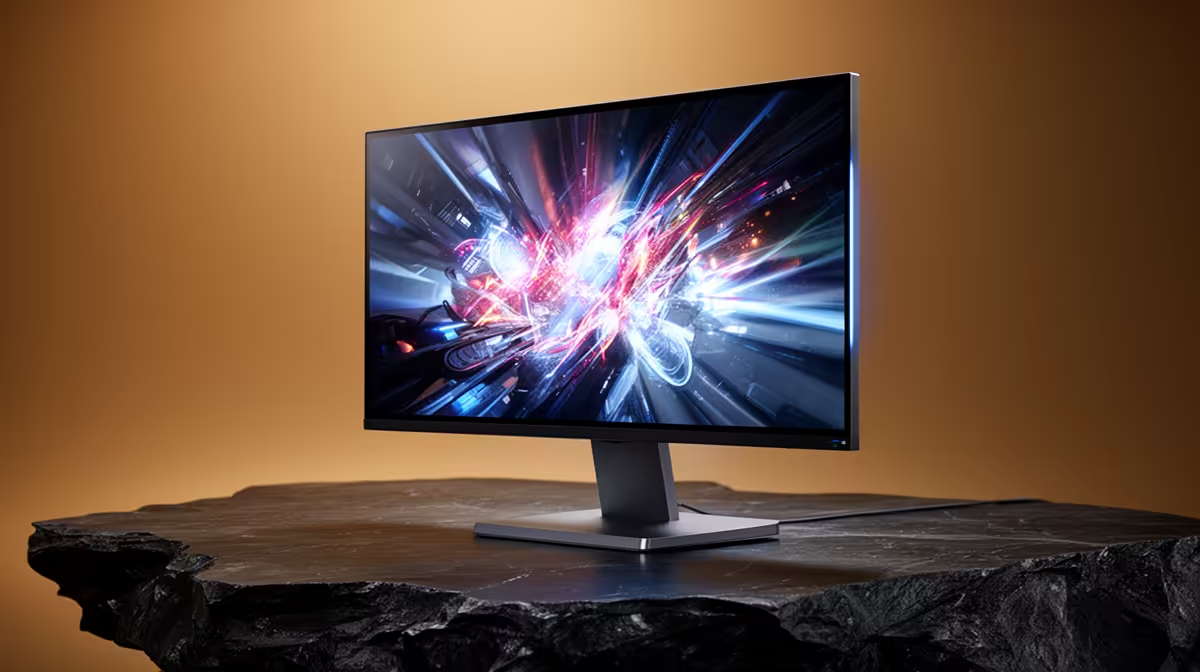
Staring into an OLED monitor is something else. The inky blacks, the colours that pop right off the screen… it’s a visual feast for any gamer in South Africa. But after a marathon session chasing a win in Apex, that familiar, gritty feeling in your eyes can creep in. It begs the question: are these stunning displays secretly causing OLED monitor eye strain, and what can we do about it? Let's dive in.
What Causes Eye Strain from OLED Monitors?
The concern around OLED monitors and eye strain often boils down to a few technical factors. The main culprit is sometimes a technology called Pulse Width Modulation, or PWM.
In simple terms, to dim the screen, some OLED panels rapidly turn the pixels on and off. While this flicker is usually too fast for our eyes to consciously detect, our brains can still perceive it, leading to fatigue, headaches, and eye strain for sensitive individuals. This is most noticeable at lower brightness levels.
Another factor is blue light. While OLEDs can emit less blue light than some LCDs at equivalent brightness, all digital screens produce it. Prolonged exposure, especially at night, can disrupt sleep patterns and contribute to digital eye strain. It's a complex issue, and many of today's top gaming monitors now include low blue light modes to help combat this.
OLED vs. LCD: Which is Better for Your Eyes?
So, is an older LCD better for reducing eye strain? Not necessarily. The debate isn't that simple, as both technologies have pros and cons for eye health.
- OLED Advantages: With an OLED, a black pixel is truly off—it produces no light. This creates an infinite contrast ratio that can make text sharper and images easier to look at, reducing the squinting that causes muscle fatigue. This is especially noticeable on high-resolution 5K and 4K monitors, where clarity is paramount.
- LCD Advantages: Many modern LCDs use a different dimming method called DC dimming, which adjusts the voltage to control brightness without introducing flicker. This can be a huge relief for users who are sensitive to PWM.
Ultimately, the best choice depends on your personal sensitivity. Neither technology is inherently "bad," but understanding how they work helps you make an informed decision.
Your Action Plan: How to Reduce Monitor Eye Strain ✨
Regardless of your monitor's panel type, you can dramatically improve your eye comfort with a few simple habits and adjustments. Preventing OLED eye strain is often more about your setup than the screen itself.
Ergonomics and Lighting are Key
Position your monitor so the top of the screen is at or slightly below eye level, and about an arm's length away. This prevents you from craning your neck or straining your eyes. For an even more comfortable experience, many users find that immersive curved monitors help by matching the natural curvature of the human eye, reducing distortion at the edges.
Ensure your room has soft, ambient lighting. A bright screen in a pitch-black room is a recipe for eye fatigue. A simple desk lamp or bias lighting behind your monitor can make a world of difference. Even when using portable monitors on the go, try to control the lighting around you.
The 20-20-20 Rule ⏱️
Every 20 minutes, take a 20-second break to look at something at least 20 feet (about 6 metres) away. This simple exercise relaxes your eye muscles and helps prevent them from locking focus, significantly reducing digital eye strain over long periods. Set a timer on your phone to remind you!
Use Software to Your Advantage
Modern operating systems have built-in tools to help.
- Windows: Use "Night Light" to reduce blue light in the evenings.
- macOS: Use "Night Shift" for the same purpose.
- Dark Mode: Enable dark mode in your OS and apps wherever possible. Reading light text on a dark background is often less jarring than the reverse.
Finding a Monitor That's Kinder to Your Eyes 🖥️
When you're ready to upgrade, you're not just looking for the best picture; you're looking for features that support better eye health. Many manufacturers now actively promote "Flicker-Free" technology and low blue light certifications from bodies like TÜV Rheinland. These are excellent indicators that a manufacturer has considered eye comfort in their design.
Don't just focus on OLED vs. LCD. Consider refresh rate, response time, colour accuracy, and size. The perfect monitor is a balance of all these things. By browsing a wide variety, you can compare specs and find a screen that delivers stunning visuals without compromising your comfort. Exploring the full range of PC monitors is the best way to see what's available for your budget and needs.
The concern over OLED monitor eye strain is valid, but it's a manageable part of the equation. With the right monitor and healthy habits, you can enjoy those glorious visuals for hours on end.
Ready to Find Your Perfect View?
The debate around monitor eye strain is complex, but your comfort shouldn't be. With the right features and setup, you can enjoy incredible visuals without the headache. Ready to see the difference? Explore our best PC monitor deals and find the perfect screen to conquer your world.