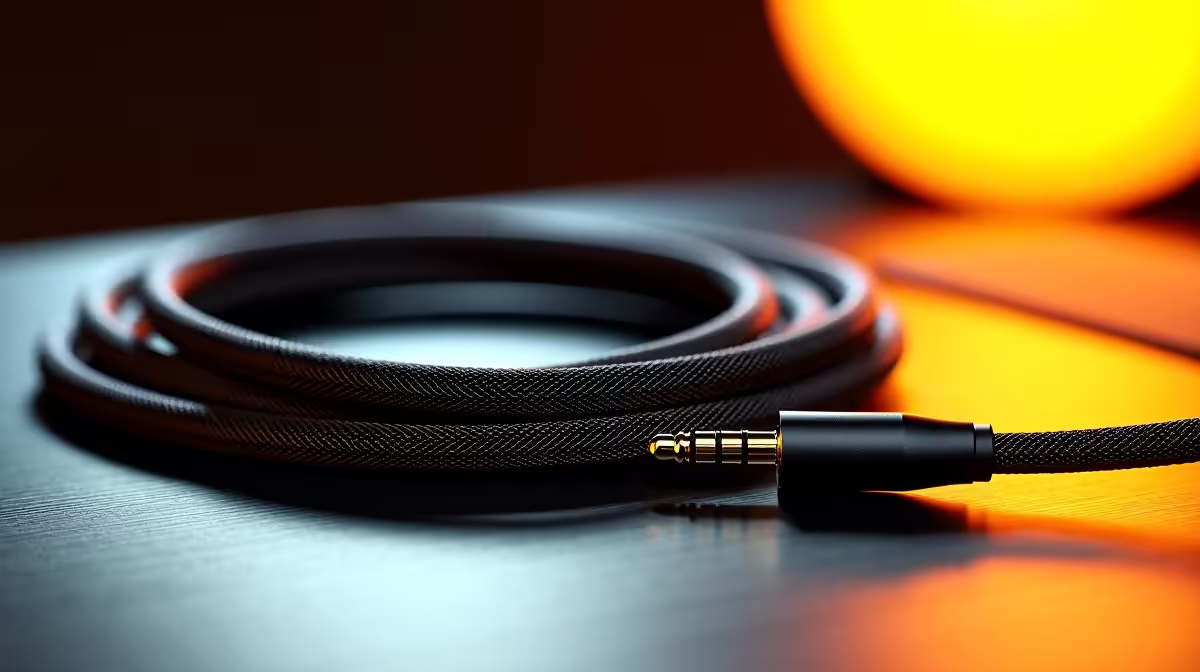
Tired of muddy sound ruining your immersion? That faint buzz during quiet moments or the crackle that costs you a clutch in Warzone? Your high-end GPU and CPU deserve better, and so do your ears. For many South African gamers, the answer isn't a pricey new headset but a simple, affordable cable swap. This straightforward optical audio upgrade guide will show you how to get crystal-clear sound, finally letting you hear your games exactly as the developers intended.
Why Your Audio Needs an Optical Upgrade
So, what’s the big deal with that little red light? Unlike traditional analogue cables that send audio as an electrical signal, an optical audio cable (also known as TOSLINK or S/PDIF) uses pulses of light. This simple difference is huge. Because it’s light, the signal is almost completely immune to the electrical interference that your PC components, like the power supply or graphics card, can create.
The result of an optical audio upgrade is a pure, bit-perfect digital stream from your PC or console to your speakers or headset base station. No more humming, no more static… just clean, detailed sound. It's an easy win for any serious setup, and with quality options from brands like GIZZU, it’s more accessible than ever.
Getting Started: Your Simple Checklist 🔧
Actually upgrading to optical audio is surprisingly simple and won't require a degree in sound engineering. Here’s how to get it done in minutes.
Step 1: Check Your Ports
First, check if your gear has an optical audio port. On a PC, look at the motherboard's rear I/O panel for a small, squarish port, often labelled "S/PDIF" or "Optical Out." It usually has a little flap covering it. Most modern gaming consoles (like the PlayStation 5) and TVs have one too. If you've got the port, you're ready for the next step.
Step 2: Choose the Right Cable
You don't need to spend a fortune to get a great result. The key is a well-made cable that fits snugly. You can find fantastic, high-quality cables for under R500, making this a seriously cost-effective upgrade. Look for trusted brands like HP or Promate that offer reliable build quality without the audiophile price tag.
Pro Tip: Uncap Your Cable!
New optical audio cables come with tiny plastic caps on the tips to protect them. They're easy to miss! Always remember to pull these off before plugging them in, or you'll wonder why you're not getting any sound.
The Sound of Victory 🎧
Once connected, the difference is immediate. In competitive shooters, positional audio becomes sharper, allowing you to pinpoint footsteps and reloads with greater accuracy. In sprawling RPGs like Starfield or Baldur's Gate 3, the soundscape becomes richer and more immersive, with clearer dialogue and more impactful environmental effects. It’s the audio quality your gaming rig was built to deliver, finally unlocked. For a durable option, check out the range from Promate.
Ready for Crystal-Clear Audio?
Stop letting poor-quality cables hold your sound back. Explore our wide range of comprehensive cable solutions and hear the difference for yourself.