




IPS vs VA for Strategy and Sim Games in SA
IPS vs VA for strategy and sim games should be judged by fit, not a single winner. Compare compatibility, latency, capacity, upgrade path, cost planning, and South African setup needs.
Read moreUnlock crystal-clear visuals with the right display resolution. 📊 Learn how to choose and adjust resolutions for sharper screens. 💡 | Evetech
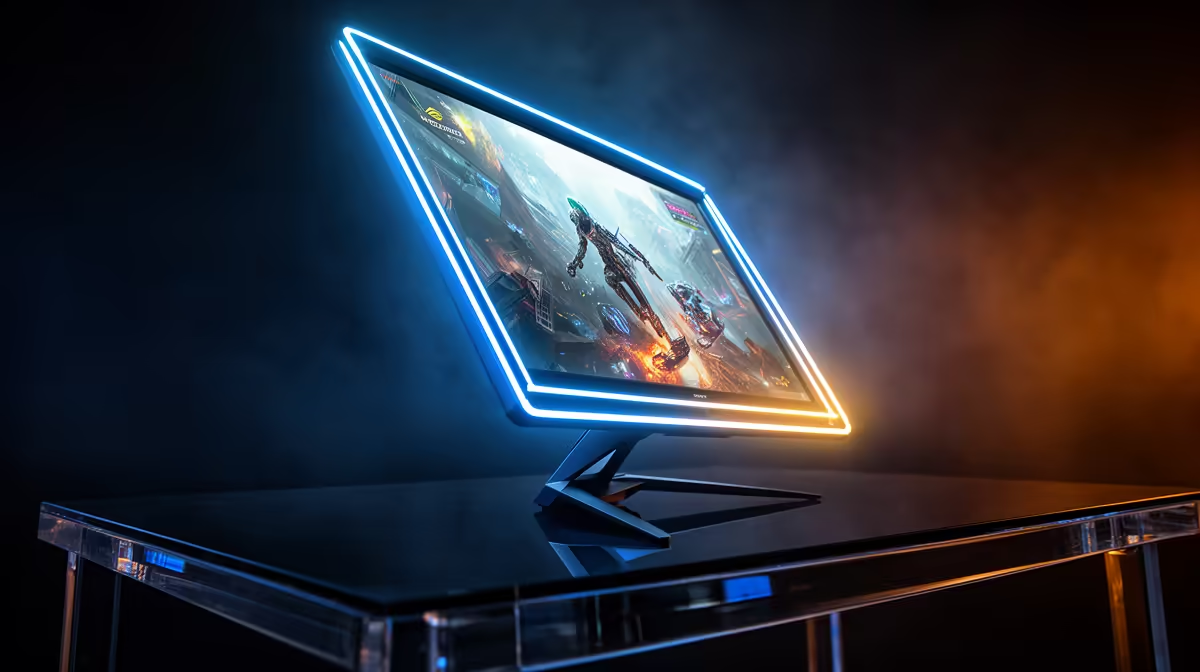
Ever squinted at your screen, wondering why your brand-new game looks a bit… fuzzy? You’ve got the gear, but the picture isn’t as crisp as you expected. The secret often lies in one simple setting: your display resolution. Optimizing your display resolution is the fastest way to achieve the ultimate clarity you paid for. Let’s dive into how you can sharpen up your visuals and make every pixel count, whether you’re gaming or working. 🔧
Think of your screen as a massive grid. Each tiny square in that grid is a pixel, a single dot of light. Display resolution is simply the measure of how many pixels are packed into that grid, described as width by height (like 1920 x 1080).
More pixels mean more detail. It’s the difference between seeing a blurry shape in the distance and clearly identifying an opponent hiding in the shadows. Optimizing display resolution ensures your graphics card is sending the full, detailed picture your screen was built to show, resulting in that razor-sharp image quality every PC enthusiast craves.
Every monitor, TV, or projector has a native resolution. This is the exact number of physical pixels built into the panel. For the absolute best clarity, you should always run your display at this native setting.
Why? If you set a lower resolution, your screen has to guess how to stretch that smaller image to fit its larger physical grid. This process, called interpolation, is what causes blurriness and soft edges. It��s crucial for any setup, from a 4K gaming monitor to a home cinema setup using one of the fantastic projectors available for under R20,000, where running at the native resolution is essential for that big-screen experience.
On a high-res 4K screen, text can look tiny! Don't lower the resolution. Instead, in your PC's 'Display settings', increase the 'Scale' percentage (e.g., to 150%). This keeps your image perfectly sharp while making text and icons readable. It's the best of both worlds!
While getting the resolution right is the foundation, a few other elements build towards a truly spectacular picture. Refresh rate (measured in Hz) determines how smooth motion looks, while colour accuracy ensures visuals pop with lifelike vibrancy. A high resolution is a must, but it shines brightest when paired with quality hardware.
That's why it's worth investing in panels from reputable manufacturers. Top-tier companies, including leading projector brands like Viewsonic, focus on excellent colour science and panel quality to complement those high pixel counts, delivering an all-around superior visual experience. 🚀
Ready for Uncompromising Clarity? Stop settling for a blurry picture when your gear is capable of so much more. Explore our massive range of high-resolution displays and find the perfect screen at Evetech to bring your games and movies to life.
Optimizing display resolution means adjusting your screen’s pixel count for the clearest visuals possible.
Access display settings on your OS, then select the recommended or highest native resolution for sharper visuals.
Native resolution ensures your monitor operates at its designed pixel count, maximizing clarity and performance.
Yes, running a higher-than-recommended resolution may strain your GPU, leading to reduced performance.
Higher resolution increases pixel density, resulting in crisper images and better detail visibility.
Built-in OS options, graphics card software, and online resolution calculators assist in fine-tuning display settings.
Windows scaling adjusts UI elements, but tweaking resolution separately ensures optimal clarity and compatibility.
IPS vs VA for strategy and sim games should be judged by fit, not a single winner. Compare compatibility, latency, capacity, upgrade path, cost planning, and South African setup needs.
Read more
Gen 5 NVMe SSD guide for Bloemfontein gamers should be shortlisted around the job it must do. South African buyers should compare capacity, speed, thermals, and motherboard support, warranty path, and upgrade room before treating any pick as best.
Read more
Skip the RTX 5070 if your first-time builder budget needs better balance. Better SA picks can free room for the right CPU, PSU, case, monitor, storage, and cooling while still giving a strong first gaming PC experience this year in South Africa.
Read more
RTX 5080: weighing the pros and cons for SA should be shortlisted around the job it must do. South African buyers should compare GPU tier, VRAM, cooling, and PSU headroom, warranty path, and upgrade room before treating any pick as best.
Read more
Core i5-13400F gives South African PC builders a capable mid-range CPU choice with clear limits. Check its gaming fit, discrete GPU requirement, LGA1700 platform costs, and upgrade path before locking in your parts list.
Read more
Pros and cons of the Wi-Fi 7 routers for SA should be shortlisted around the job it must do. South African buyers should compare WiFi standard, coverage, latency, and device support, warranty path, and upgrade room before treating any pick as best.
Read more
Steam content servers unreachable needs a download-path check, not an immediate reinstall of every game. Restart the client, inspect download settings and compare another connection when practical. Clearing the download cache is separate from deleting installed games.

Keychron G6 HE has built-in and swappable battery versions with different weights. The product brief lists 42g and 46g respectively, each with a 3g tolerance. Choose by grip and battery preference before treating one headline weight as universal.

Corsair HS80 v2 MAX supports 2.4GHz wireless and Bluetooth. Its maximum battery figures use RGB-off conditions and differ by connection. Check microphone routing, comfort and the exact device support before assuming every wireless mode behaves alike.

Windows taskbar notification badges can be shown or hidden in Taskbar behaviours. This changes the small app indicators, not the underlying messages. Choose a calmer desktop while keeping a deliberate routine for checking important conversations and app updates.
Windows taskbar notification badges can be shown or hidden in Taskbar behaviours. This changes the small app indicators, not the underlying messages. Choose a calmer desktop while keeping a deliberate routine for checking important conversations and app updates.

Windows USB device in use can mean a program still has the drive open. Finish transfers and close files before retrying ejection. Better performance caching requires safe removal; a replacement drive is not the first fix for an open-file warning.

Windows Nearby Sharing not working starts with feature, Bluetooth and visibility checks on both PCs. My devices only depends on matching Microsoft accounts. Test a small harmless file before buying networking hardware or changing your home router.

Windows hardware reserved RAM is different from memory used by applications. Compare installed memory with firmware detection and the usable amount before buying modules. Reservations and reporting limits vary by system; no universal setting restores every byte.
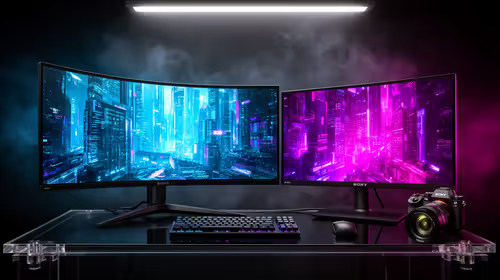
32:9 Super-ultrawide Or Dual-monitor Setup should be judged by your current setup, workload, and upgrade path. SA buyers should compare compatibility, likely gains, support, and timing before changing hardware.
IPS vs VA for strategy and sim games should be judged by fit, not a single winner. Compare compatibility, latency, capacity, upgrade path, cost planning, and South African setup needs.
RTX 5090 for Horizon Forbidden West at 1440p should be judged by settings, CPU balance, drivers, and display goals. Use this as cautious SA build planning, not a fixed frame-rate promise or live benchmark claim.
Gen 5 NVMe SSD guide for Bloemfontein gamers should be shortlisted around the job it must do. South African buyers should compare capacity, speed, thermals, and motherboard support, warranty path, and upgrade room before treating any pick as best.