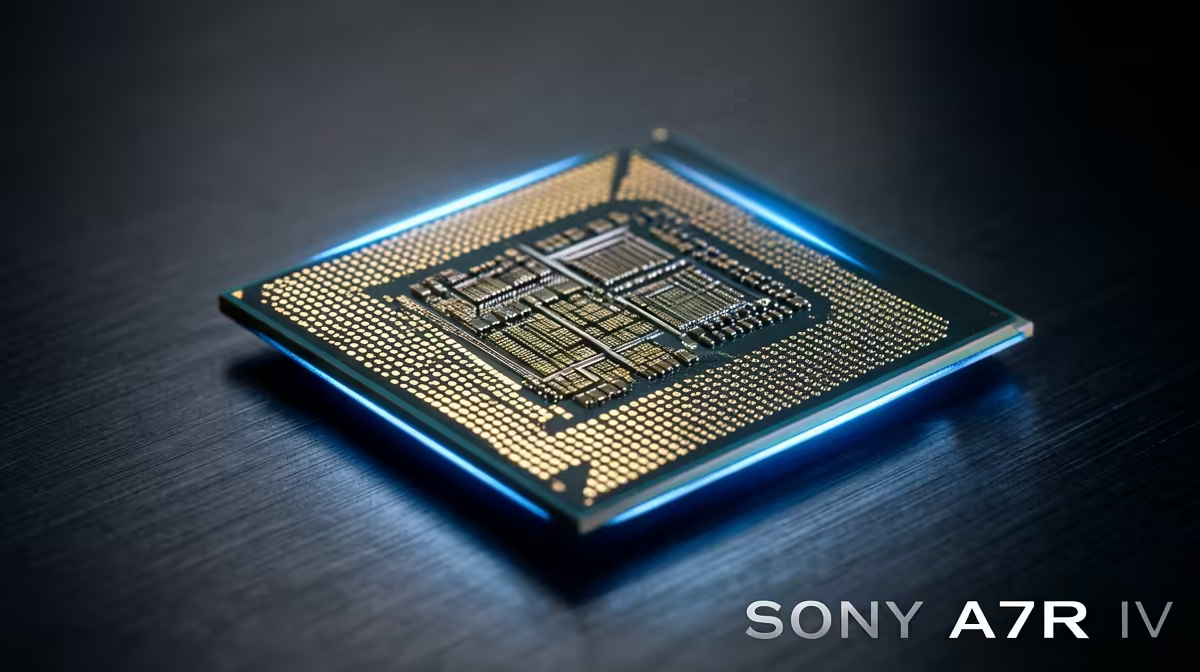
You’ve just dropped some serious ZAR on a beastly new graphics card, ready to crank the latest titles to Ultra. But the frames are stuttering, and the action feels… sluggish. What gives? Your GPU is a race car, but it might be stuck in traffic. This is a classic CPU bottleneck, a common issue robbing South African gamers of performance they paid for.
Don't worry, we're here to help you diagnose and start overcoming CPU bottlenecks for good. ⚡
What Exactly Is a CPU Bottleneck?
Think of your PC as a production line. Your Graphics Card (GPU) renders the beautiful visuals, and your Central Processing Unit (CPU) handles the game's logic, physics, and instructions. A CPU bottleneck happens when your processor can't prepare data fast enough for your powerful GPU to render.
The result? Your expensive GPU sits there, underutilised, waiting for the CPU to catch up. This leads to frustrating performance issues like inconsistent frame rates, micro-stuttering, and lower-than-expected FPS, even at 1080p.
Identifying the Bottleneck in Your Rig 🔧
Before you rush to buy new parts, you need to confirm a CPU bottleneck is the real problem. The best way is to monitor your component usage while gaming.
- Get the Tools: Download a free monitoring tool like MSI Afterburner with the RivaTuner Statistics Server overlay.
- Run a Game: Play a demanding game and keep an eye on the on-screen display.
- Analyse the Numbers: If your GPU usage is consistently below 95% while one or more of your CPU cores are maxed out at 100%, you've found your bottleneck. Your CPU is struggling to keep up.
Building a balanced system is key. Investing in the right CPU processors from the start can save you headaches and unlock your PC's true potential.
Pro Tip: Check Your Specs Twice
Many games are still heavily reliant on single-core speed. When diagnosing a bottleneck, check your per-core CPU usage in your monitoring software. If one core is hitting 100% while others are idle, that's your performance culprit right there!
Practical Steps for Overcoming CPU Bottlenecks
Once confirmed, you have a few options. Some are quick software fixes, while others involve a hardware upgrade for a more permanent solution.
Software Tweaks & Optimisations
Before opening your wallet, try these steps:
- Close Background Apps: Shut down web browsers, streaming apps, and any unnecessary programs before launching a game.
- Increase Resolution: This sounds counter-intuitive, but playing at a higher resolution (e.g., 1440p instead of 1080p) puts more stress on the GPU. This can help balance the workload, leading to a smoother experience if your GPU has the headroom.
- Adjust In-Game Settings: Lower CPU-intensive settings like 'object detail,' 'shadow quality,' or 'physics simulations.'
The Ultimate Fix: A Hardware Upgrade 🚀
While tweaks help, the most effective way of overcoming a CPU bottleneck is by upgrading your processor. A modern CPU will have the power and efficiency to feed your GPU all the data it needs without breaking a sweat.
When choosing a new chip, you have two fantastic options. For gamers chasing the highest possible frame rates, the latest range of Intel CPUs often deliver class-leading single-thread performance. On the other hand, for those who game, stream, and create, the excellent multi-core value of AMD's Ryzen CPUs makes them a powerful and popular choice across South Africa.
Just remember to check that your motherboard's socket and chipset are compatible with your new CPU choice!
Ready to Smash That Bottleneck?
Don't let a sluggish processor hold your high-end GPU hostage. Explore our wide range of CPUs to find the perfect match for your rig. Shop CPUs now at Evetech for performance that leaves lag in the dust.