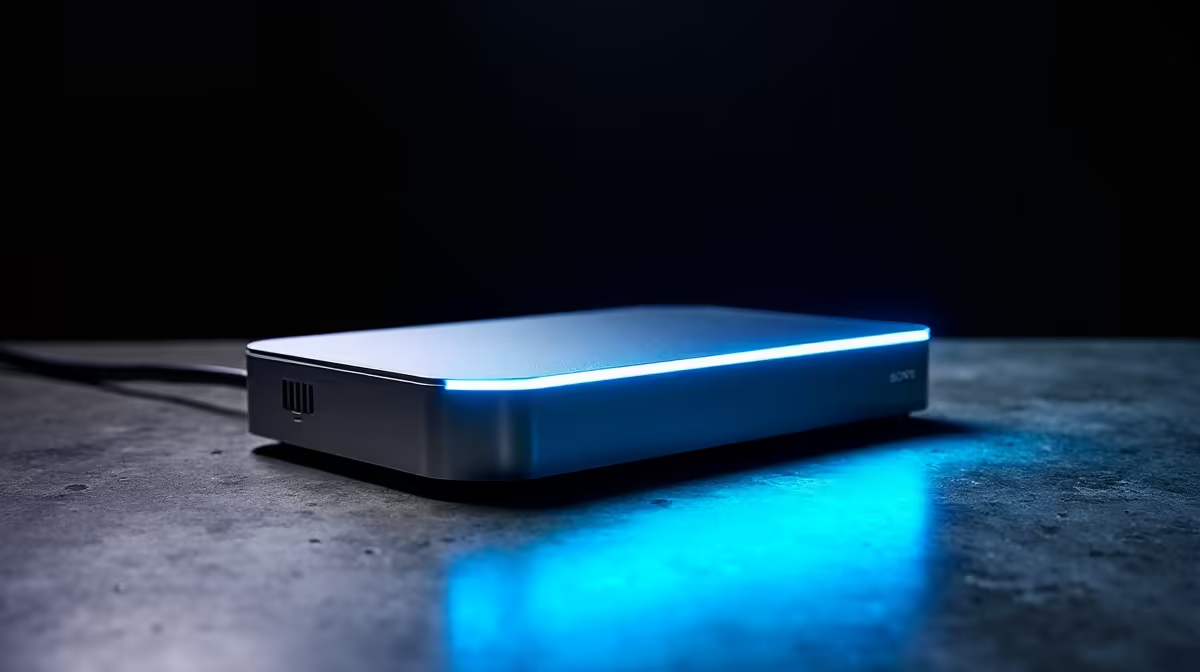
Tired of fumbling with a mess of cables every time you switch desks? For South African hybrid teams, the daily shuffle between home and office can kill productivity. Unplugging your monitor, mouse, keyboard, and charger one by one is a hassle. What if you could connect everything—and I mean everything—with a single, satisfying click? 🔌 That’s the simple power of using plug and play docks for hot desk teams.
Why Your Hybrid Team Needs Plug and Play Docks
In today's flexible work environment, hot-desking is no longer a trend; it's a strategy. It saves space and fosters collaboration. But it only works if the tech is seamless. A dedicated docking station at each desk transforms a chaotic workspace into a streamlined productivity hub. Instead of wrestling with five different cables, your team members simply connect their laptop via one USB-C or Thunderbolt cable. Instantly, they have access to multiple monitors, a full-sized keyboard, a reliable mouse, and a wired internet connection.
This isn't just about convenience; it's about efficiency and protecting your gear. Constant plugging and unplugging wears out the ports on expensive company laptops. A centralised hub minimises that wear and tear. For a relatively small investment, a powerful docking station under R2000 can significantly boost daily output and reduce tech support headaches. It’s a smart, simple upgrade for any modern business.
Choosing the Right Docking Station for Your Setup
Not all docks are created equal. Finding the perfect plug and play solution means matching the hardware to your team's needs. Here’s what to look for:
- Port Selection: Do your creatives need dual 4K monitor support via HDMI or DisplayPort? Does your accounts team need more USB-A ports for peripherals? Map out the essential connections first.
- Power Delivery (PD): A dock with Power Delivery can charge your laptop while it's connected, eliminating the need for a separate power brick. This is a massive win for keeping desks tidy. ✨
- Compatibility: Ensure the dock works with your team's laptops (Mac, Windows, ChromeOS) and supports the right connection type, whether it's the universal USB-C or the high-speed Thunderbolt standard.
You don't need to break the bank to get started. Many excellent options are available for under R1000 that cover all the essentials for a smooth hot-desking experience.
Pro Tip: Check Your Port ⚡
Not all USB-C ports are the same! Before buying, confirm your laptop's USB-C port supports "DisplayPort Alternate Mode" (DP Alt Mode) or Thunderbolt. This feature is what allows video to be sent through the USB-C cable to your external monitors.
A Day in the Life: Hot-Desking Done Right
Imagine one of your team members, Lerato, arriving at the office. She grabs a coffee, finds an open hot desk, and plugs a single cable into her laptop. Immediately, her dual-monitor setup comes to life, her ergonomic keyboard and mouse are ready, and she's on the fast, wired network. No friction, no fuss. She spends her morning being productive, not troubleshooting connections.
This level of seamless integration is what a good docking station provides. Brands like Promate specialise in creating reliable hubs that just work. By equipping your desks with a solution like these versatile Promate docking stations, you empower your team to focus on what they do best, whether they're in the office for a day or a week.
Ready to Declutter and Boost Productivity?
Stop wasting time with cables and empower your team with a true plug-and-play setup. Explore Evetech's full range of docking stations and find the perfect fit for your budget and needs.