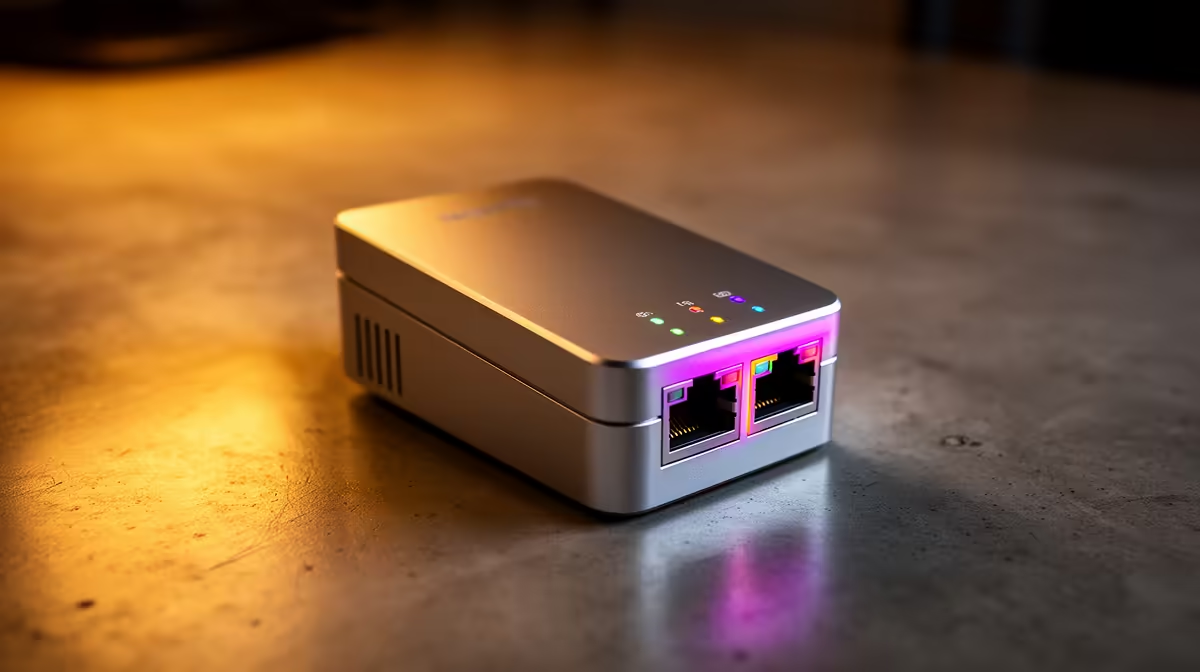
A powerline kit can carry a network connection through household electrical wiring when Wi-Fi struggles, but Pretoria buyers should treat performance claims as best-case figures. Results depend on the wiring layout, distribution board, circuit separation and electrical noise inside the individual home.
Test the intended sockets, not adjacent ones
Start with the router location and the room that needs connectivity. Plug each powerline unit directly into a wall socket, because multiplugs, extension leads and protective strips can reduce performance. Check whether the two sockets sit on compatible circuits, then test sustained transfers, latency and packet loss at the times when appliances are normally running.
No powerline model or price is verified in the supplied factpacks. Confirm current Evetech stock, port speed, Wi-Fi capability, pass-through socket design, encryption method and return terms before buying. A kit advertised with a high link rate may deliver much less usable throughput. If several devices share the far room, consider a unit with multiple Ethernet ports or add a suitable network switch.
Compare the result with a direct Ethernet cable where installation is practical. A mesh Wi-Fi node may suit mobile devices better, while powerline can serve a fixed TV, console or desktop without adding another wireless hop. Pair and secure both units according to the manufacturer instructions, then label them so they remain together.
Solving a difficult Pretoria connection? > Compare current Evetech networking options after mapping the router, circuits and target devices.