Projector connection issues: quick office fixes 🔧⚡
South African offices love big, bright presentations — until the projector refuses to play ball. If you’re wrestling with projector connection issues in the middle of a pitch, this short guide gets you back on track fast. Read the checklist, try the quick fixes, and know when to swap cables or upgrade your kit.
Projector connection issues: first checks and cable basics
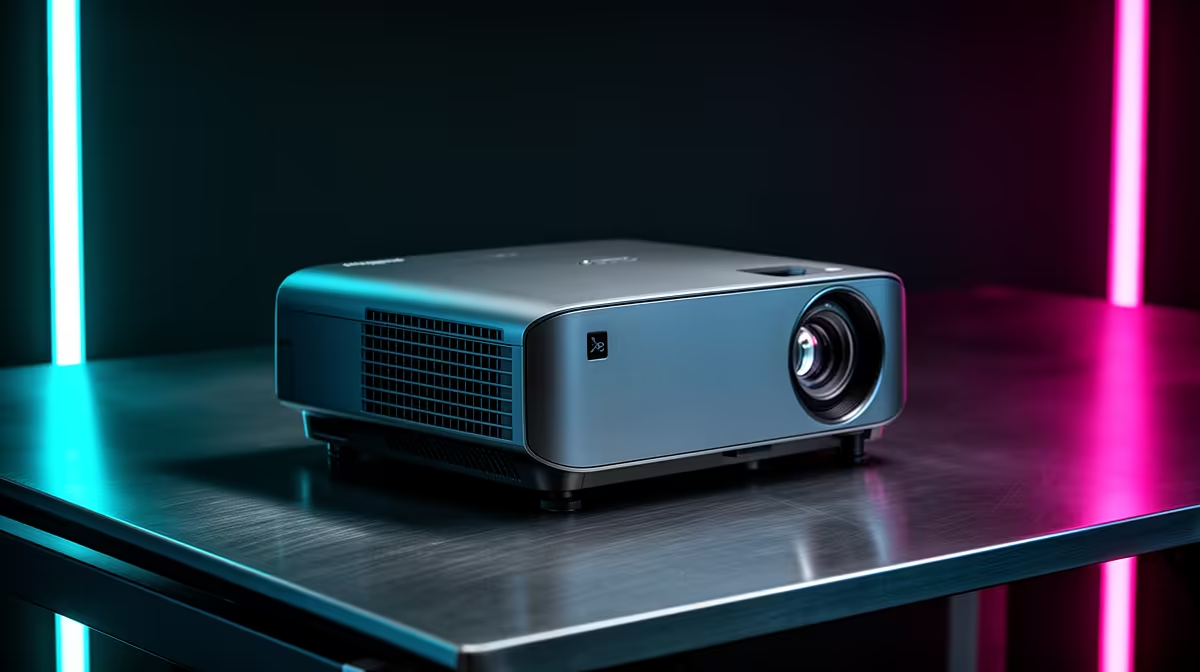
Start simple. Power on the projector and the laptop, then confirm the projector input matches the cable (HDMI, VGA, DisplayPort). Loose connectors and wrong inputs cause most problems. If you need a replacement cable or a different model, browse our full projector selection for specs and port options here: Evetech projectors.
Common cable traps
- HDMI vs VGA: digital vs analogue. Use HDMI for crisp text and audio.
- Adapters: USB-C to HDMI can be flaky — try a different adapter or the laptop’s native port.
- Cable length: long cheap HDMI leads can drop signal. Keep cables under 10 m when possible.
Projector connection issues: brand quirks and firmware
Some brands behave differently with laptops and phone casting. ViewSonic projectors often have straightforward input menus, but checking the manufacturer page for firmware notes can save time. See specific ViewSonic options and manuals here: ViewSonic projectors.
Connection Pro Tip ✨
If the projector shows a 'no signal' message, cycle the input source on the projector, then on your laptop use Windows+P (or Display Preferences on macOS) to force detection. If that fails, unplug all cables for 10 seconds and reconnect.
Projector connection issues: software, drivers and display settings
Software settings often hide the problem. On Windows, update graphics drivers, set the external display to 'Extend' or 'Duplicate', and match the projector's recommended resolution. On macOS, hold Option while clicking Display to reveal hidden scaling options. If you rely on adapters or hubs, check the adapter maker's compatibility — Promate accessories can help in constrained setups: Promate projectors and adapters.
If presentations use video, confirm both resolution and refresh rate match the projector's supported modes. When in doubt, pick a common resolution like 1920×1080 at 60 Hz.
Projector connection issues: when to repair or replace
Cables and adapters are cheap fixes. But if the lamp life, brightness, or input panel repeatedly fails, consider a modern replacement. You can find reliable entry-level projectors and budget options under R7,000 on our curated list — good for small offices and meeting rooms: Projectors under R7,000.
Final checks before the meeting
- Test everything 15 minutes early.
- Bring a spare HDMI cable and a USB-C adapter.
- Save slides in both PPTX and PDF just in case.
Ready to Find Your Perfect Match?
The Mac vs Windows debate is complex, but for maximum power, choice, and value in South Africa, Windows is hard to beat. Explore our massive range of laptop specials and find the perfect machine to conquer your world.