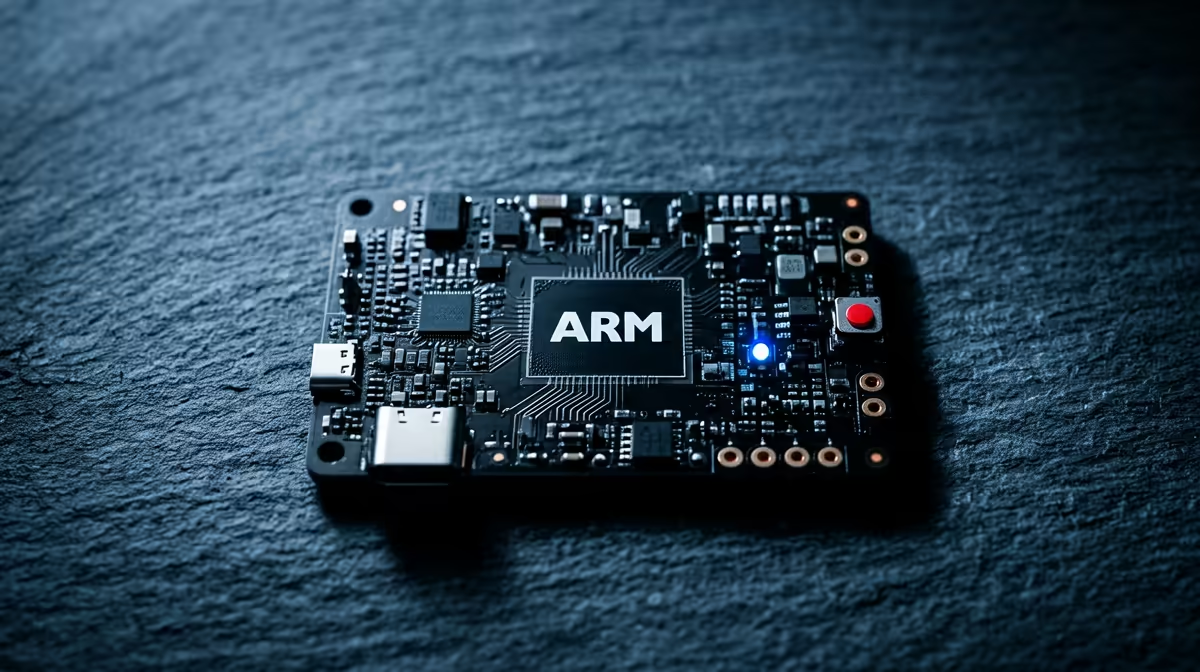
Two boards, the same family, completely different jobs. The Raspberry Pi Zero 2 W is a thumb-sized board that sips power and tucks into anything, while the Pi 5 is a desktop-class single-board computer that wants a beefy power supply and active cooling. Picking between them is not about which is better. It is about whether your project needs to run quietly in a corner for months or chew through real compute on demand.
Quick Answer
Choose the Pi Zero 2 W for always-on, low-power and space-constrained builds where its roughly 1.2 watt draw and tiny footprint shine. Choose the Pi 5 when you need compute, with Cortex-A76 cores delivering two to three times the CPU performance of the Pi 4 plus PCIe expansion, at the cost of a 5V/5A supply and more heat. Match the board to the task, not the spec sheet.
What sets the two boards apart
The Zero 2 W runs a quad-core 64-bit Cortex-A53 chip at around 1GHz. That is a genuine step up from the original single-core Zero, roughly five times the multi-threaded performance, but it sits well below the Pi 5 for anything CPU-heavy. The Pi 5 uses the much newer Cortex-A76 architecture, which is where that two-to-three-times jump over the Pi 4 comes from, and it adds a PCIe lane for fast NVMe storage and accessories the Zero simply cannot host.
Form factor follows from that. The Zero 2 W is a fraction of the size and built to disappear inside a project enclosure, a camera housing or a battery pack. The Pi 5 is a full-size board that expects a case with airflow. Builders comparing compact computing options can browse the mini PC range at Evetech to see how both Pi boards sit alongside purpose-built small machines.
Power and heat: the deciding factor for always-on builds
For anything that runs continuously, power draw is the headline number. The Zero 2 W pulls around 1.2 watts, which is what makes it the natural pick for battery or solar projects, a sensor node, a small camera, an environmental monitor left running for weeks. It barely warms up and rarely needs active cooling.
The Pi 5 is a different animal. It idles in the region of 3 to 5 watts and can climb well beyond that under load, which is why it requires the 5V/5A power supply rather than the older 3A unit. That extra draw is the price of its speed, and for a server or a desktop replacement it is entirely justified. But for a build you want sipping power in a cupboard for months, the difference between roughly one watt and a sustained multi-watt load adds up.
When the Zero 2 W is the right call
Reach for the Zero 2 W when the workload is light and constant: a Pi-hole style filter, a small home-automation hub, a time-lapse camera, a retro handheld, or any GPIO project where size and power matter more than raw speed. Its quad cores handle these comfortably, and the tiny footprint lets you build it into places a full Pi would never fit.
When the Pi 5 earns its power budget
Reach for the Pi 5 when the task is compute-bound: a local media server transcoding files, a small home server running containers, light desktop use, or a build that benefits from fast NVMe storage over PCIe. The A76 cores and the storage bandwidth turn projects that crawl on a Zero into something genuinely snappy.
Storage, accessories and the wider build
The Pi 5's PCIe lane is a quiet but important advantage. With an adapter it takes an NVMe SSD, which transforms boot times and database-style workloads compared to running everything from a microSD card. The Zero 2 W stays on microSD, which is fine for its lighter duties but a real bottleneck if you push it toward server work it was never meant to do.
Cooling differs too. The Zero rarely needs more than passive heat dissipation, while a Pi 5 under sustained load genuinely benefits from a fan or an active cooler to avoid thermal throttling. Factor that into your enclosure choice from the start. For the storage, cases and adapters that complete either build, the top-selling PCs at Evetech shows what local buyers are currently picking up alongside compact boards.
Connectivity and expansion differences
The two boards diverge sharply on what you can plug into them, and this often matters more than raw speed for a given project. The Pi 5 carries full-size USB ports, dual display output, gigabit Ethernet and the PCIe lane, so it behaves like a small computer you can attach storage, screens and accessories to directly. For a desktop replacement, a multi-service home server or anything with peripherals, that connectivity is a large part of its value.
The Zero 2 W trims all of that down to fit its size. Connectivity is minimal and often relies on adapters or soldered headers, which is fine for an embedded build where the board talks to a couple of sensors and a wireless network, but limiting if you suddenly need a screen and several USB devices. Built-in wireless and Bluetooth on the Zero 2 W keep it useful for connected IoT projects, but if your build needs to host a lot of hardware, the Pi 5's expansion is the deciding factor.
Software and project ecosystem
Both boards run the same Raspberry Pi OS and share the enormous community of guides, libraries and project write-ups that make the platform so approachable. That shared ecosystem means a beginner can follow most tutorials on either board, and skills transfer cleanly between them, which is a genuine reason to stay within the family rather than jumping to an unfamiliar board.
The difference shows up under load. The Pi 5's faster cores and extra memory let it run heavier software stacks, container workloads and desktop applications that would crawl or simply not fit on the Zero 2 W. The Zero handles lightweight scripts, single-purpose services and GPIO-driven code comfortably, but it is not the board for a multi-container server. Knowing which side of that line your software sits on is usually the cleanest way to settle the choice.
Frequently Asked Questions
How much faster is the Pi 5 than the Zero 2 W?
Substantially. The Pi 5's Cortex-A76 cores deliver two to three times the CPU performance of the Pi 4, which itself far outpaces the Zero 2 W's Cortex-A53 cores. For compute-heavy work the gap is large, though both have four cores.
Can the Pi Zero 2 W run a home server?
For very light duties, yes, such as a DNS filter or a simple automation hub. For anything that transcodes media, runs multiple containers or hits storage hard, the Pi 5 is the far better fit thanks to its faster cores and NVMe support.
Why does the Pi 5 need a bigger power supply?
Its higher idle and peak draw require the 5V/5A supply rather than the older 3A unit. The Zero 2 W, by contrast, runs on roughly 1.2 watts and is happy with a modest supply.
Does the Zero 2 W support NVMe storage?
No. It relies on microSD storage, which suits its lighter workloads. PCIe and NVMe support is exclusive to the Pi 5 in this comparison and is one of its biggest practical advantages.
Which board is better for a battery-powered project?
The Zero 2 W, clearly. Its roughly 1.2 watt draw and tiny size make it ideal for battery and solar builds, where the Pi 5's higher power appetite would drain a pack far too quickly.
Sized up your build? Explore small-form compute and accessories in the mini PC range at Evetech and get the right board paired with the right storage.