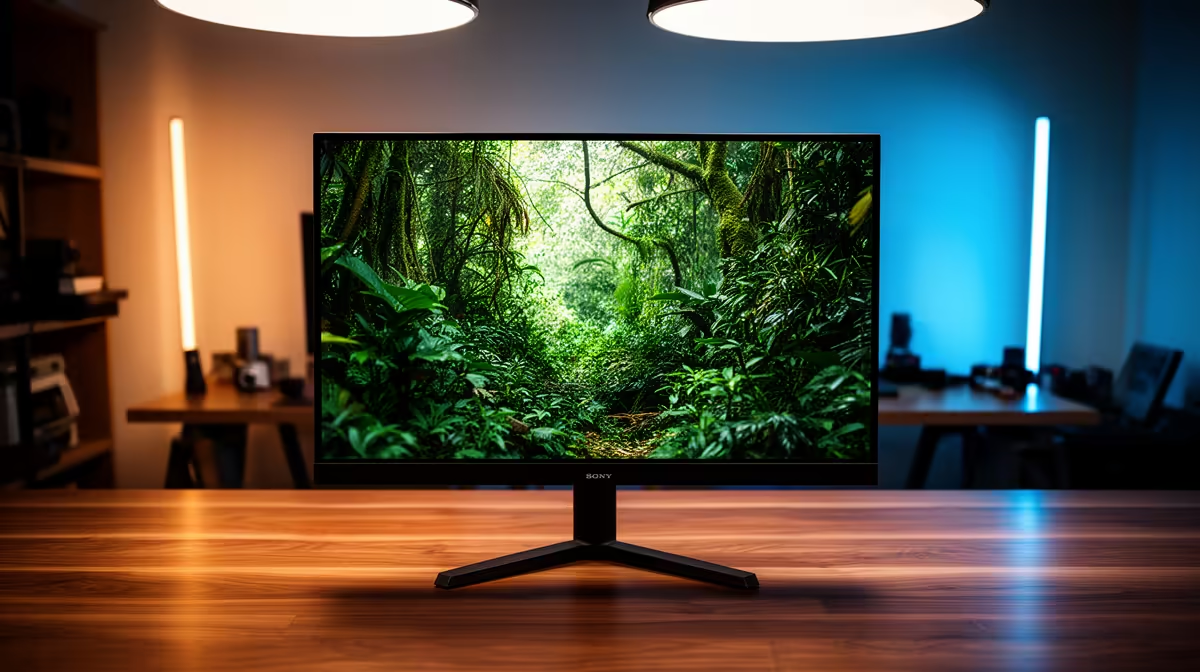
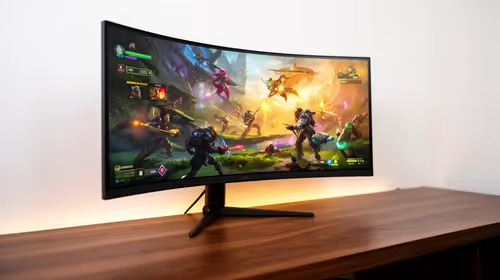
Quick Answer
IPS is the safer mixed-use value choice; OLED is the premium contrast and response choice. IPS is easier for long desktop use; OLED rewards careful brightness and static-content habits. For 4K video editing, use 4K 60fps timelines with 32GB RAM as the target before paying for the more expensive option.
Where The Upgrade Shows
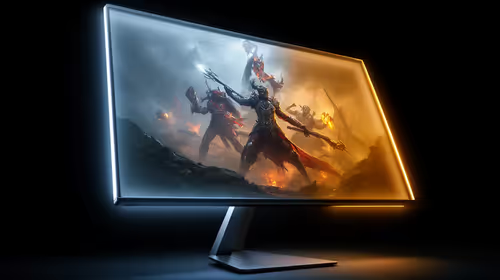
Prioritise timeline text, scopes, calibration controls and sustained brightness. IPS fits work plus gaming. OLED fits image-quality upgrades. Moving from a basic 75Hz screen to a good 60Hz setup is usually a bigger win than a small label change inside the same class. For ports, the result appears only when the monitor, cable and display support the same mode.
Specs And SA Price Bands
Compare real model names: MSI MAG 274QRF QD E2, ASUS TUF VG27AQ, LG 27GS95QE-B. Broad SA shelf ranges often sit around R4,000-R30,000+. For gaming, RTX 4060 is a lighter 1080p baseline, RTX 4070 SUPER is a strong 1440p anchor, and higher cards make more sense for 4K 120fps. SA creators should budget for the screen and workstation together.
Buyer Checks
Confirm resolution, refresh rate, HDR or VRR mode, warranty and cable requirement. For panels, check text clarity, brightness and reflections. For ports, check 40Gbps, DSC, charging wattage, PCIe support or dual-display wording. If two options cost similar money, pick the one that removes blur, dim HDR, weak contrast, cramped ports or unreliable docking.
FAQ
Which is better for 4K editing in SA?
IPS is better when its strengths match the main bottleneck; OLED is better when it solves your room, refresh or workflow problem. The safer choice is the one that reaches 4K 60fps timelines with 32GB RAM with your current PC, console or laptop.
Do I need the premium option?
Not always. If your current screen or port already handles the target mode, spend first on the weaker part: GPU, cable, dock, RAM or storage. Broad budgets can start near R4,000-R30,000+, so the premium option should show a visible benefit.
What should I check before ordering?
Check exact resolution, refresh rate, warranty term, cable requirement and supported display mode. For IPS versus OLED, the important line is the mode you will use every day, not the highest number in the headline.
Pro Tip
Match the panel, cable and PC output to 4K 60fps timelines with 32GB RAM before choosing between IPS and OLED.