Quick Answer
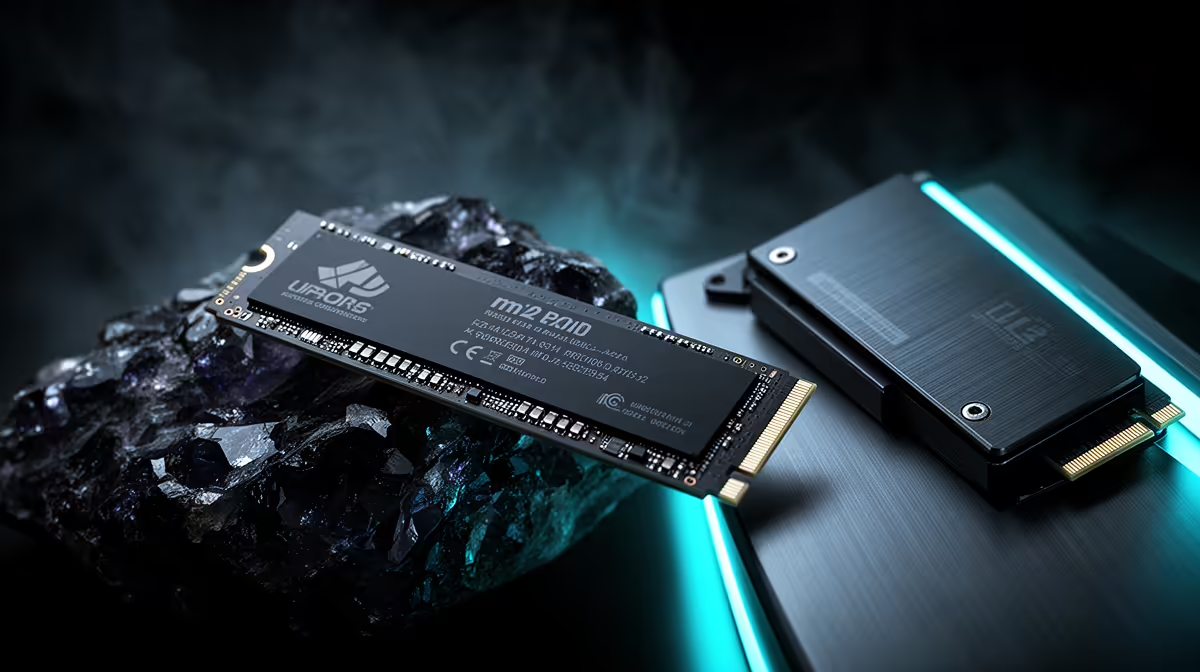
For competitive esports in SA, M.2 NVMe is the right storage over U.2 — it loads maps fast in CS2, Valorant and Apex, fits any board cable-free, and costs less. Storage does not affect in-game fps, so a 1TB M.2 Gen4 (around R1,300) is plenty; put the saved money toward a faster monitor or GPU.
Storage does not set your fps
Esports frame rates come from your GPU, CPU and monitor, not your SSD. What an M.2 drive does is load maps and the game itself quickly, so you queue and ready up faster. M.2 Gen4 reads around 7,000 MB/s, which is more than enough. U.2 matches that speed but adds cabling and cost — pointless for an esports rig where the SSD is not the performance lever.
Spend where it counts
Because esports titles are small and storage does not change fps, a 1TB M.2 (around R1,300) covers your competitive library with room to spare. Redirect any budget you would have spent on U.2 or a larger drive toward the things that raise frames and responsiveness — a 240Hz monitor, a faster GPU, or a low-latency mouse. M.2 is the smart, cheap storage default here.
How to choose for an SA build
For nearly every desktop and gaming PC sold locally, M.2 is the answer — motherboards from B650 to X670 carry two to four M.2 slots, and drives like the WD Black SN770 1TB (around R1,300) or a 2TB Gen4 unit (around R2,400) cover gaming and creative work. U.2 needs an adapter or a workstation board, adds cost, and gives no real-world speed benefit for home use. Buy U.2 only if you specifically need enterprise drives in a server chassis.
FAQ
Does my SSD affect esports fps?
No. Frame rate comes from the GPU, CPU and monitor. The SSD only loads maps and the game; it does not change in-game performance.
How much storage for esports?
1TB (around R1,300) is plenty — competitive titles are small. Spend the rest on a faster monitor or GPU that actually raises frames.
Is U.2 worth it for an esports PC?
No. M.2 matches its speed, costs less and fits cleanly. U.2 adds cost for zero esports benefit.
Before you buy
Storage does not raise esports fps — buy a 1TB M.2 and put the savings toward a 240Hz monitor or faster GPU.