



IPS vs OLED for Competitive esports in SA
IPS vs OLED depends on Competitive esports needs, platform limits, and budget fit. Compare compatibility, latency, upgrade path, and real setup constraints before choosing for an SA build.
Read moreRhodes Mechatronics: minimum laptop specs should be shortlisted around the job it must do. South African buyers should compare CPU, GPU, RAM, and screen quality, warranty path, and upgrade room before treating any pick as best.
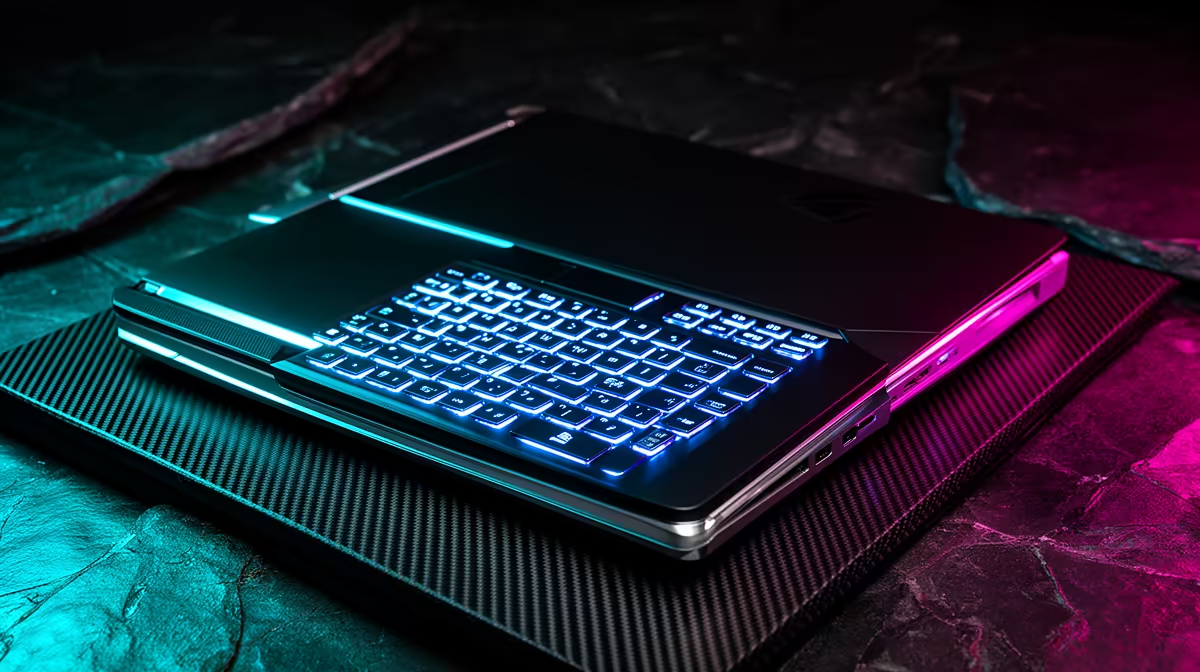
Rhodes Mechatronics students should buy around Core i7 or Ryzen 7, 32GB RAM preferred, 1TB SSD, RTX 4050 or RTX 4060 GPU. The realistic SA budget band is R20,000-R36,000, with Lenovo LOQ 15, ASUS TUF A15, or MSI Katana class worth comparing by specification rather than by name alone. For NSFAS-funded students, the R5,200 device allowance is below the cheapest practical laptop band, so the course requirement should guide the final approved budget.
The safe floor is 16GB RAM, a 512GB NVMe SSD, Wi-Fi, HDMI or USB-C display output, and a comfortable keyboard for long assignments. Move to 32GB RAM and 1TB storage when the course uses local datasets, CAD files, Adobe projects, or virtual machines. A 14-inch laptop is easier to carry; a 15.6-inch screen is better for spreadsheets, drawings, timelines, and split-window study.
For Mechatronics, the workload is mainly MATLAB, SolidWorks, Fusion 360, coding, robotics tools, and simulation work. A 60Hz screen is enough for this workload; spend first on RAM, SSD capacity, and keyboard comfort rather than gaming extras.
First-year students can start with the lower end of the band if the laptop has 16GB RAM and an SSD. Senior students, project-heavy students, or anyone using external monitors should move toward the stronger CPU and 32GB RAM tier. If the laptop will be the only machine in residence or digs, choose reliability, thermals, and warranty support over a thin design.
Avoid 4GB and 8GB RAM models for this course path. They may open documents, but multitasking with browser tabs, Teams, PDFs, and course software becomes the real problem.
Check charger size, battery life, webcam, keyboard feel, and whether the laptop fits a backpack safely. Students at Rhodes may move between lecture venues, libraries, labs, and residence rooms, so weight and repair turnaround matter. Add a mouse for CAD, spreadsheets, or design work; it is a small cost with a large comfort gain.
Start with Core i7 or Ryzen 7, 32GB RAM preferred, 1TB SSD, RTX 4050 or RTX 4060 GPU. If the course uses heavier project files, 32GB RAM and a 1TB SSD are the upgrades that keep the laptop useful for longer.
Not for a new laptop that meets the safer spec. R5,200 is below the practical R8,000 entry band, and Mechatronics students often need a higher approved budget for course software.
Buy a gaming laptop only when the workload needs a dedicated GPU, such as CAD, rendering, animation, game engines, or video editing. For writing, coding, accounting, and law, a lighter productivity laptop is usually easier to carry.
Before buying, list the exact Mechatronics apps required for the semester and choose the cheapest laptop that meets the RAM, SSD, and screen needs without dropping below 16GB memory.
IPS vs OLED depends on Competitive esports needs, platform limits, and budget fit. Compare compatibility, latency, upgrade path, and real setup constraints before choosing for an SA build.
Read more
Skip the RTX 5060 for local AI workloads if memory headroom is the bigger need. SA buyers should compare VRAM capacity, CUDA support, PSU needs, case space, gaming overlap, software stack, and realistic model sizes before choosing a GPU for your PC.
Read more
Front-mesh airflow cases has practical trade-offs for SA buyers, not one answer for every setup. Compare fit, compatibility, upgrade path, price tier, and daily gaming needs before deciding.
Read more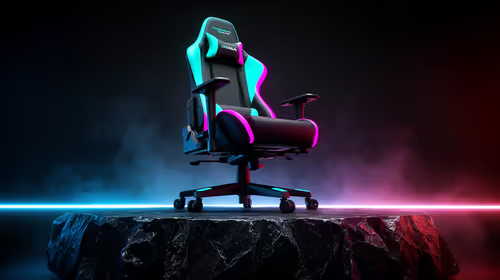
gaming chair guide for Pietermaritzburg gamers should be shortlisted around the job it must do. South African buyers should compare fit, performance, compatibility, and upgrade room, warranty path, and upgrade room before treating any pick as best.
Read more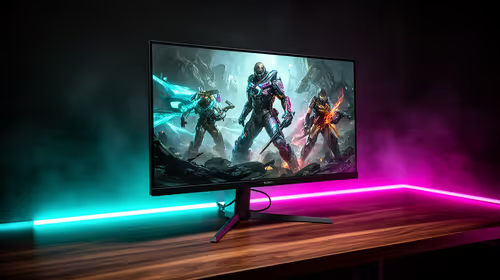
Where East London gamers buy a gaming monitor should be shortlisted around the job it must do. South African buyers should compare panel type, resolution, refresh rate, and ports, warranty path, and upgrade room before treating any pick as best.
Read more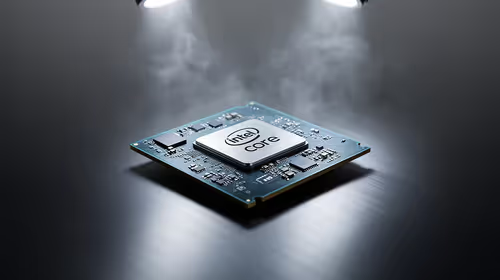
Intel Core Ultra CPU S-tier through F-tier should be shortlisted around the job it must do. South African buyers should compare fit, performance, compatibility, and upgrade room, warranty path, and upgrade room before treating any pick as best.
Read more
Steam game recording black screen needs a fresh capture and export test before a hardware upgrade. Check the recording mode, free space and whether another game records correctly. Community reports suggest testing broadcasting settings, but that is not a universal fix.

MSI Stealth 16 RTX 5070 specs need an exact SKU check because current listings disagree on GPU memory. One UK listing says 12GB while MSI's family table says 8GB. Confirm the supplied configuration rather than assuming either describes every machine.

SHIELD TV Pro price increase means a higher US price for the existing streaming box. NVIDIA confirmed the change starts on 2 October and cited component costs. Compare playback needs, regional service access and the full local quote before buying.

Is a transparent phone mount the key to clearer windshield views? 🚗 We analyze if these see-through accessories actually reduce obstruction while driving or if they’re just a clever marketing gimmick. Find out which mount keeps your dash clean. 📱

Steam game missing from library usually needs an account and filter check before a reinstall. Match your receipt to the signed-in account, clear library filters and inspect hidden games. Installed files do not establish ownership on the account you are using.
Steam game recording black screen needs a fresh capture and export test before a hardware upgrade. Check the recording mode, free space and whether another game records correctly. Community reports suggest testing broadcasting settings, but that is not a universal fix.

Windows 11 two finger scroll not working needs a gesture and driver check first. Test pointer movement and scrolling in more than one app, inspect Touchpad settings and use Windows Update or the laptop maker's driver. A new mouse is only a workaround.

Windows 11 Insider 26220.9587 is a Beta preview released on 2 October. Microsoft lists Unicode text support, Settings performance work and a Cloud Rebuild entry point. These are preview changes, not a reason to move your only working PC onto a test build.
Steam game missing from library usually needs an account and filter check before a reinstall. Match your receipt to the signed-in account, clear library filters and inspect hidden games. Installed files do not establish ownership on the account you are using.
Windows 11 fifth birthday falls on 5 October 2026. The anniversary is a useful time to check compatibility and your real workload. Minimum installation requirements do not describe the memory, storage or app support that makes your own PC comfortable to use.
Disk offline signature collision can appear after connecting a cloned drive. Identify both disks and preserve your backups before changing anything. An offline disk has several possible causes, so do not format it or assume the drive has failed from the status alone.

ASUS Ascent GX10 64GB adds a smaller-memory option to the compact AI desktop family. ASUS describes unified LPDDR5x memory for local model work. Match the model, software and exact supplied configuration before treating a headline performance claim as a benchmark.