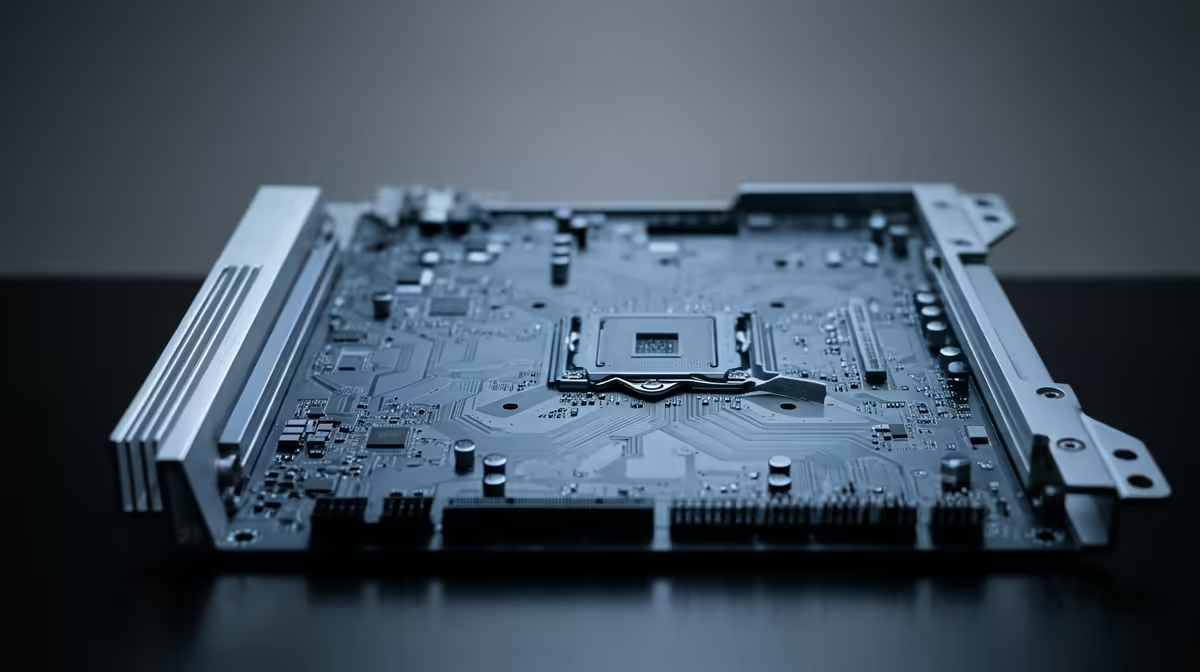
Staring at a render bar that barely moves? Or a timeline that stutters every time you add a new effect? We often blame the CPU or GPU, but the real bottleneck might be hiding in plain sight… your motherboard. Choosing the right motherboard for video editing is the secret to a smooth, responsive workflow in South Africa. It’s the central nervous system of your PC, and getting it right means unlocking the true potential of all your other expensive components. 🚀
Why Your Motherboard is the Unsung Hero of Video Editing
Think of your PC as a high-performance team. Your CPU is the brain, and your GPU is the muscle. But the motherboard? It’s the entire communication network that allows them to work together seamlessly. A cheap or poorly chosen board will throttle your components, no matter how powerful they are.
A quality motherboard for video editing ensures that data flows rapidly between your processor, RAM, graphics card, and storage drives. This translates directly to a smoother experience in DaVinci Resolve, Adobe Premiere Pro, or Final Cut Pro. You'll see faster project loading, smoother playback of 4K or even 8K footage, and significantly reduced export times. It's the foundation upon which great creative pre-built PC deals are built.
Key Features in a Motherboard for Video Editing
When you're on the hunt, the specs can seem overwhelming. Let's break down exactly what matters for a creator.
### CPU Socket & Chipset Compatibility
This is your first decision, and it locks you into an ecosystem: Intel or AMD.
- Intel: Typically use an LGA socket. A Z-series chipset (like Z790) offers the best features, including overclocking support and more connectivity. A solid choice for creators who want maximum single-core performance. Check out our range of Intel-powered PC deals to see them in action.
- AMD: Use an AM socket (currently AM5 for the latest Ryzen CPUs). X-series chipsets (like X670E) are the top-tier option, providing excellent multi-core performance which is fantastic for rendering. Many professional editors prefer the core counts found in our AMD Ryzen PC deals.
The right video editing motherboard chipset ensures you get the latest features like DDR5 RAM and PCIe 5.0 support.
### RAM: More is More
Video editing is incredibly RAM-hungry. A good motherboard should have four DIMM slots, allowing you to start with 32GB (2x16GB) and easily upgrade to 64GB or even 128GB later. Ensure the board supports high-speed DDR5 RAM, as the increased bandwidth makes a noticeable difference when scrubbing through complex timelines.
### PCIe Slots: Fuel for Your Graphics Card ⚡
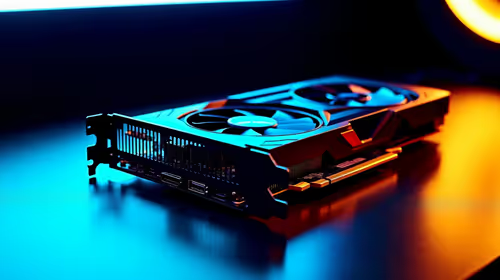
Your graphics card (GPU) does the heavy lifting for effects, colour grading, and encoding. It needs a fast connection to the CPU.
- PCIe 5.0 x16 Slot: This is the gold standard. Look for a motherboard with at least one full-speed PCIe 5.0 x16 slot for your primary GPU. This ensures your powerful graphics card isn't being held back. Whether you're running one of the latest NVIDIA GeForce gaming PCs or a rig from our AMD Radeon gaming PC lineup, a fast PCIe slot is non-negotiable.
### Storage Connectivity: Speed is Everything
Your storage speed directly impacts how quickly your applications load and how smoothly you can play back high-bitrate footage.
- M.2 NVMe Slots: A top-tier motherboard for video editing will have at least two or three M.2 slots. This allows you to run a super-fast NVMe SSD for your operating system and applications, another for a dedicated project/cache drive, and still have room for expansion.
- SATA Ports: Don't forget about SATA! You'll still need plenty of these for larger, more affordable hard drives or SSDs to store your finished projects and raw footage.
Productivity Pro Tip 🔧
On Windows, use the PowerToys FancyZones utility to create custom snap layouts for your windows. It's a lifesaver for managing multiple apps on an ultrawide monitor, letting you organise your timeline, preview window, and asset folders perfectly for video editing.
Putting It All Together for a Balanced Build
Choosing the right motherboard isn't about buying the most expensive one. It's about finding the one with the right feature set to support the rest of your hardware without creating a bottleneck. A well-chosen B-series or X-series board can provide all the performance you need.
By carefully selecting a motherboard that supports a powerful CPU, fast RAM, a modern GPU, and speedy NVMe storage, you create a balanced system that just works. This is the philosophy behind our professionally built Workstation PCs, where every component is selected to deliver a smooth and efficient creative workflow right out of the box.
Ready to Boost Your Editing Workflow?
Choosing the perfect motherboard is the foundation, but building a balanced rig takes expertise. Our expertly configured Workstation PCs are optimised for maximum performance, letting you focus on creating, not troubleshooting. Find your ultimate editing rig today.