Quick Answer
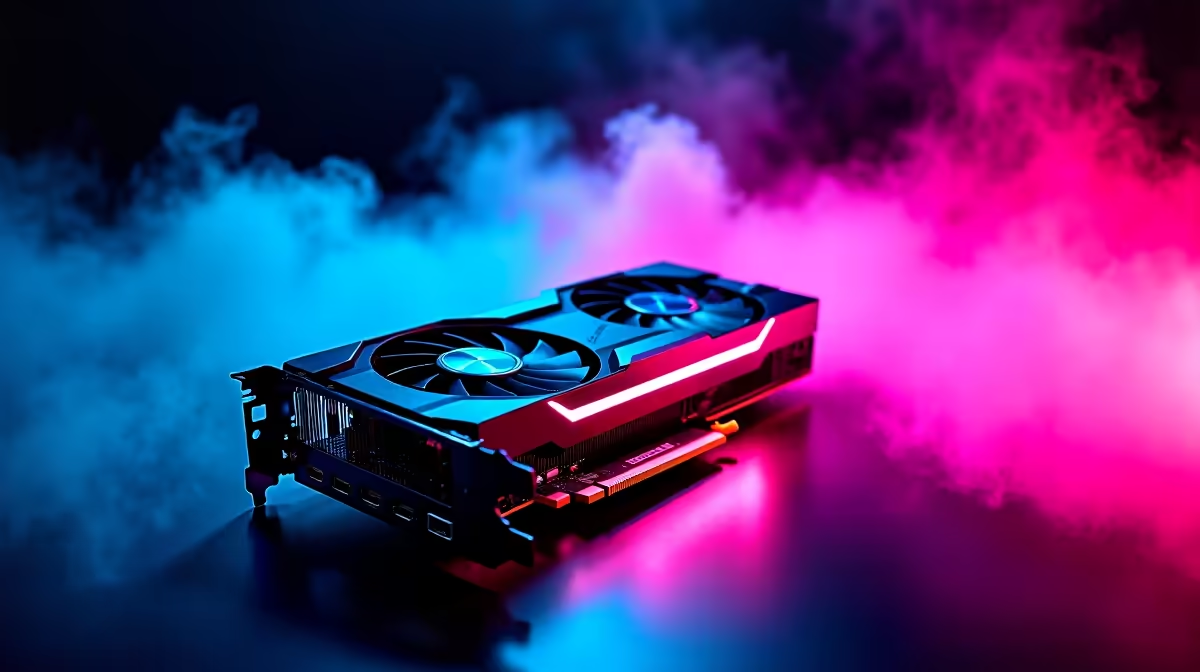
The RTX 5080 is a strong upgrade for SA gamers chasing high-refresh 1440p, smoother 4K, or creator work, hitting roughly 75-100 fps at 4K high with upscaling and 140 fps-plus at 1440p in many titles. With 16GB VRAM it has years of headroom. It is less urgent if you own a recent high-end card and mainly play esports.
Check Your Current PC Before Upgrading
Look at the whole build, not just the GPU slot. A faster card is held back by an older CPU, slow memory, poor airflow, or a monitor that cannot show extra frames. Ask one blunt question: does your current PC miss your target resolution or refresh rate often enough to justify the spend? If your card still handles your favourite games comfortably, wait for a fuller platform refresh instead.
Where The RTX 5080 Makes The Most Sense
The best fit is a build around a serious monitor: a high-refresh 1440p panel, an ultrawide, or a 4K 144Hz display. It also suits users who game after hours but render, edit, or stream on the same machine. Judge it on smooth frame delivery, cooling behaviour, and warranty cover, not peak benchmark talk. A quiet card that holds stable clocks in a warm room is more useful than a loud model that wins on paper.
Power, Cooling And Timing Checks
Plan a quality 850W power supply, around 300-330mm of clearance, and clean intake and exhaust. Update the board BIOS if needed, remove old GPU drivers cleanly, and keep the previous card until the RTX 5080 passes a few gaming sessions. That gives you a fallback if anything needs a return.
FAQ
Is the RTX 5080 a worthwhile upgrade from a previous-gen card?
Yes, if you move from a clearly weaker card to a high-refresh or 4K display. From a recent high-end card playing esports, the gains are smaller and harder to justify.
What resolution suits the RTX 5080 best?
It shines at high-refresh 1440p and capable 4K. On a 1080p 60Hz screen, most of its power and 16GB VRAM go unused.
Do I need a new power supply for the RTX 5080?
If your current unit is old or already near its limit, budget for a quality 850W replacement with the correct connectors to keep the build stable.
Map your GPU, monitor, power supply, and CPU first, then compare RTX 5080 cards at Evetech and pick the model that fits your screen, case, and 850W power plan.