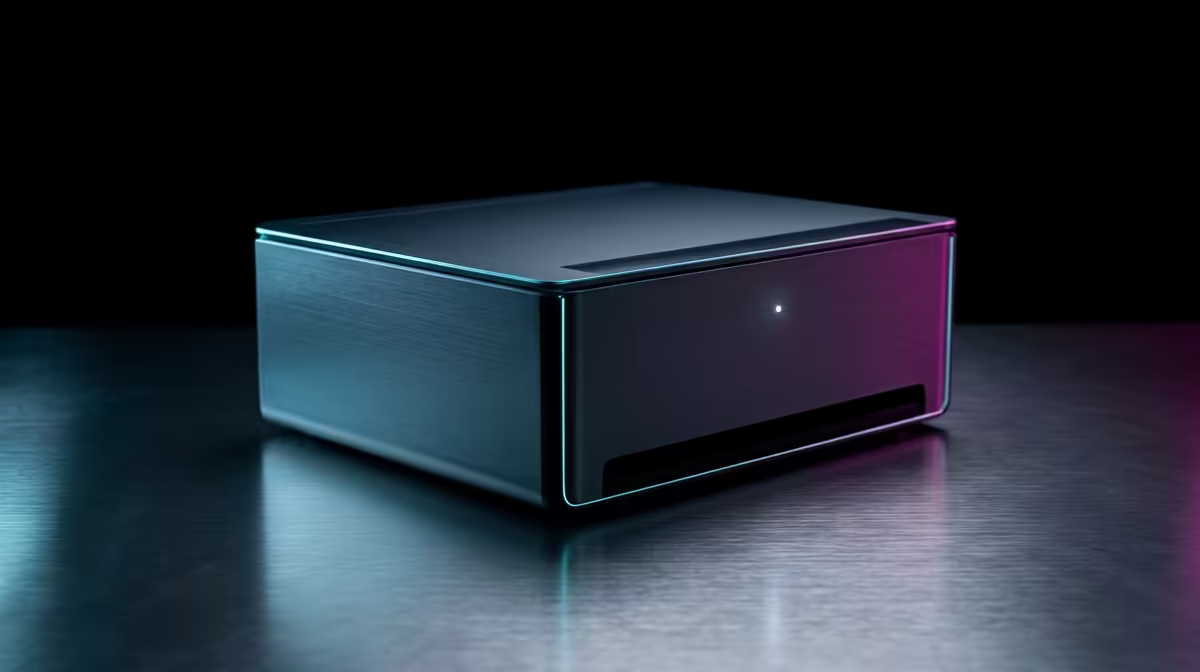
The UM750L 16GB/1TB at R4,600 suits a learner who needs a compact mini pc for online classes, assignments, cloud tools, and light gaming after hours. Its 16GB memory gives enough breathing room for browser tabs, video calls, notes, and school portals, while the 1TB storage is useful for downloaded lessons, game installs, and family files.
Best value starting point
The Minisforum NAB6 Lite i5 8GB/512GB at R4,150 is the lower-cost pick for a study-first setup where the main tasks are research, typing, streaming lessons, and managing files. Its 512GB storage is still practical for a student desk, but the 8GB memory makes it better for focused use than for heavy multitasking.
For a stronger everyday option, the NINKEAR M7 16GB/512GB at R4,650 gives 16GB memory at a small step above the entry models. That makes it sensible for distance learning with multiple browser tabs open, a video meeting running, and a few lighter games installed on the 512GB drive.
Student desk space in a shared room
A compact box such as the NINKEAR M8 16GB/1TB at R8,350 keeps the desk clearer when a learner shares a room or studies at a dining table between sessions. The 1TB storage matters when school work, downloaded videos, launchers, and family documents all sit on the same machine.
If the buyer wants a premium small desktop, the GEEKOM A8 Max 32GB/1TB at R12,900 is the serious multitasking choice, with 32GB memory and 1TB storage for heavier study routines, content work, and a broader game library. The HP AIO 22 at R10,036 suits a fixed desk where the screen and PC need to live together as one clean station.
Ready to choose the right mini pc?
Use Minisforum NAB6 Lite i5 8GB/512GB at R4,150 as the gaming room benchmark, then check whether its listed spec matches the space, workload, and upgrade path.