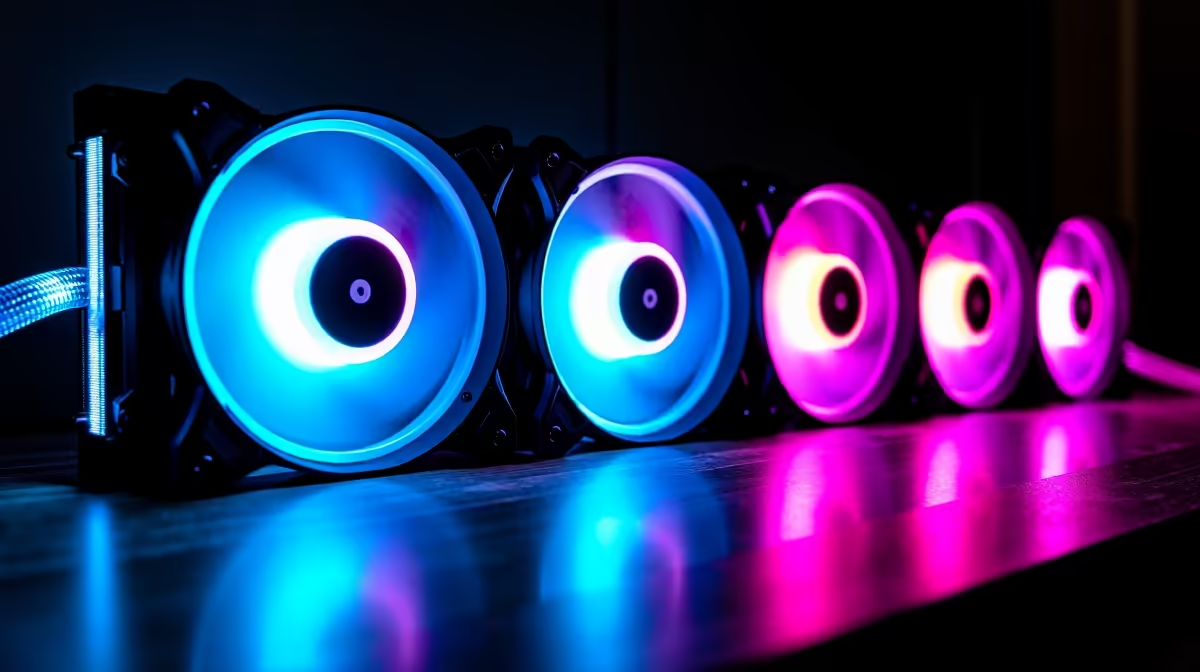
A set of case fans is worthwhile for a study-and-gaming computer when temperatures or noise rise during games and disturb study sessions. More fans are not always better. The best result is a clear airflow path with low idle speed, not every mount filled with a fast spinning unit.
Test gaming heat and study noise
Record CPU and GPU temperature, clock behaviour and sound during a demanding game. Then listen at the desk while reading or joining a call. Identify existing intake and exhaust directions, blocked filters and cable obstructions. Add the fewest fans needed for balanced front-to-back flow.
This factpack set confirms no standalone fan model or amount. The Gamemax Aeris 330 micro-ATX case is verified at R650, and the DeepCool CG330 case appears at R770. Check each case for fan sizes, included units, header needs, filters and radiator clearance. A hub may be required when the motherboard lacks enough controllable headers, but no hub should be assumed compatible.
Tune fan curves so light study work remains quiet and gaming receives airflow as temperature rises. Repeat the same game after every change and compare results. Clean filters, keep the tower off thick carpet and leave clear space around vents. Repeat the noise check after every major component or fan change.
Cooling a mixed study-and-gaming PC? > Compare current Evetech fans and verified cases around heat, noise, headers and fit.