Quick Answer
In an mATX case, install two 120mm ARGB fans at the front as intake and one at the rear as exhaust for the most efficient airflow in the smaller form factor. Route all ARGB and PWM cables through the nearest tray grommet behind the motherboard before seating the GPU, and connect all fans to a single ARGB hub or motherboard header to maintain a unified lighting control point.
Airflow Layout in a Compact mATX Interior 💨
The reduced internal volume of an mATX case makes fan placement more consequential than in a full ATX mid-tower. With only two or three fan positions available, each fan must perform a specific function.
ARGB Lighting in a Small Form Factor 🔧
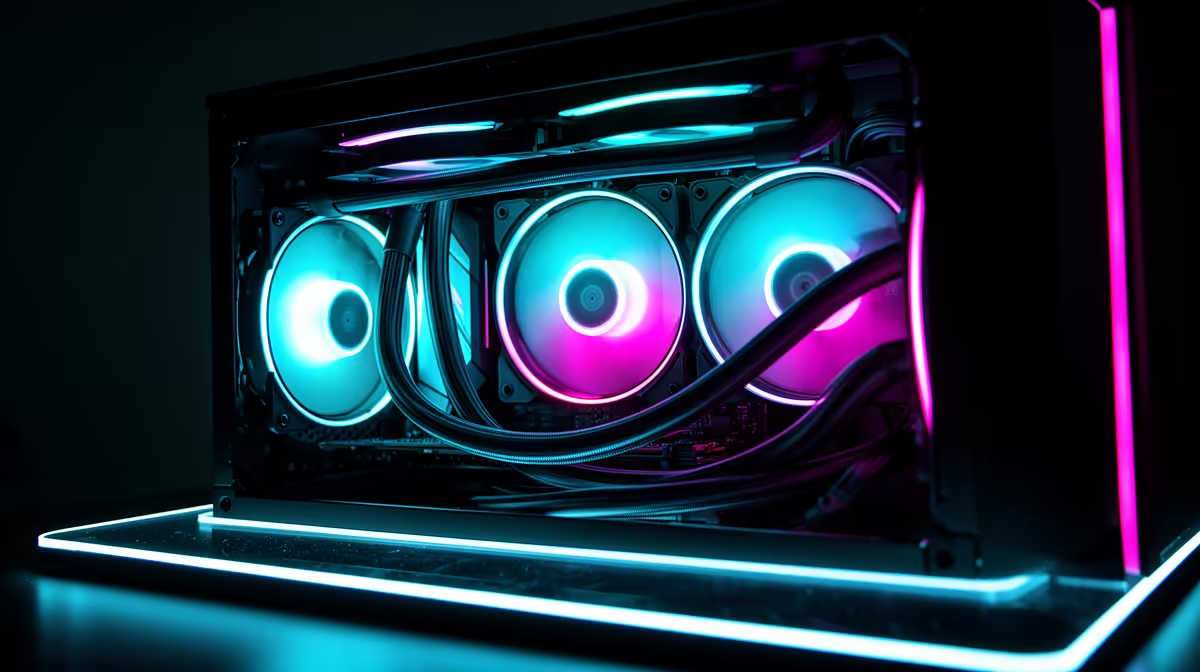
The compact interior of an mATX case concentrates ARGB lighting effects, which makes even two or three fans visually impactful through a tempered glass side panel. The most common issue in mATX ARGB setups is insufficient ARGB headers on the motherboard: mATX motherboards sometimes have only one 3-pin addressable header, which limits how many ARGB devices can be connected without an auxiliary hub.
Cable Management in an mATX Case ✨
The smaller case volume in an mATX build makes cable management more visually impactful when done well and more obviously bad when not. Prioritise routing in this order: 24-pin ATX cable behind the tray through the nearest grommet first, CPU 8-pin EPS cable routed along the top edge of the tray directly to the motherboard header, and fan PWM cables bundled together and routed through the same grommet closest to the fan header cluster on the motherboard. ARGB cables are thin and flexible enough to coil and tuck into the PSU shroud gap or behind the tray without adding significant bulk. Use one or two Velcro cable ties behind the tray to bundle all fan and ARGB cables together before the final run to the header or hub.
Label Fan Connectors Before Routing ⚡
In the tight confines of an mATX case, distinguishing between the PWM speed control cable and the ARGB lighting cable from each fan before routing is far easier than untangling them after. Place a small piece of tape labelled Front-L, Front-R, or Rear on each fan's cable bundle before threading them through grommets. This five-minute prep step saves significant frustration when connecting to the hub or motherboard header in a confined space.
FAQ
Do 140mm fans fit in most mATX cases?
Some mATX cases support 140mm fans at the front intake position, which moves more air per fan at lower RPM and reduced noise compared to 120mm fans. However, many compact mATX designs restrict fan mounts to 120mm only. Check the case specification for fan size support per position before purchasing 140mm units for an mATX build.
Can I run all three ARGB fans and a CPU cooler ARGB ring from one motherboard header?
A single 3-pin ARGB header on a motherboard supports a maximum current draw of 3A. Three 120mm ARGB fans draw roughly 0.3 to 0.5A each, and a CPU cooler ARGB ring draws 0.2 to 0.4A, for a total of approximately 1.1 to 1.9A, which is within the 3A header limit. However, using a hub is still recommended to keep individual device current draws isolated and prevent any single fan's ARGB draw spike from affecting the header.
Why do my ARGB fans show different colours even though they are connected to the same hub?
This usually happens when the hub receives an ARGB signal but one or more fans are connected with the 3-pin ARGB connector reversed. ARGB connectors are not always keyed and can be inserted backwards on hubs that lack physical reverse-protection. Flip the connector on the affected fan and the colour should synchronise. If the hub itself is from a different ecosystem than the motherboard header, the colour signals may be interpreted differently by the hub firmware.
Setting up a compact mATX build with ARGB?
Find 120mm ARGB fans, fan hubs, and compatible mATX cases at Evetech to get your lighting and airflow right from the first boot.