Quick Answer
PCIe Gen 5 graphics cards like the RTX 5090 slot into a PCIe x16 port physically identical to Gen 4, but you must confirm your motherboard supports Gen 5 bandwidth, your PSU meets the 16-pin 12V-2x6 connector spec, and your case has clearance for a three-slot card that can exceed 340mm in length. Skip any of those checks and the card either runs at half bandwidth or simply will not fit.
Motherboard and Slot Compatibility 🖥️
Not every Z790 or X670E board with a PCIe x16 slot runs Gen 5 on that slot. Consult the manual and look for "PCIe 5.0 x16" labeled on the primary slot. Intel 13th and 14th gen boards often cap the primary slot at Gen 4 even on a Z790 chipset, while Intel Core Ultra 200-series (Arrow Lake) and AMD X870E boards expose full Gen 5 on the top slot. Running an RTX 5090 at Gen 4 x16 cuts theoretical bandwidth from roughly 126 GB/s to 63 GB/s, which causes a measurable framerate drop at 4K in GPU-bound titles at around 5 to 10 percent in practice.
PSU and Power Connector Requirements ⚡
The RTX 5090 has a TDP of 575 W, so Nvidia recommends an 1000 W PSU at minimum, with 1200 W giving comfortable headroom when the CPU spikes. The card ships with a 16-pin 12V-2x6 connector, replacing the older 12VHPWR. If your PSU uses three or four 8-pin adapters via a bundled adapter cable, make sure the cable is rated for the load and seated fully until the latch clicks. In South Africa, units like the Corsair RM1000x or be quiet! Straight Power 12 1000 W are currently stocked at Evetech in the R4,000 to R6,000 range and carry local warranty support through the distributors.
Case Clearance and Thermal Spacing 🔧
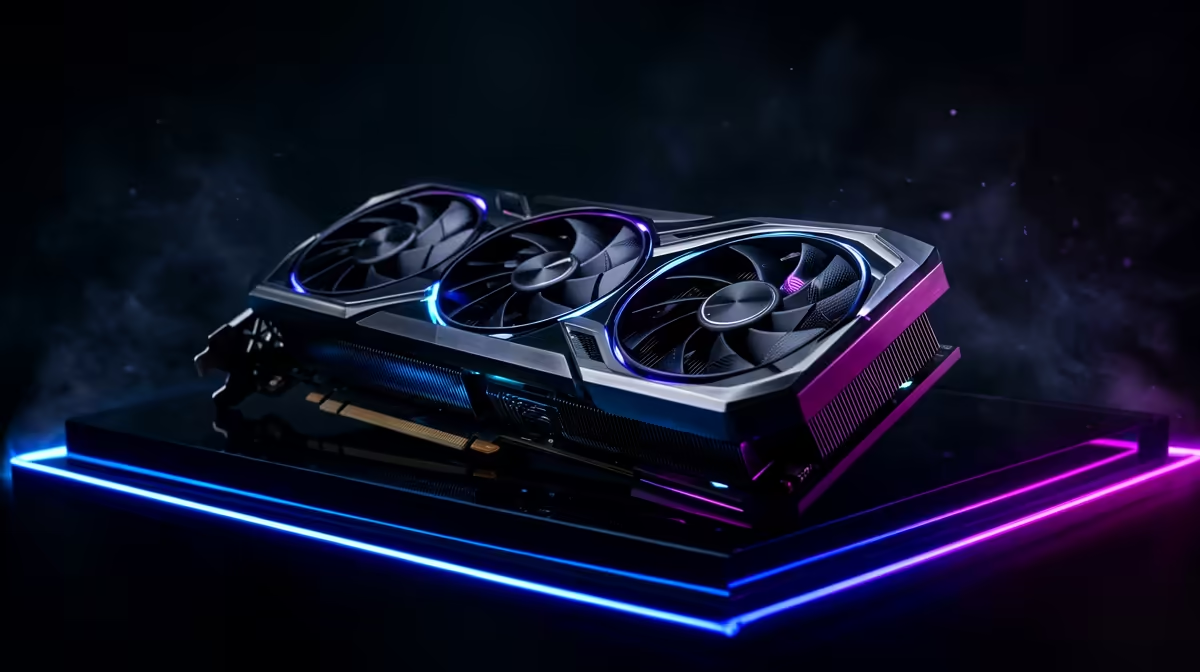
Top-tier PCIe Gen 5 cards are physically large. The RTX 5090 Founders Edition measures 336mm in length and occupies three expansion slots. Measure your case's GPU clearance before purchase, factoring in any front-panel intake fans that reduce usable depth. Airflow matters too: a card pulling 575 W needs at least two 120mm exhaust paths or one 240mm radiator pushing warm air out. Mid-tower cases with a side vent above the GPU slot help exhaust GPU heat independently of the CPU cooler zone. Riser cables must be Gen 4 rated at minimum; a Gen 3 riser will bottleneck bandwidth visibly.
12V-2x6 Latch Check ⚡
Before powering on, press the 16-pin 12V-2x6 connector firmly until you hear a faint click and see the latch flush with the connector housing. A partially seated connector is a fire risk and will trigger GPU power-limit warnings in MSI Afterburner within minutes of load.
FAQ
Will a PCIe Gen 5 GPU work in a Gen 4 motherboard slot?
Yes, PCIe is backward compatible and the card will function correctly at Gen 4 x16 speeds. The bandwidth reduction is noticeable mainly at 4K with ultra textures enabled; at 1440p the performance gap is under 3 percent in most tested titles.
What PSU wattage is safe for the RTX 5090 in a full gaming rig?
For a system with a Core Ultra 9 285K or Ryzen 9 9950X, budget for a 1200 W PSU. The GPU alone draws up to 575 W under sustained load, and the CPU adds another 150 to 250 W depending on the cooler and power limits configured in BIOS.
Does the PCIe slot version affect ray tracing or DLSS performance?
No. Ray tracing and DLSS 4 processing happen entirely on the GPU die and are unaffected by slot bandwidth. The slot version only matters for data transfer between VRAM and system RAM, which becomes relevant during large texture streaming at 4K or in open-world titles with aggressive asset loads.
Ready to upgrade to a PCIe Gen 5 GPU?
Browse the latest RTX 50-series graphics cards at Evetech, where stock is updated regularly and all units carry local warranty support.