




IPS vs VA for Strategy and Sim Games in SA
IPS vs VA for strategy and sim games should be judged by fit, not a single winner. Compare compatibility, latency, capacity, upgrade path, cost planning, and South African setup needs.
Read moreA USB Wi-Fi adapter setup in Polokwane should focus on getting a stable home connection from the existing device and router. The cited router options are Cudy WR1300 at R327, WR3600E Wi-Fi 7 at R766, M3000 mesh 3-pack at R1,502, plus LTE choices from R450 to R1,396.
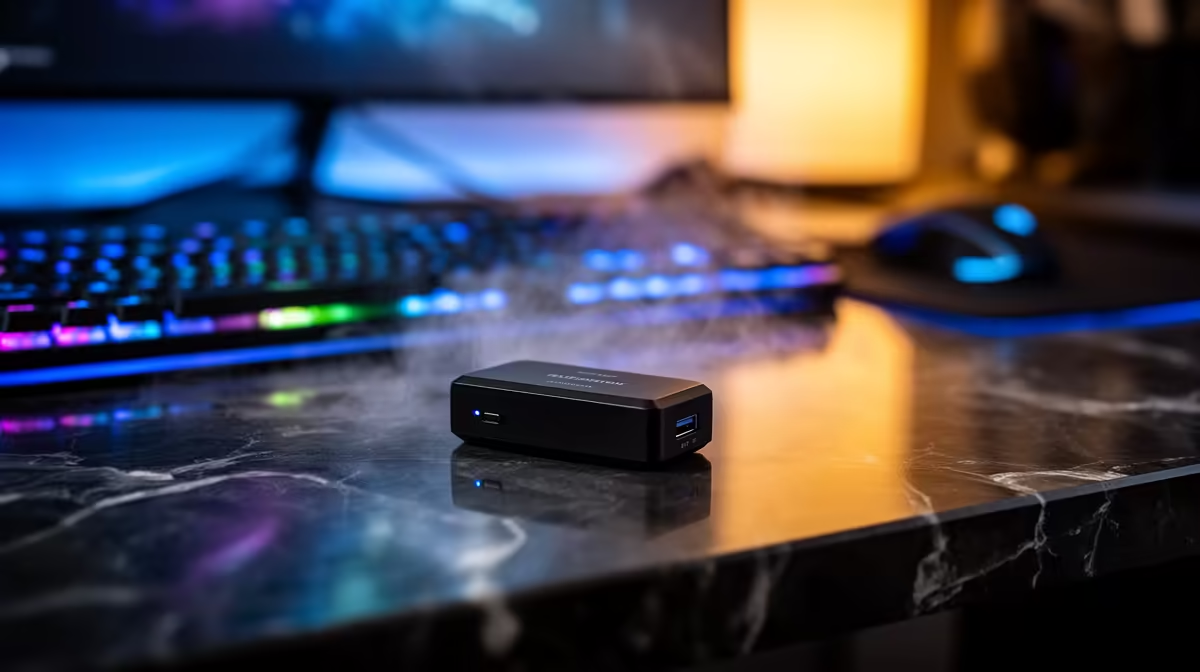
Set up a USB Wi-Fi adapter in Polokwane by confirming driver support, testing near the router and then positioning it safely at the home desk. Do not assume the adapter can fix poor router coverage, internet congestion or an unsuitable service.
Use Ethernet or the existing radio to record signal, latency, loss and speed beside the router and at the desk. Install trusted manufacturer drivers, connect to the supported secure network and compare the same server during busy hours.
No USB wireless adapter has confirmed pricing in the product facts. The ASUS PCE-AX1800 at R147 is a verified PCIe adapter requiring a compatible desktop slot, not USB hardware. The Cudy WR3600E router at R766 is a separate network reference. Confirm current drivers, bands, security, antenna design, connection type, dimensions and warranty.
Use supported WPA2 or WPA3, remove obsolete profiles and place the adapter away from metal obstruction without cable strain. Test calls, large downloads, sleep and wake. Keep a wired fallback for important work.
Buy replacement hardware only when the location test isolates the client radio. Router movement, supported mesh or installed Ethernet may solve the room problem more predictably. Label the adapter and extension lead so family members do not move the antenna back behind the metal case.
Improving home Wi-Fi? > Compare Evetech routers and adapters after testing both locations.
For a Polokwane home setup, confirm the adapter suits the device and the router already in use.
Start with the room where the device will sit, then pick gear that keeps the wireless link steady there.
The device connection matters first, since a USB adapter only helps when it can work cleanly with that machine.
For light home use, the Cudy WR1300 at R327 gives a low starting point for comparing router spend.
If the weak point is home coverage, compare the M3000 mesh 3-pack at R1,502 against a single router option.
If the home uses mobile network access, the LTE options listed run from LT300 R450 to LT700 R1,396.
IPS vs VA for strategy and sim games should be judged by fit, not a single winner. Compare compatibility, latency, capacity, upgrade path, cost planning, and South African setup needs.
Read more
Gen 5 NVMe SSD guide for Bloemfontein gamers should be shortlisted around the job it must do. South African buyers should compare capacity, speed, thermals, and motherboard support, warranty path, and upgrade room before treating any pick as best.
Read more
Skip the RTX 5070 if your first-time builder budget needs better balance. Better SA picks can free room for the right CPU, PSU, case, monitor, storage, and cooling while still giving a strong first gaming PC experience this year in South Africa.
Read more
RTX 5080: weighing the pros and cons for SA should be shortlisted around the job it must do. South African buyers should compare GPU tier, VRAM, cooling, and PSU headroom, warranty path, and upgrade room before treating any pick as best.
Read more
Core i5-13400F gives South African PC builders a capable mid-range CPU choice with clear limits. Check its gaming fit, discrete GPU requirement, LGA1700 platform costs, and upgrade path before locking in your parts list.
Read more
Pros and cons of the Wi-Fi 7 routers for SA should be shortlisted around the job it must do. South African buyers should compare WiFi standard, coverage, latency, and device support, warranty path, and upgrade room before treating any pick as best.
Read more
Steam content servers unreachable needs a download-path check, not an immediate reinstall of every game. Restart the client, inspect download settings and compare another connection when practical. Clearing the download cache is separate from deleting installed games.

Keychron G6 HE has built-in and swappable battery versions with different weights. The product brief lists 42g and 46g respectively, each with a 3g tolerance. Choose by grip and battery preference before treating one headline weight as universal.

Corsair HS80 v2 MAX supports 2.4GHz wireless and Bluetooth. Its maximum battery figures use RGB-off conditions and differ by connection. Check microphone routing, comfort and the exact device support before assuming every wireless mode behaves alike.

Windows taskbar notification badges can be shown or hidden in Taskbar behaviours. This changes the small app indicators, not the underlying messages. Choose a calmer desktop while keeping a deliberate routine for checking important conversations and app updates.
Windows taskbar notification badges can be shown or hidden in Taskbar behaviours. This changes the small app indicators, not the underlying messages. Choose a calmer desktop while keeping a deliberate routine for checking important conversations and app updates.

Windows USB device in use can mean a program still has the drive open. Finish transfers and close files before retrying ejection. Better performance caching requires safe removal; a replacement drive is not the first fix for an open-file warning.

Windows Nearby Sharing not working starts with feature, Bluetooth and visibility checks on both PCs. My devices only depends on matching Microsoft accounts. Test a small harmless file before buying networking hardware or changing your home router.

Windows hardware reserved RAM is different from memory used by applications. Compare installed memory with firmware detection and the usable amount before buying modules. Reservations and reporting limits vary by system; no universal setting restores every byte.
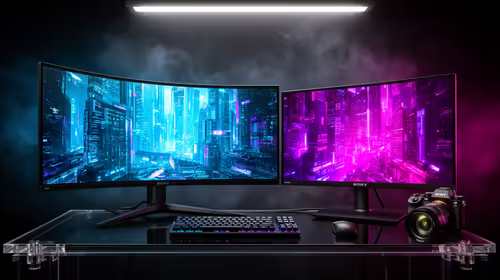
32:9 Super-ultrawide Or Dual-monitor Setup should be judged by your current setup, workload, and upgrade path. SA buyers should compare compatibility, likely gains, support, and timing before changing hardware.
IPS vs VA for strategy and sim games should be judged by fit, not a single winner. Compare compatibility, latency, capacity, upgrade path, cost planning, and South African setup needs.
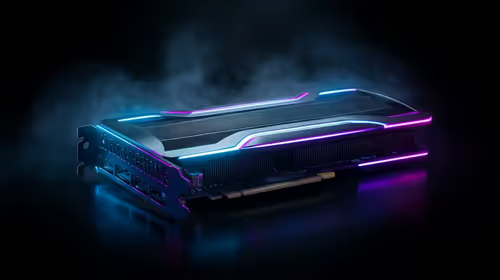
RTX 5090 for Horizon Forbidden West at 1440p should be judged by settings, CPU balance, drivers, and display goals. Use this as cautious SA build planning, not a fixed frame-rate promise or live benchmark claim.
Gen 5 NVMe SSD guide for Bloemfontein gamers should be shortlisted around the job it must do. South African buyers should compare capacity, speed, thermals, and motherboard support, warranty path, and upgrade room before treating any pick as best.